**Start your free trial today →
26% of users save at least one day preparing for an advertising project, according to PowerAdSpy user data (2026). If you manage five ecommerce brands, that’s a full workweek back this month. A shopify and ecommerce ad spy workflow is how you get there. It gives you ready-to-ship creative direction, based on what’s already working in your client’s niche.
In this 2026 guide, I’ll show you a pragmatic way to research faster, brief better, and present insights clients will pay for. You’ll see where “Shopify-aware” ad research beats generic ad libraries, a 6-step workflow you can run every week, the common mistakes to dodge, and which tools to evaluate without wasting time.
Moreover, I’ll keep this education-first. You’ll get steps, filters, and examples you can use on your next media plan, not a sales pitch. Then, if you want more depth on cross-channel research, you can scan this agency-focused roundup: best multi platform ad spy for ad agencies in 2026.
Why Shopify Ad Intelligence Is a big improvement for Agency Work
You’re juggling offers, promos, and peak weeks across accounts. Generic ad libraries show “what ran,” but they rarely tell you “why it worked.” Shopify-focused ad intelligence closes that gap. Specifically, you can search and analyze Shopify ads with complete engagement details, then tie those ads to the actual store and funnel your competitors use.
As a result, you move from copying single creatives to extracting repeatable patterns. For instance, you can see which CTAs (“Shop Now” vs. “Learn More”) drive the most reactions in your client’s price band, and which angles get traction in the same GEO. That lets you brief your designer on proven hooks, formats, and placements, not guesses.
Furthermore, the time savings are real for busy teams. Per PowerAdSpy user stats, 26% of users save at least one day on prep work. And yes, advertising agencies are a core target segment, so the features map to the way you work: filters, saved views, exportable reports, and per-client swipe files.
What Shopify-aware spying reveals vs. generic ad libraries
- Store tech: Identify Shopify landers and product pages instead of just social posts.
- Engagement in context: Sort by likes, comments, shares, and running longest, not only “active/inactive.
- CTA intelligence: Compare “Add to Cart” vs. “Get Offer” performance by niche and GEO.
- Funnel clues: Spot collection pages, UGC on PDPs, and discount logic visible on the lander.
- Placement nuance: Break down by feed, stories, reels, or side placements to match creative to slot.
“This Facebook ad spy tool made life so much easier. We’ve cut back on testing time and launched campaigns that get results.” — Charlotte Neilson, Digital Marketing Strategist
Importantly, a shopify and ecommerce ad spy process helps you say “no” to random tests. You’ll stack your plan with angles and formats that already show social proof in the right markets. That’s what clients hire you for, fewer swings, cleaner wins.
Also Read!
Best Shopify Ad Spy for Ad Agencies in 2026
Affiliate Marketer’s Guide to Using Multi-Platform Ad Spy Tools
Step-by-Step: How to Build a Shopify Ad Spy Workflow for Your Agency
You don’t need a big team to run sharp research. You need a repeatable checklist. Here’s the six-step sprint we use with time-starved buyers. Use it as-is, or tweak it per client.
First, a note on search inputs. Strong inputs make strong finds. Use niche keywords, top competitor domains, and brand terms. Also, track GEOs that match your current spend plan.
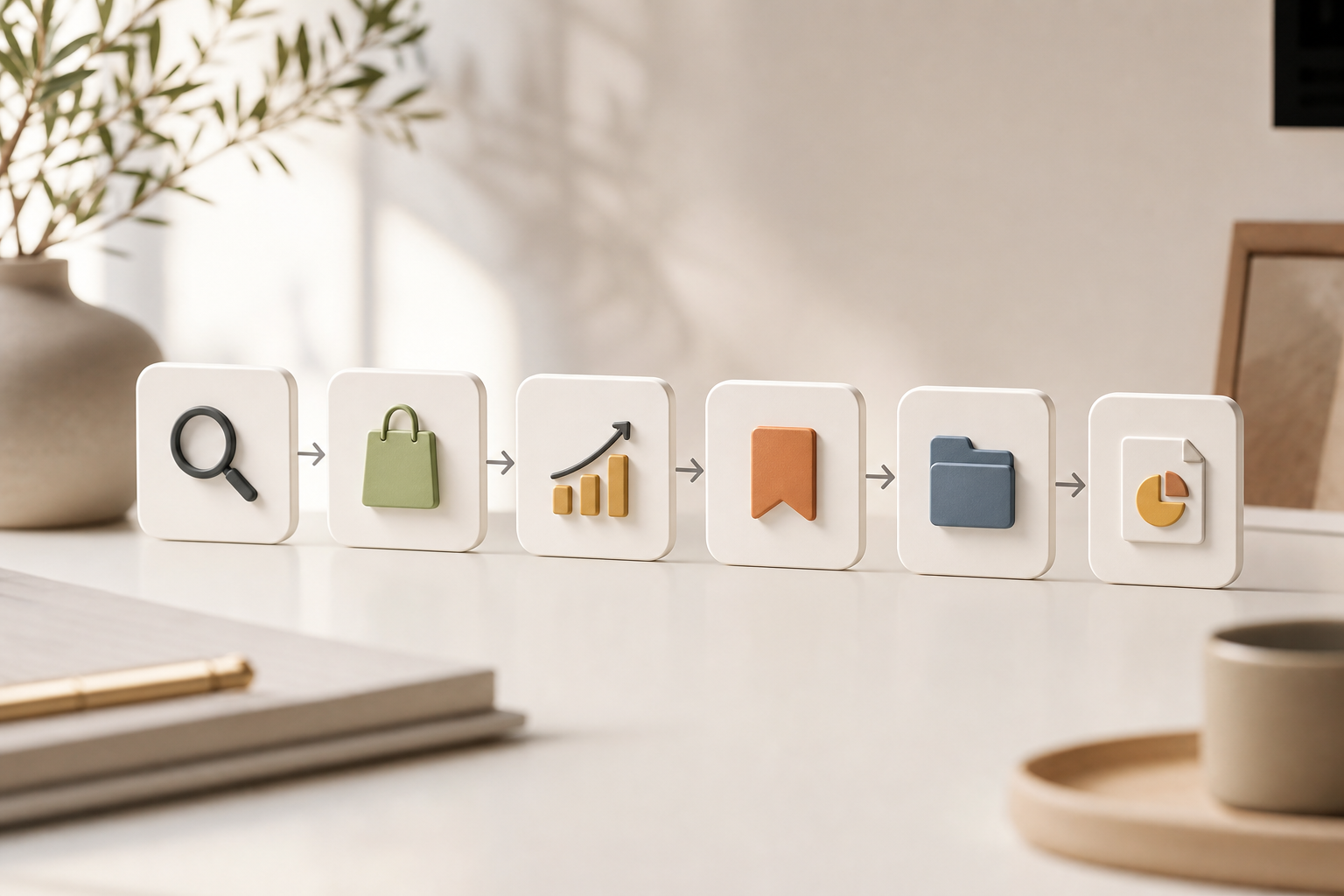
Step 1: Define the client niche and competitors
Write a tight scope: product type, AOV band (e.g., $30–$60), target age, and top three rivals. Then, queue sources: keyword search, advertiser search, and domain search. For example, if you sell minimalist jewelry, search “[material] + gift,” your three competitor domains, and “free engraving” as a hook. Keep this list in a shared doc for the account.
Step 2: Filter by ecommerce platform (Shopify)
Second, use lander properties search with ecommerce platform details to isolate Shopify stores. This trims noise from Amazon, Woo, or custom stacks. Therefore, your creative read aligns with how Shopify carts and PDPs behave, which matters for load time, badges, and UGC blocks. Save this filter as a view for the account.
Step 3: Analyze engagement and CTA patterns
Third, sort by social proof and durability. Use powerful sorting by likes, comments, shares, running longest, and popularity. Then, use Call to Action sorting to see which CTA variants pull in this niche and GEO. Moreover, check ad positions to segment by feed, stories, or video placements. Note creative types that pair well with each slot (e.g., before/after for feed, quick demo for reels).
Step 4: Save winning creatives
Fourth, save ads that match your client’s voice, price band, and promise. Use the bookmark feature to group by angle: UGC testimonial, founder story, problem/solution, or “deal ends” urgency. Add tags for seasonality and price to speed the next brief.
Step 5: Build per-client swipe files
Fifth, turn your bookmarks into client-ready swipe files. Include the ad’s hook, CTA, engagement snapshot, and the lander type. Add two lines on “why it works” and one “how we’ll adapt it.” As a result, your creative team spends less time guessing, more time shipping.
Step 6: Report insights to the client
Sixth, export detailed ad performance reports and drop them into your deck. Lead with “what this means” bullets and the top three tests to run. For C-level buyers, show geo notes and “running longest” winners to prove these aren’t one-off spikes. This is where a shopify and ecommerce ad spy workflow turns into a signed budget.
“Using PowerAdSpy has improved my efficiency in handling multiple projects and conversion prospects all at the same time!” — Steve Decker, Marketing Manager
Moreover, remember GEO-targeting. Pull the same angle across the top three markets you plan to fund this month. If results hold across 2–3 regions, that angle likely scales.
5 Mistakes Ad Agencies Make with Shopify Ad Spy Tools
Speed kills quality if you skip the basics. Here are the five misses I see on audits, and how to fix each in minutes.
1) Copying creatives instead of extracting patterns
If you clone a top ad, you’ll collide with the same audience and creative fatigue. Instead, write out the pattern: hook type, proof device, CTA, and placement match. Then, build two new versions that keep the pattern but change the story. For testing discipline, see the primer on A/B testing to keep variables tight and results clean.
2) Ignoring GEO data
A winner in CA may stall in AU. Data includes millions of ads from over 100 countries, so use that depth. Therefore, filter by country before you crown a “winner.” Add GEO notes into your swipe file so the creative team bakes regional cues into scripts and overlays.
3) Not filtering by engagement metrics
Likes and shares are not the goal, but they flag message-market fit. So, sort by likes, comments, shares, running longest, and popularity to see staying power. Moreover, click into live posts when available to scan sentiment. If comments skew “price too high,” you’ll know to test bundles or a lower ask.
4) Using one platform while rivals run multi-channel
If your client’s rivals hit Facebook, Instagram, Google, YouTube, Reddit, Pinterest, and Quora, your single-channel plan will lag. At minimum, port the same proven angle to one more network this month. As a result, you’ll catch cross-channel lift without reinventing the brief.
5) Failing to track ad longevity
“Running longest” is a proxy for ROAS health. If an ad holds for 30, 60, 90+ days, it’s a keeper. Build your shortlist from these, not “newest.” Then, segment by ad positions so you ship the right cut for feed, stories, or video feeds. This alone cuts waste from slot-creatives that just don’t fit.
Moreover, write fixes into your SOP. A shared checklist beats memory. And yes, bring these notes to your next client call. That’s how you turn “we saw cool ads” into a test plan with odds on your side in 2026.
Also Read!
How to Choose a Facebook Ad Spy Tool for Your Ad Agency
How to Use Multi-Platform Ad Spy Tools to Find Winning Products for Dropshipping
Top Shopify Ad Spy Tools Worth Evaluating
You need a shortlist and a clear way to compare. Here’s how to evaluate without hype. Mentioned tools include Minea, Dropispy, Adplexity, PiPi Ads, and tools like PowerAdSpy. Keep this neutral, and validate during trials.
First, compare Shopify-specific filtering. Can the tool identify Shopify landers and pull store context? Second, check multi-platform coverage if you plan cross-channel sprints. Third, review engagement analytics depth: sorting by likes, comments, shares, “running longest,” CTA analysis, and placement filters. Fourth, scan pricing tiers for agencies and whether reports export cleanly.
Tools like PowerAdSpy are worth a close look here. PowerAdSpy offers AI-powered ad intelligence with full filters and reliable reports across Facebook, Instagram, Google, YouTube, Pinterest, Reddit, and Quora. Pricing ranges from a Basic plan that starts at $29/month billed annually up to Palladium at $125/month billed annually. Per user stats, there’s a 15% reduction in A/B testing volume for users under two months, which aligns with the time savings you need. If you want platform-focused roundups, see this 2026 guide: Shopify and ecommerce ad spy best picks for 2026.
Questions to ask in each demo
- How do you detect Shopify landers and product pages?
- Which networks are covered beyond Facebook and Instagram?
- Can I sort by CTA and “running longest,” and export that data?
- Do you show ad positions to tune creative per placement?
- What team-sharing features exist (bookmarks, folders, export)?

Moreover, don’t chase a logo. Chase workflow fit. If the tool helps your team go from find → brief → ship in under 48 hours, it earns its seat.
Key Takeaways
- A shopify and ecommerce ad spy workflow gives you patterns, not clones — which you can ship across channels fast.
- Filter by Shopify landers, GEO, engagement, CTA, and ad position to cut guesswork and match creative to slot.
- “Running longest” and exportable reports turn research into client-ready test plans with a clear rationale.
- Per user data, 26% save at least one day on prep; some teams also see a 15% cut in A/B tests and a 19% revenue lift with less workforce.
- Your tool should fit your sprint: search well, sort cleanly, save patterns, and export insights your client will sign off.

What to Do This Week: Launch Your First Shopify Ad Spy Sprint
You can get value in five days. Block 45 minutes per day. Keep it tight and repeat monthly.
- Day 1 — Pick three client competitors: Define niche, AOV band, and GEOs. Queue keywords, advertiser names, and domains. Save these inputs for reuse.
- Day 2 — Run filtered searches: Use ecommerce platform filters to focus on Shopify. Sort by likes, comments, shares, popularity, and running longest. Add ad position filters.
- Day 3 — Build your swipe file: Bookmark winners and tag by angle (UGC, founder, problem/solution). Add CTA notes using CTA sorting. Include GEO context.
- Day 4 — Identify creative and CTA patterns: Write “why it works” bullets. Then, map each pattern to feed, stories, and reels. Consider adding a TikTok variant; this short TikTok ad library guide can help you translate angles.
- Day 5 — Present findings: Export detailed ad performance reports and drop them into a 6–8 slide deck with three tests to run. According to user outcomes, teams have seen a 19% improvement in revenue with decreased workforce and increased work efficiency. That’s the story your client wants.
As you repeat, add one more GEO or channel each cycle. For cross-channel reach, keep this resource handy: best multi platform ad spy for ad agencies in 2026. And for product-sourcing teams you support, share this how-to for context: How to Use Shopify Ad Spy Tools to Find Winning Products as a Dropshipper.
Finally, if you want hands-on help setting up saved views, CTA analysis, and exportable client reports in one place, book 20 minutes and see if it fits your sprint.
Or, if you’re ready to build your first swipe file now: