


If you’ve been asking “does back mean instagram,” the short answer is: Back counts how many viewers tapped to go back to your prior Story slide. They’re a rewind signal that says your viewer wanted to see the previous slide again. Back taps aren’t bad.
Here’s the answer in plain English: Back means your content made people pause. They went backward to rewatch or catch a detail they missed. In 2026, that’s a useful sign of interest, not a penalty. However, you should read it next to Forward, Next Story, and Exited to see the full picture of your viewer flow. For context on the platform itself, see Instagram.
What 'Back' Actually Means on Instagram Stories
Back is a navigation metric inside Story Insights. It counts how many times viewers tapped to go to your previous slide. If a viewer watched Slide 3 and tapped Back, Instagram records a Back on Slide 3. So, it’s a vote for “I want to see that last one again.
However, Back isn’t a view count. It’s a tap count. One person can tap Back twice, and that adds two to the total. Therefore, you should treat it as a signal of replay interest, not unique people.
How It Differs From Other Navigation
- Forward: A tap to move to the next slide in your Story. It’s not always bad. Sometimes people tap forward because they’re engaged and want the next step.
- Next Story: A swipe to leave your Story and go to another account’s Story. This suggests a drop in attention for your sequence.
- Exited: A close of the viewer’s Story session. They left Stories altogether, not just your sequence.
On the other hand, a high Back count can mean your slide had dense info, small text, or a quick clip that begged a rewatch. In many cases, that’s good. As a result, a spike in Back with stable reach can be a green flag.
Specifically, a Story series that teaches, compares options, or shows step-by-step visuals tends to earn more Back taps. For example, a recipe with a time-lapse clip or a chart with fine print often drives replays. To keep this guide aligned with your search, here’s a clear note: if you’re still wondering “does back mean instagram signals interest,” yes, it usually does.
Quick Comparison At A Glance
- Back = Rewatch the previous slide (positive engagement signal).
- Forward = Move to next slide in your sequence (neutral without context).
- Next Story = Leave to another account (likely negative).
- Exited = Leave Stories entirely (negative for that moment).
How to Read Your Instagram Story Navigation Metrics Step by Step
Reading Insights can feel like a maze. So let’s break it into five clear steps you can follow today. This is where the “does back mean instagram” question turns into a repeatable checks list you can use every week in 2026.
Step 1: Open Insights
- Go to your Instagram profile (Professional/Creator account).
- Tap Insights, then Content You Shared, and open your latest Story or a Story from the last 14 days.
Step 2: Find the Navigation Section
- In the Story detail view, look for Navigation metrics.
- You’ll see Impressions, Reach, and actions such as Back, Forward, Next Story, and Exited.
Step 3: Understand Back vs. Forward vs. Next Story vs. Exited
- Back: Rewind to previous slide (interest and rewatch).
- Forward: Advance to next slide (neutral alone; judge with taps-to-link or replies).
- Next Story: Swipe to another account (drop-off).
- Exited: Close Stories session (drop-off).
Therefore, read these in sequence order. For Slide 3, check if Slide 2 was dense or key. If Back is high on Slide 3, Slide 2 likely grabbed attention.
Step 4: Calculate a Back-Tap Ratio
A simple way to standardize across slides is a “Back per 100 Impressions.
- Formula: Back-Tap Ratio = (Back taps ÷ Impressions) × 100
- Example: 120 Back taps ÷ 800 Impressions × 100 = 15.0 Back taps per 100 Impressions.
As a result, you can rank slides by Back-Tap Ratio rather than raw counts. This helps you see which slides beg a replay, even when total views shift across a day.
Step 5: Use Data to Improve
- If Back is high on a slide, add a caption recap or a “Hold to read” note on that slide next time.
- If Forward spikes and replies dip, tighten the hook on earlier slides.
- If Next Story or Exited spike at the same slide, shorten or split that content.
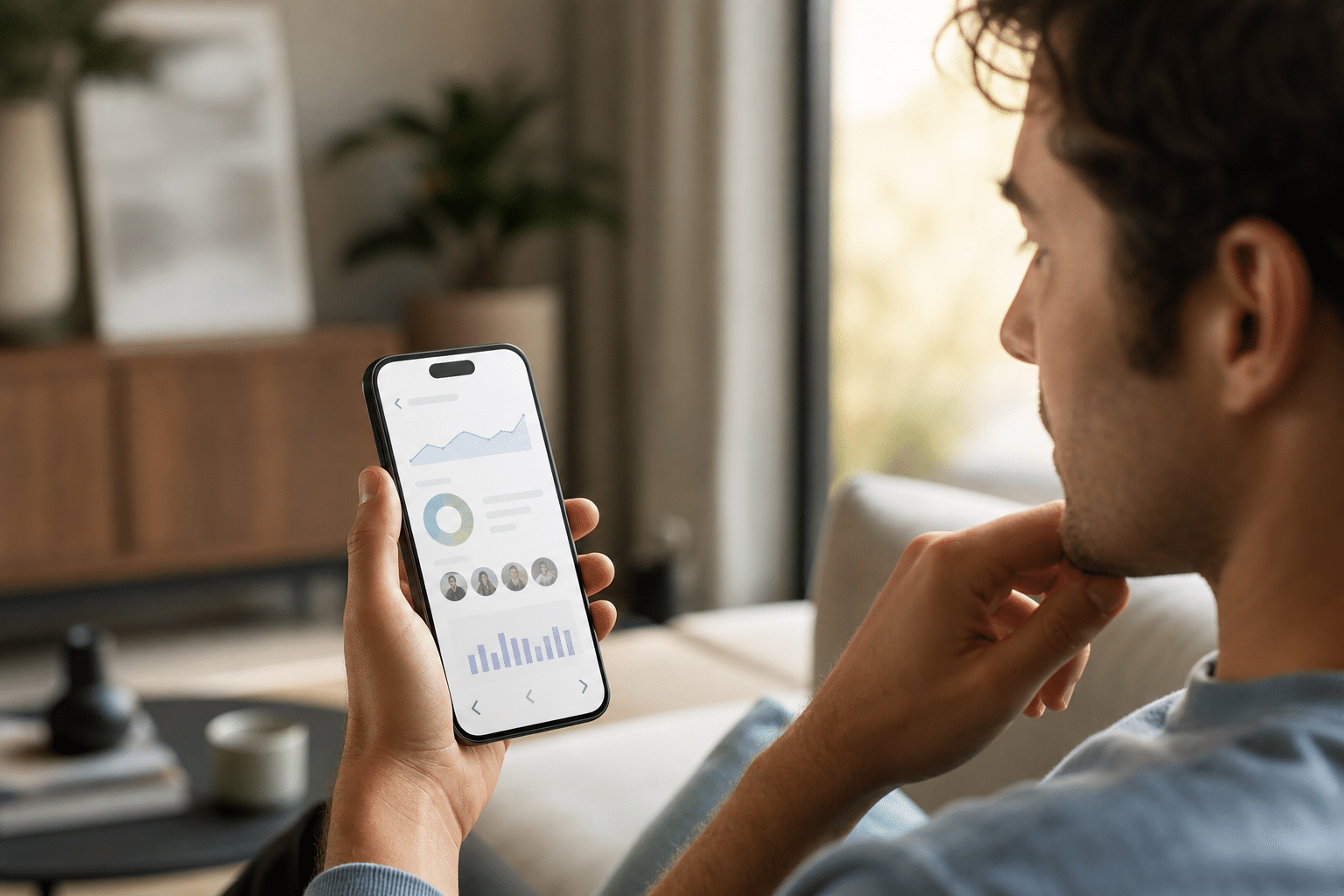
Finally, keep notes. Write “Back high on Slide 4, product comparison grid worked.” Over a month, these notes turn into your playbook. And yes, add one keyphrase reminder to your notes: track “does back mean instagram” signals by slide, not just per Story.
Also Read!
How to Pause Instagram Reels: A Complete Guide
How Does Facebook Marketplace Work: A Complete Beginner’s Guide
Common Mistakes When Interpreting Instagram Story Insights
First, let’s clear a big myth: Back taps are not bad. They’re usually good because they suggest your viewer hit rewind. If your gut says “Oops, they got lost,” check replies and taps-to-link. If those stay steady or rise, your rewind likely came from interest, not confusion.
Second, many people treat Forward as neutral. However, Forward can hide two stories. It’s fine when your content is serialized and people are eager for the next step. But it’s a red flag when paired with low replies and high Next Story. Context decides.
Third, creators sometimes conflate Exited with Next Story. They are not the same. Exited means the person left all Stories. Next Story means they swiped to someone else’s Story, skipping yours. Therefore, treat them as two separate drop-off signals.
Misreads to Avoid
- Thinking Back is negative: It’s a rewatch signal. Pair it with replies or taps to judge quality.
- Treating Forward as harmless: Forward plus low engagement can mean “I’m skimming.
- Mixing up Next Story vs. Exited: One is a swipe to another account; the other ends the session.
- Not tracking over time: One day is noise. Four weeks is a trend you can act on.
As a result, build a simple tracker. For each Story, log Impressions, Back, Forward, Next Story, Exited, and a one-line note about the content on each slide. This cures the “I think this did well” guesswork.
And to keep our phrase use even across sections: if a teammate asks “does back mean instagram users are confused,” show them your paired metrics. The answer lives in the pattern, not a single number.
Tools and Resources for Tracking Instagram Story Performance
You don’t need fancy software to start. Native Instagram Insights gives you Back, Forward, Next Story, Exited, Reach, and Impressions. For many small teams, that’s enough to guide weekly tweaks in 2026.
However, if you want deeper trend lines, third-party dashboards like Iconosquare and Sprout Social can roll up Story performance across months. They can help you spot which content types raise Back-Tap Ratio or cut drop-offs. Moreover, scheduled reports save time if you report to clients.
For ad research and creative planning, tools like PowerAdSpy can help you study which Instagram Story ad formats, hooks, and CTAs are working in your niche. Its Instagram Ad Spy Tool and full ad analytics with social engagement metrics make it easier to see which layouts earn replays and clicks before you spend budget.
“Running ads for multiple clients can be stressful, especially when results are slow. This Facebook ad spy tool made life so much easier. We’ve cut back on testing time and launched campaigns that get results. This tool is now our agency’s secret weapon!” — Charlotte Neilson, Digital Marketing Strategist
Finally, if you want a quick confidence check on platform context or terms, the Wikipedia entry for Instagram is a handy neutral reference. And to keep your SEO tidy, keep repeating your own internal glossary for terms like Back, Forward, and Exited, consistency helps teams move fast.
To round out this section, here’s the steady reminder you asked for: keep your “does back mean instagram” notes right next to your creative briefs, so testing ideas flow straight from data.
What to Do Next: Improve Your Story Engagement Using Back Tap Data
Back taps tell you where attention spikes. Use that signal on purpose. For example, if Slide 2 earns the highest Back-Tap Ratio, make Slide 3 recap the key detail from Slide 2 so viewers feel caught up without rewinding.
In addition, create more of the content types that earn replays:
- Text-heavy slides with tight spacing and contrast (add “Hold to read”).
- Detail-rich frames like pricing grids, checklists, or ingredient lists.
- Short how-to clips with 1–2 steps per slide, not six.
- Carousel-style stories that build a result one step at a time.
Moreover, test small edits before big overhauls. Increase font size by 10–15%. Add a drop shadow to text. Trim a 12-second clip to 8 seconds. As a result, you may keep replays high while lowering confusion.
A Weekly Review Rhythm That Works
- Monday: Pick one theme to test (e.g., “comparison grids”).
- Tuesday–Thursday: Post 3–5 slides per Story with that theme.
- Friday: Export numbers and compute Back-Tap Ratio per slide.
- Saturday: Save your top two slides as templates for next week.
- Sunday: Write one sentence on “what raised Back vs. what raised Next Story.
Finally, keep each section of your review tied to one goal. If your goal is replays, optimize for Back-Tap Ratio. If your goal is link clicks, pair Back with taps-to-link. And yes, say it with me one more time to stay on track: use your “does back mean instagram” notes to plan next week, not to admire last week.
**Compare pricing today →
Key Takeaways
- Back counts rewinds to the previous Story slide; it’s a positive interest signal.
- Read Back next to Forward, Next Story, and Exited to see real viewer flow.
- Track a Back-Tap Ratio per slide to compare content fairly across days.
- Recreate slides that earn replays: detail-rich, step-by-step, and easy to pause.
- Review weekly in 2026, and turn insights into next week’s templates.
What to Do This Week
Start a simple tracker with columns for slide number, Impressions, Back, Forward, Next Story, Exited, and notes. Post three short Story sequences that each test one layout tweak. Then calculate Back-Tap Ratios, keep the top two slides as templates, and ship round two. If you want ad creative ideas to test, study what’s working before you spend.