
Your first $100 in ads can vanish fast if you guess at keywords. To launch with confidence in 2026, do five things well: set a clear goal, pick the right campaign type, choose a tight list of keywords, write a promise-led ad, and track conversions from day one. This complete guide google ads beginners shows you each step in plain language so you can spend smarter, not more.
You’ll also learn what to fix in your first week. You’ll check the search terms report, add negative keywords, review Quality Score, and adjust bids. By the end, you’ll know the basics of the auction, budgets, tools that help, and a simple review routine that keeps waste low.

What Is Google Ads and How Does It Actually Work?
At its core, Google Ads is an online auction. Every time someone searches, an instant auction decides which ads show and in what order. You don’t “buy” a spot for the day. Instead, you enter each auction with a max price you’re willing to pay and the system compares you with others.
However, highest price alone does not win. Google blends your bid with how useful your ad and page look to the searcher. That mix creates a rank. As a result, a helpful ad with a fair bid can beat a high bid with a weak, vague ad. This is similar to a generalized second‑price auction model used in ad markets, where the price you pay is shaped by the next best bidder rather than your own max bid (Generalized second-price auction).
In plain terms, you set:
- A daily budget: your rough spend cap per day.
- A bid: your max cost per click or the value you want per result.
- Targeting: who should see your ad (search phrase, place, device, time).
You pay when your chosen action happens. For Search and Shopping, that’s usually a click. For Video, it can be a view. For some goals, the system aims to get conversions at your target cost using your budget. You can pause or change your budget any time.
Campaign Types for Beginners
Pick a campaign type that fits your goal and how people shop for what you sell:
- Search: Text ads on Google search results. Great for “I need this now” intent, like “emergency plumber near me”.
- Display: Image ads across sites and apps. Useful for awareness and remarketing.
- Shopping: Product tiles with price and image. Best for e‑commerce with a product feed.
- Video: YouTube ads for reach and storytelling. Good for launches and education.
- Performance Max: One campaign that runs across Google channels using your assets and goals. Useful when you have conversions set up and want reach.
For this complete guide google ads beginners, remember: start where intent is strongest. If you need leads or sales now, Search or Shopping is the safest first pick.
How to Set Up Your First Google Ads Campaign in 7 Steps
You’ll set up once, then improve every few days. Here’s a clear, first-time flow with examples.
Step 1: Define your goal
Choose one goal. For a local dentist, the goal might be “book more cleanings.” For a course creator, it could be “get email signups.” Your goal decides the campaign type, bidding, and what you measure.
Step 2: Choose a campaign type
- Local dentist: Search, because people search “dentist near me”.
- Online course: Search for “learn Python online” and Video to tell the story on YouTube.
Pick one to start. You can add others later.
Step 3: Set budget and bidding
Start with a budget you’re okay to treat as a test. Think of it as tuition. If your goal is leads, choose a bid type that seeks more conversions as you collect data. Early on, keep control by setting a max you’re willing to pay per click until you have enough conversions to switch to goal-based bidding. For peace of mind, set a daily cap and a schedule (e.g., 8am–8pm local).
Step 4: Pick keywords (tight and clear)
Build a small starter list:
- Exact intent: “dentist near me”, “teeth cleaning [city]”.
- Service + location: “family dentist [suburb]”.
- Exclude off-topic terms with negatives like “free”, “jobs”, “DIY”.
For an online course: “python course online”, “learn python for beginners”, minus “free”, “torrent”, “book”.
Step 5: Write ad copy that mirrors the search
Match the words people type and make a clear promise.
- Headline: “Teeth Cleaning in [City] Today”
- Headline: “Gentle, Family-Friendly Care”
- Description: “Same‑week visits. Insurance welcome. Book in 60 seconds.
Add one strong call to action: “Book Now” or “Start Lesson 1 Free”.
Step 6: Set targeting (location, devices, schedule)
- Location: Include your service area only. Exclude far‑away regions.
- Devices: If forms are hard on mobile, bid down until your page is fixed.
- Schedule: Show ads when you can answer calls or when buyers act.
Step 7: Launch and monitor
Turn it on. Then check it daily for the first week. You’re looking for matched searches, ad relevance, and early signs of waste. Keep notes. Change only one or two things at a time.
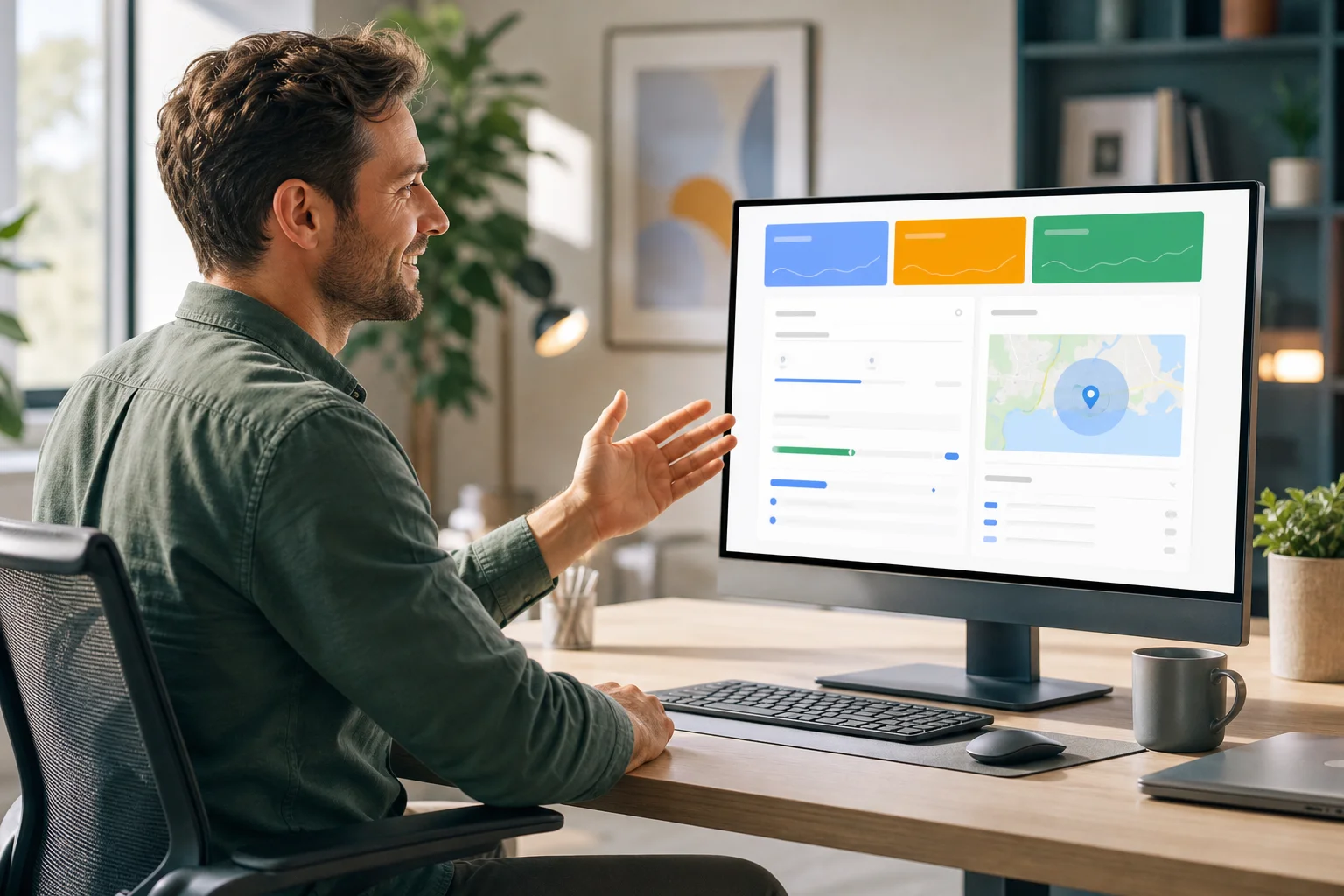
For added clarity in this complete guide google ads beginners, here’s a fast example: a CPA in Austin launches Search with 10 exact-intent keywords, one landing page with a 3-field form, and call tracking. They set a modest daily cap, add negatives on day two, and only then expand keywords.
“We used to struggle with Facebook ads for lead generation. It felt like we were throwing darts in the dark. PowerAdSpy helped us see what our competitors were doing right, and suddenly, things clicked. The clarity of the tool makes ad decision-making much easier.” — Steve Decker, SaaS Marketing Manager
Also Read!
The Complete Guide to Fast Food Advertising Strategies and Tactics
How to Use Facebook for Business: A Complete Beginner’s Guide
5 Costly Google Ads Mistakes Beginners Make
New accounts lose money in avoidable ways. You can dodge each one with a simple habit.
Broad match without negatives
If you use broad match terms like dentist without guardrails, your ad can match to searches you don’t want. That can drain your daily cap before real buyers see you. Fix it by adding a negative keyword list on day one and checking the search terms report every 48 hours.Ignoring Quality Score
Quality Score reflects how well your keyword, ad, and page line up. If your score is low, you can pay more for the same spot. Rewrite ads to mirror the search, and send traffic to a page that answers the query in the first screen.No conversion tracking
Without tracking, you can’t tell which clicks lead to calls, signups, or sales. That forces blind bidding. Set up form, call, and sale tracking before you scale. It’s the only way to grow with proof.Targeting too wide
Ads that run in every state, at all hours, to all devices, tend to waste spend. Start narrow: your service area, your business hours, and the device that converts best. Then expand with data.Not testing ad variations
One ad limits learning. Write at least two variations per ad group. Keep the same promise but vary the headline or call to action. Keep the winner and rotate in a new challenger. Over a month, this habit raises clicks and lowers costs.
In this complete guide google ads beginners, the theme is simple: focus beats spray-and-pray. Tight intent, clear pages, and steady cleanup protect your budget.
Essential Tools to Improve Your Google Ads Performance
You don’t need many tools to start, but a few save time and reduce guesswork. Here’s a neutral, practical stack you can grow into.
Google Keyword Planner
Use it to find intent terms and check rough demand. Seed with your service plus your city. Save a short list of clear, buyer-ready phrases.Google Ads Editor
This desktop app speeds up bulk edits, duplicate builds, and safe drafts. It’s helpful once you have more than a few ad groups.Google Tag Manager and Google Analytics 4
Set tags and events without changing code each time. Track signups, calls, and sales. Keep one source of truth so bids can aim at real results.Looker Studio
Build a simple report that blends ad data and site results. Share it with your team. Clear views prevent knee-jerk changes.PowerAdSpy (Ad intelligence)
For competitive research, tools like PowerAdSpy offer a Google Ad Spy Tool with access to data on millions of ads from over 100 countries. You can search ads by niche keywords, advertisers, and competitor domains, then review full ad analytics and social engagement metrics. This helps you spot patterns in hooks, offers, and formats before you spend.
As a note of confidence, 26% of users save at least one day preparing for an advertising project, and 19% report improved revenue with less workforce and better efficiency. That time back can go straight into better pages and faster tests.
Moreover, if you want a deeper walkthrough of bidding approaches, the official developer docs outline strategy types and how they work behind the scenes (Google Ads bidding overview).
What to Do After Your First Campaign Goes Live
The first week matters. You’re not chasing perfection; you’re clearing waste and feeding what works. Here’s a simple, repeatable review loop.
First-week checklist (every 48 hours)
Check the search terms report
Scan the actual searches that triggered your ads. Keep the good ones. Add off‑target phrases as negatives so they stop showing in the future.Review ad relevance and Quality Score
Look at keywords with low scores. Rewrite the ad to echo that keyword, and send traffic to a page that uses the same terms and answers the query fast.Adjust bids with intent in mind
Raise bids a bit on terms that bring real leads or sales. Reduce on terms that get clicks but no action. Make small moves, then wait a day to see impact.Trim placements and hours (if using Display or Video)
Exclude apps or sites that don’t align with your buyer. Tighten your schedule to hours that bring results.Check your page and tracking
Fix slow loads, long forms, or broken steps. Test your tracking with a real form fill or test order so every win is counted.
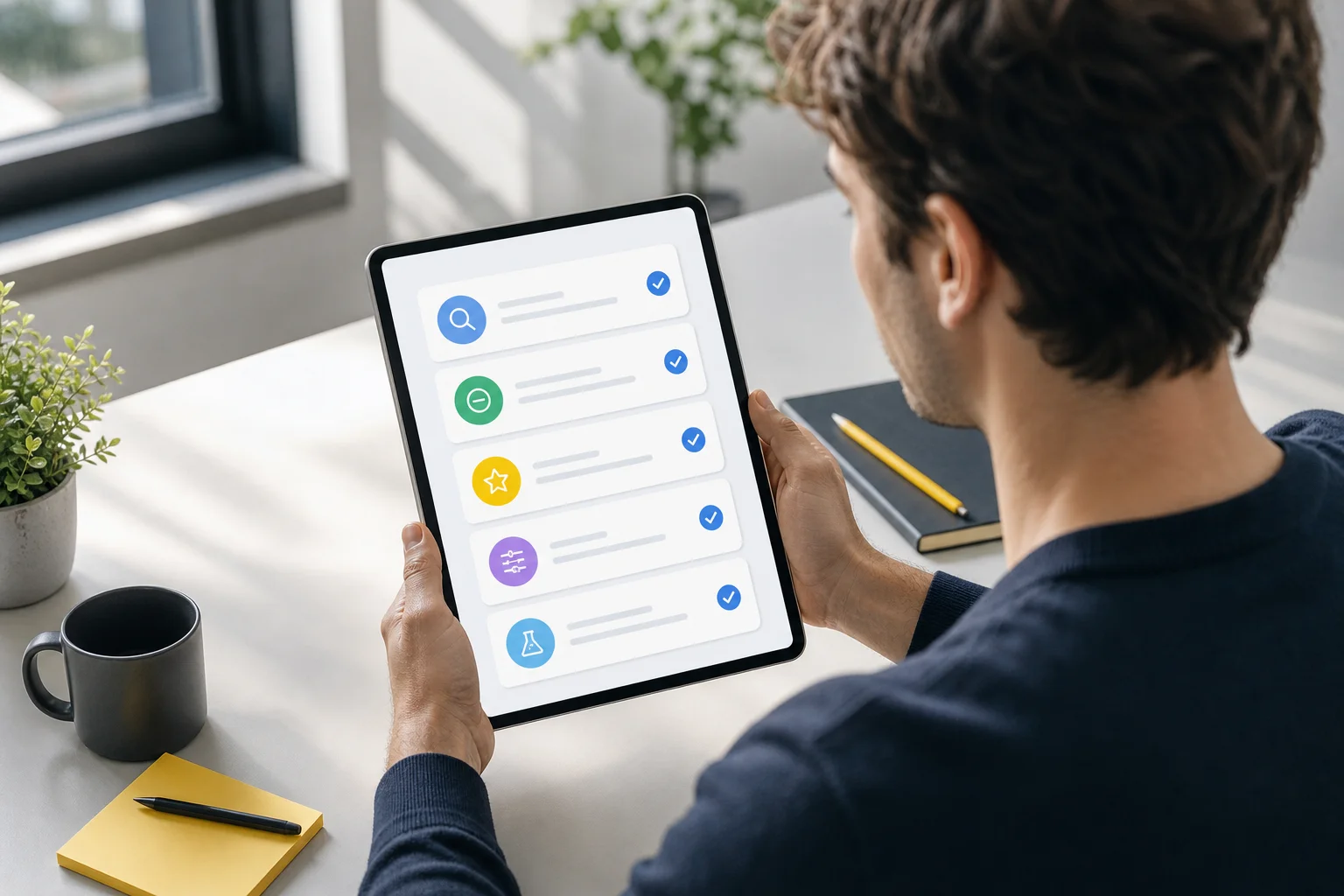
As you do this in 2026, remember that change takes a little time to settle. Therefore, batch edits, wait a day, and don’t judge a keyword by a few clicks. In this complete guide google ads beginners, iteration wins over guesses.
Key Takeaways
- Start with intent. Choose Search or Shopping first if you need leads or sales now.
- Write ads that mirror the search and send clicks to a page that answers fast.
- Track conversions before you scale, then use steady, small bid changes.
- Run a first‑week loop: search terms, negatives, Quality Score, bids, and pages.
- Use simple tools to cut guesswork, from Keyword Planner to ad intelligence.
What to Do This Week: Pick one goal, launch a tight Search campaign with 8–12 high‑intent keywords and two ad variations, set up conversion tracking, and run the 48‑hour review loop. Then, when you’re ready to research winning angles before you spend more, bring in ad intelligence.