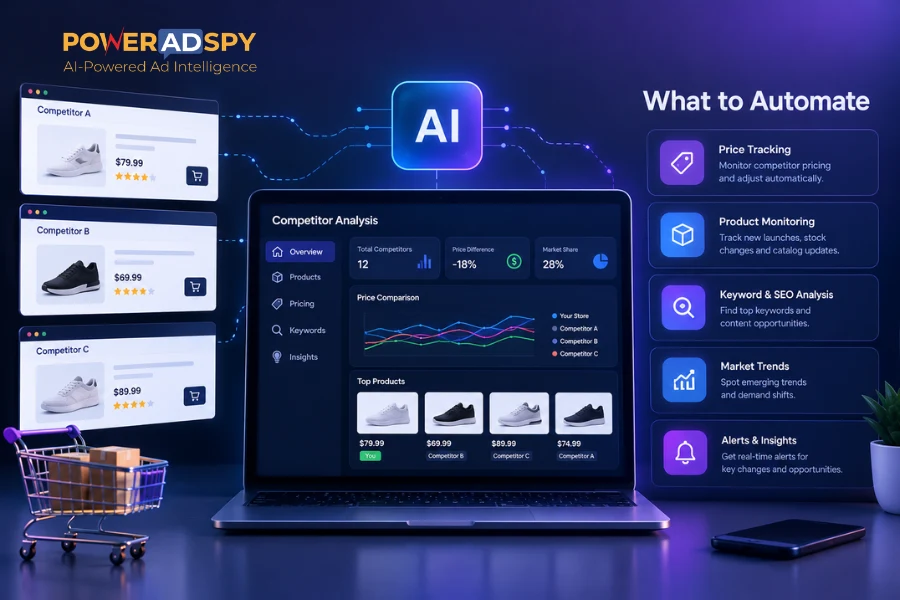
Copying your rival’s ads pixel-for-pixel is the fastest way to burn a client’s budget. The smarter move is to pick a facebook ad spy tool that shows patterns you can test fast, across clients and niches.
Here’s the answer up front: in 2026, choose a tool with a large, fresh database; filter depth for geo, placement, and CTA; multi-client workflows; full creative coverage; reliable exports; and pricing that scales beyond one seat. Then build a weekly cadence to turn findings into briefs and tests.
As an agency lead, you need speed without guesswork. Your buyers jump from fitness to fintech in an hour. Your clients expect insight, not trial and error. The right platform cuts research time, shows what’s working now, and helps your team brief better ads with fewer tests.

However, not all tools are equal. Some crawl millions of ads from 100+ countries and update daily. Others feel stale and shallow. Below is the framework my team uses to evaluate platforms, the traps to avoid, and how to roll the findings into creative that ships this week.
What Ad Agencies Actually Need From a Facebook Ad Spy Tool
You manage many accounts, often in unrelated niches. So you need quick, repeatable ways to gather competitive intel and shape briefs. A strong Facebook ad spy tool helps you see live creative trends, target hints, and hooks that hold up across segments.
First, you need coverage. Tools that index data from millions of ads across 100+ countries give you the breadth to support global clients and spot patterns others miss. Breadth matters most when a client asks, “How are brands in DE or BR pitching the same thing?” You should have the answer in minutes, not days.
Second, filtering is your edge. “Filter by Ad Positions” is not a nice-to-have. It lets you split performance patterns by placements like feed, side column, Marketplace, or video feed. That changes your creative calls. For example, what works in feed can flop in a side column or Reels-like environment.
Third, agencies are different from solo buyers. You need bookmarks, fast exports, and shared views that support handoffs between researchers, media buyers, and creatives. Dashboards should let you sort by newest, running longest, and popularity so juniors can spot proven ads without flooding Slack with screenshots.
Why not only use Facebook’s Ad Library?
Facebook’s free Ad Library is helpful but limited for agency-grade work.
- It’s not built for discovery. You can’t slice by engagement or “impressions index” to judge traction.
- It lacks deep filters like CTA or age/gender views that help tailor briefs to a segment.
- It doesn’t segment by placement in a way that speeds creative choices for feed vs. video vs. side column.
- It’s slow for multi-client workflows: no bookmark system, weak reporting, and no “save this pattern” foldering.
For sharper briefs, pair Ad Library checks with a platform that supports keyword, advertiser, and domain searches across geos, and that lets your team save and share findings. For targeting help, route buyers to this primer on Facebook ad targeting. And for creative teams, keep a linkable swipe bank using proven Facebook ad copy angles by niche.
“Running ads for multiple clients can be stressful, especially when results are slow. This Facebook ad spy tool made life so much easier. We’ve cut back on testing time and launched campaigns that get results. This tool is now our agency’s secret weapon!” — Charlotte Neilson, Digital Marketing Strategist
Also Read!
How to Use Multi-Platform Ad Spy Tools to Find Winning Products for Dropshipping
Step-by-Step Framework for Evaluating Facebook Ad Spy Tools
The market is noisy. Use this six-step, apples-to-apples check to pick a platform you can standardize across accounts, new hires, and 2026 planning.
Step 1: Database Size and Freshness
Ask two questions: How many ads are indexed, and how fast do new ads appear? You want a dataset that spans millions of ads across 100+ countries with daily additions. If the feed looks stale, pass. Freshness is what lets you catch emerging hooks before your clients’ rivals do.
Step 2: Filter Depth
Filters win or lose your time.
- Keyword search, advertiser search, and domain search for broad and narrow hunts.
- Country, age, and gender filters to tailor insights for each client’s segment.
- CTA, ad category, and placement filters to isolate “what to say” and “where it works.
- Ad position filters to segment feed vs. side column vs. Marketplace vs. video feeds.
Specifically, check for “Call To Action” sorting, “Audience Age Filter,” “Gender Wise Filter,” and geo options. Also look for device filters (iOS, Android, desktop, mobile) to spot UX or creative cues by device.
Step 3: Multi-Client Workflow Support
Agencies need shared systems.
- Bookmark and subscribe features to save and organize preferred ad concepts by client.
- Dashboard views you can customize by vertical or priority.
- Fast export to CSV/Sheets and clean PDFs for client decks.
- Team-friendly sorting like “Running Longest,” “Popularity,” and “Impressions Index” to teach junior buyers what “durable” looks like without guesswork.
Step 4: Creative Format Coverage
Your creatives span image, video, and sometimes carousel or story. Your platform should cover all of them. In fact, social video is a fast-growing bucket, so confirm the tool handles video previews, transcripts, and component search (e.g., objects, brands, text on screen). You’re training your team to dissect ads, not screenshot them.
Step 5: Export and Reporting
Research only helps if you can ship it. Check that you can export detailed ad performance reports in a format your team uses. Can you tag and share a batch of “Q3 Test Ideas” in two clicks? Can you filter by date interval and “last seen” so the deck reflects what’s live this week?
Step 6: Pricing at Scale
Budget discipline matters. Price the real use case: 3–10 seats, recurring exports, and daily searches across clients.
Avoid plans that throttle by queries or require pricey add-ons for filters you need every day. If your facebook ad spy tool saves a day per project and cuts the volume of A/B testing, it should earn its cost by the second client per month.
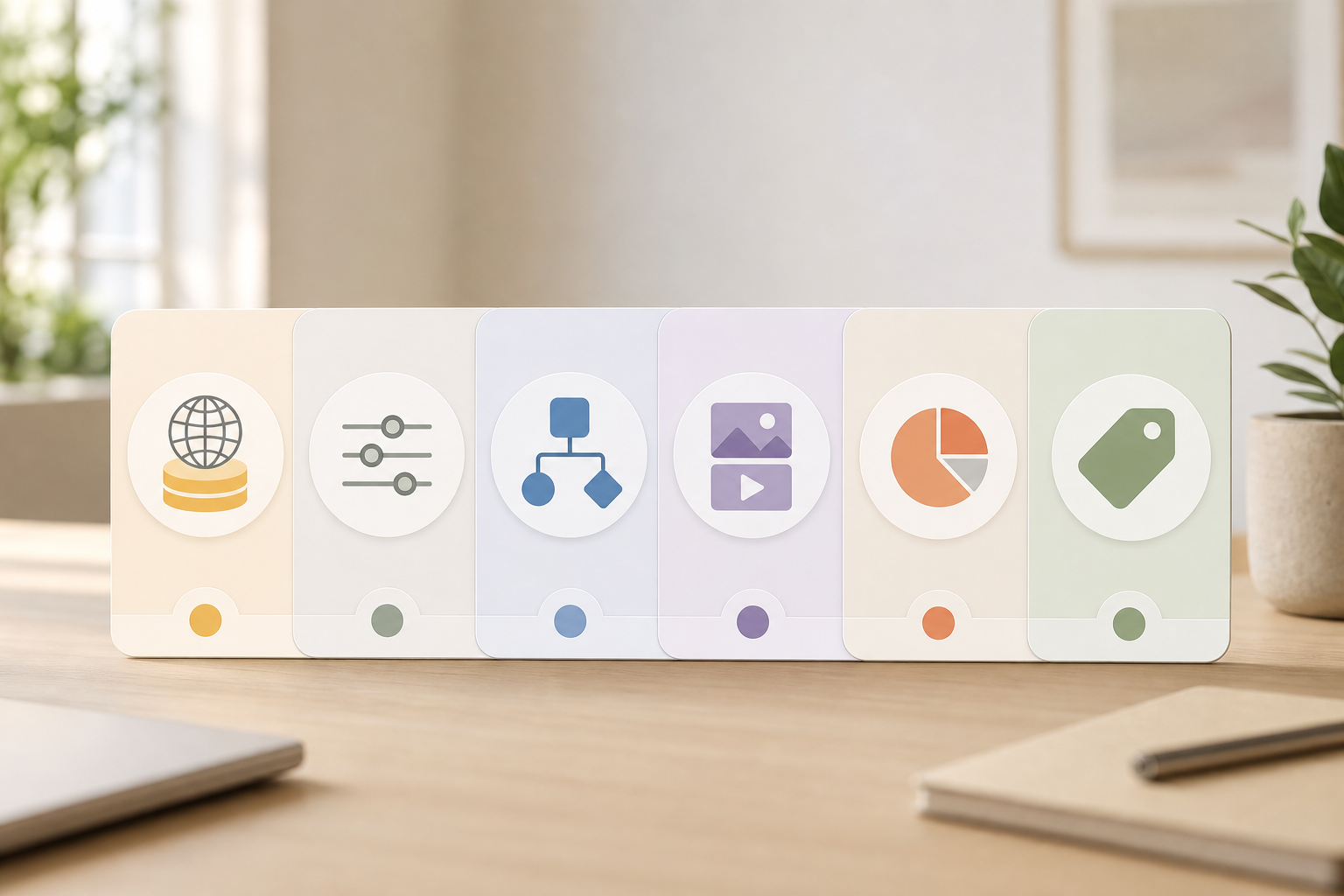
Furthermore, if you work across Meta, TikTok, and Google, confirm cross-platform coverage. For broader needs, see this round-up on the best multi platform ad spy for ad agencies in 2026. And if you are modeling test budgets for a new client, this Facebook ad budget tool helps you map baseline spend against expected test volume.
5 Mistakes Ad Agencies Make When Using Ad Spy Tools
Tools don’t fix judgment. These are the errors I still see on review calls.
First, copying creatives instead of extracting patterns. If you clone a top ad, you’ll fight their brand equity with a weaker version. Instead, break the ad down: hook, proof, offer, CTA, motion. Then rebuild those parts in your client’s voice.
Second, ignoring ad longevity signals. A sort like “Running Longest” paired with “Popularity” and an “Impressions Index” view tells you what held up over time. If an ad ran six months, its first three seconds did a job. Study that open.
Third, not filtering by placement type. Feed has space for narrative. Side column needs punch and brand cues.
Placement Nuances and Signals
Marketplace wants price and value at a glance. Video feeds reward motion and supers. Use ad placement filters for feed, side column, Marketplace, or video feed to avoid forcing one-size-fits-all creative.
Fourth, skipping engagement metrics. Likes, comments, and shares are not perfect, but they point to resonance. Pair social engagement with “last seen” dates to avoid over-weighting a flash-in-the-pan.
Fifth, evaluating tools on one client’s niche only. A platform must work for skincare and SaaS in the same week. If you can’t find strong ads in three unrelated niches fast, keep looking.
- Don’t clone; abstract patterns and rebuild.
- Sort by “Running Longest,” then scan “Popularity” for durable hooks.
- Split findings by placement before you brief.
- Check comments for objections to preempt in copy.
- Test your tool across at least three niches.
For creative partners, keep a shared swipe deck of hooks, proof points, and CTAs that worked across formats. Tie each card to a test idea, not just a screenshot. If your juniors need inspiration, share these creative ads prompts to speed concepting without copycatting.
Top Facebook Ad Spy Tools Worth Evaluating
You don’t need ten platforms. You need one that your team loves and your CFO signs. Here’s how I’d frame the short list in 2026 for database size, filters, pricing, and agency features. These are vendor-neutral notes so you can pressure-test on a trial or demo day.
- AdSpy: Known for broad coverage and fast search. Check recency and whether it supports granular CTA or placement filters before you standardize.
- Minea: Popular for ecom and influencer angles. If you’re comparing tools for ecom heavy clients, read this minea alternative breakdown for a head-to-head view.
- Dropispy: Friendly for dropship research. Confirm non-ecom coverage if you run lead gen and local service accounts as well.
- Adplexity: Strong with affiliates and funnels. Inspect lander insights and how exports fit your client reporting stack.
- Facebook Ad Library (free): Great for compliance checks and basic searches. However, it lacks engagement metrics, deep placement filters, and export/reporting fit for busy teams.
- PowerAdSpy: One option if you want multi-network coverage (AI-powered ad data across Facebook, Instagram, TikTok, Google, Reddit, Pinterest, and more). Filters include keyword, advertiser, domain, CTA, country, age, gender, and ad position. You can export detailed ad performance reports and use a bookmark feature to organize ideas by client.
Pricing spans Basic at $69/month or $29/month billed annually through Palladium at $399/month or $125/month billed annually. If your agency needs “Filter by Ad Positions” and “Running Longest/Popularity/Impressions” sorts, shortlist it for a demo.
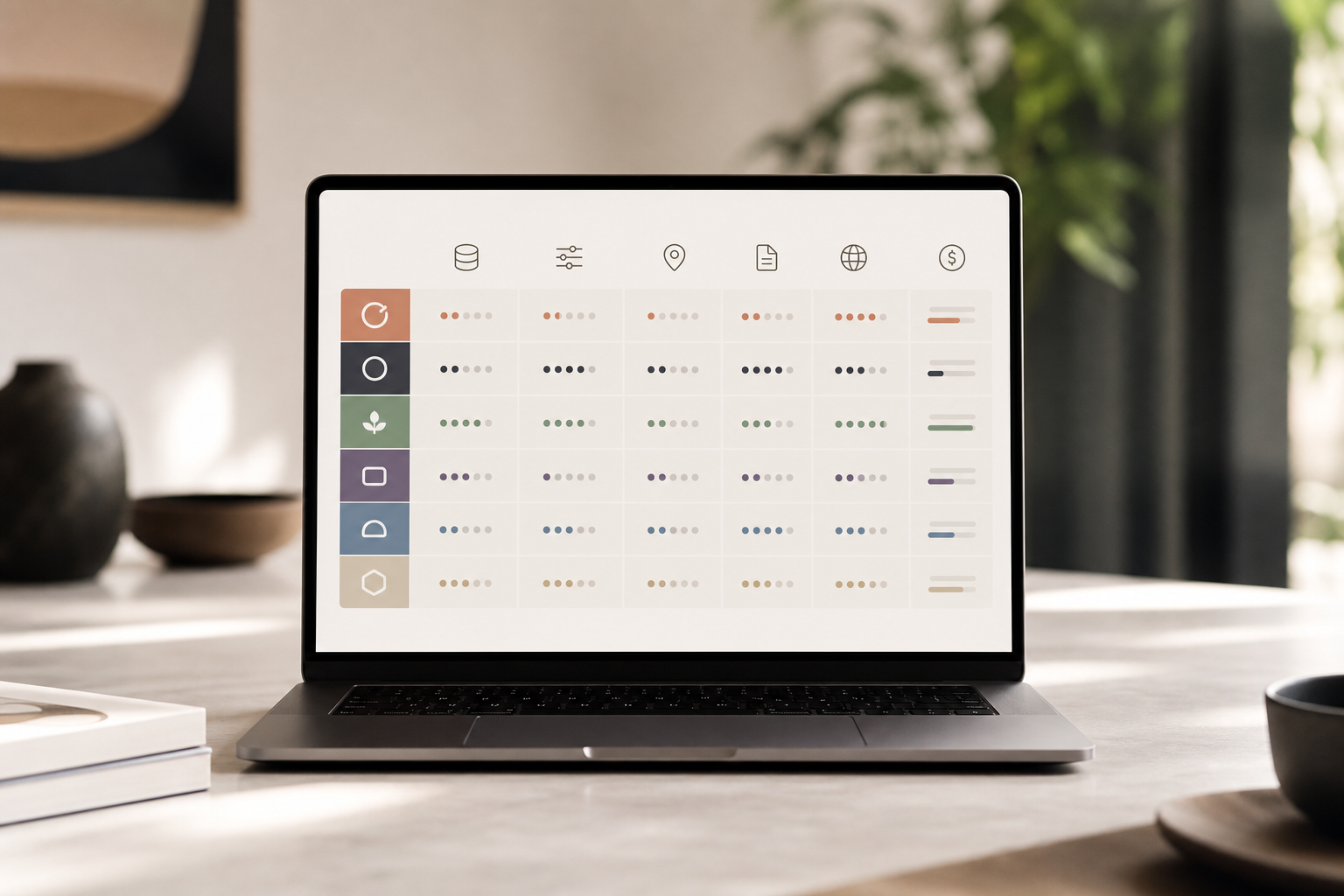
Before you decide, score each tool on the six-step framework above. Have a junior buyer run the same brief in each platform. Time how long it takes to produce a one-page creative plan. The fastest path from research to a real test wins.
Also Read!
Best Facebook Ad Spy Tool for Ad Agencies in 2026
How to Search Competitor Ads by Keyword and Domain as a Small Business
Building an Ad Spy Workflow Your Agency Can Actually Use
A tool on its own won’t fix your process. You need a cadence your whole team follows. Here’s the plan we’ve set up at agencies from 3 to 30 people.
First, set a weekly competitor check per client. Ten minutes per account, every Monday. Filter by country, age, gender, and placement. Save five ads: two for feed, two for video feeds, one for side column. Tag them by hook type (problem, price, proof).
Second, use a bookmark system to build a swipe file. Create folders by client and theme (e.g., “UGC hooks,” “price-test frames,” “retargeting angles”). Bookmarks beat random Slack threads and make handoffs clean.
Third, assign research to junior buyers. Give them a standard checklist: keyword, advertiser, and domain searches; CTA and ad category filters; placement splits; and a “Running Longest” scan. Their output is a one-page creative brief with three test ideas, one per placement.
Weekly Cadence and Handoffs
Fourth, export once per sprint. Export detailed ad performance reports and paste screenshots with links to live posts so creatives can read comments for objections. Focus on formats you can ship now: image and 15–30s video. Longer edits come later.
Fifth, write briefs that point to an A/B plan. Keep it light: two headlines, two hooks, one offer per placement. If your team follows a tight brief, you will cut down test volume within a couple months while keeping learnings high.
- Cadence: 10 minutes per client per week
- Save: five ads per client per week via bookmarks
- Brief: one page, three tests, with placement splits
- Export: one report per sprint into the client deck
- Review: 20 minutes with creative + buyer to lock tests
As your team gels, you’ll see prep time drop and tests get sharper. The goal is fewer, better tests, not more noise. If you need a place to start, try a short trial and build the folders and tags on day one. It should feel natural by week two.
Key Takeaways
Before you start a trial spree, pause and write your must-haves on one page. Agencies thrive on repeatable, low-friction systems. Here’s what to remember as you lock a facebook ad spy tool for 2026 work.
- Pick for breadth and speed. Fresh data across 100+ countries, updated daily, lets you spot trends before your rivals brief them.
- Filters drive value. Without CTA, geo, age, gender, and placement filters, you’ll waste time on irrelevant ads and write the wrong brief.
- Workflows matter. Bookmarks, exports, and shared dashboards help juniors hand clean briefs to creatives and buyers in minutes.
- Formats shape tests. Make sure the tool covers image and video well and supports component search so you can pull patterns, not clones.
- Price the real use case. Model 3–10 seats and daily searches. If the tool saves a day per project, it should pay for itself on two accounts.
Moreover, your stack should span research, briefing, and reporting. Don’t toss findings over the wall. Build tags and templates so your team can move fast. And yes, keep using Ad Library for checks, but pair it with a platform that adds engagement views, placement splits, and exports you can drop straight into a deck.
What to Do This Week
Here’s a simple seven-day sprint to choose and use your next platform.
- Day 1: Write your must-haves. Include database freshness, filters (geo, CTA, placement, demographics), bookmarks, exports, and price per seat. Add “ad position filter” to the list.
- Day 2: Shortlist three tools. Ensure at least one multi-network option for teams that also buy on TikTok or Google. Skim a vendor-neutral comparison like the best multi platform ad spy for ad agencies in 2026.
- Day 3: Run the same brief in each tool. Have a junior buyer search by keyword, advertiser, and domain. Split findings by placement. Time the task.
- Day 4: Build a swipe file. Use bookmark folders by client and theme. Add five ads per client, labeled by hook and placement.
- Day 5: Draft one-page briefs for two clients. Include three tests with feed and video variants. Keep each test tight: hook, proof, offer, CTA.
- Day 6: Export a short report. Pull engagement and “running longest” signals for each saved ad and paste them into a deck. Call out two learnings per test.
- Day 7: Pick your platform. Price the plan for your real team size. Confirm export/reporting fit. Then ship the tests.
If your chosen Facebook ad spy tool doesn’t make Days 3–6 feel light and fast, keep searching. Your team should feel a lift within the first week.