**Start your free trial today →
26% of users save at least one day preparing for an advertising project (Source: PowerAdSpy user stats). The fastest path to that kind of time win in 2026 is a multi-platform ad spy that shows you what wins across Facebook, Instagram, TikTok, Google, YouTube, Reddit, and Pinterest, then turns those insights into repeatable workflows for your team.
You’re juggling 5–10+ active clients, each with different goals, budgets, and channels. Single-channel tools force guesswork and leave out cross-channel moves that shift ROAS. The fix is simple to state and hard to do well: choose one tool that sees across platforms, updates daily, and lets your team search, filter, tag, and brief without friction.
In this guide, I’ll show you how to pick the right stack, avoid the classic traps agencies make with “spying,” and run a two-week pilot that proves value. You’ll also see a fair 2026 comparison of major options, with one clear rule: education first, product second.
Why Ad Agencies Need Cross-Platform Ad Intelligence (Not Just Single-Channel Spying)
If you manage paid for a portfolio, you already know the pain. A single-platform view hides what really drives reach and cost. A prospect might see a TikTok clip, search on Google, and convert after a YouTube pre-roll. You need to see the full path, not fragments.
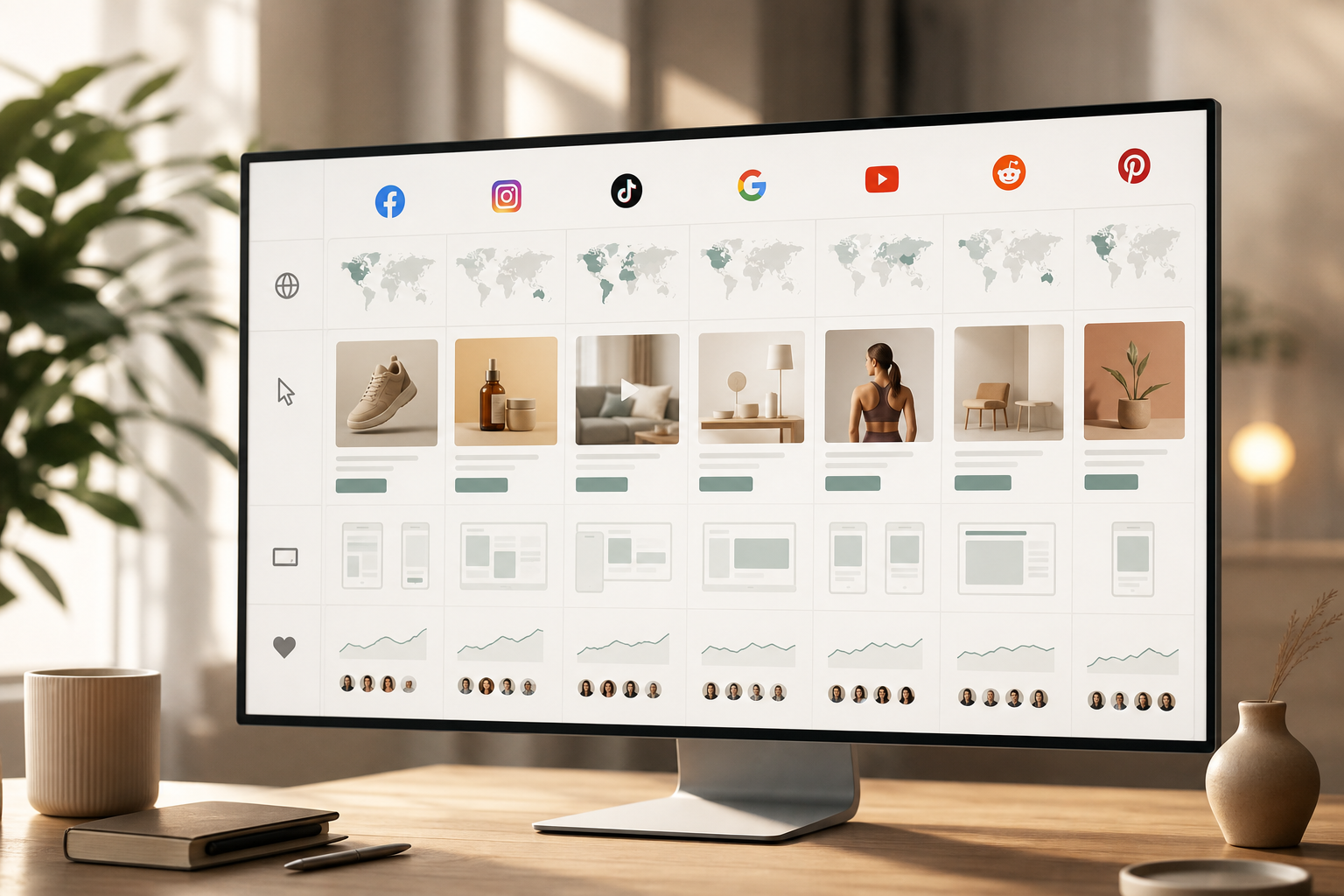
A true multi-platform ad spy means one index and one search that covers social, video, search, and native. It pulls in the ads themselves, the placements, the CTAs, and the engagement signals. It also lets you filter by geo and device so you can match each client’s market. Tools in this class increasingly use AI to enrich creative and lander details, then surface patterns across networks you’d miss by hand.
Moreover, scope matters. According to PowerAdSpy product data, some platforms track millions of ads from over 100 countries. That kind of breadth helps you brief a DACH B2B client and a US DTC client in the same hour. And because creative burns out fast, you also need feeds that add thousands of ads daily, not weekly dumps.
What “multi-platform ad spy” covers in practice
- Social: Facebook, Instagram, TikTok, Reddit, Pinterest
- Search and video: Google, YouTube
- Native and display: Outbrain/Taboola-style native and banner inventory
- Filters that map to media plans: country, device, placement, CTA, ad type
- Engagement context: likes, comments, shares, and estimated impressions
As a result, your team can answer real client questions fast: “What CTAs work in Canada for app installs?”, “Which TikTok hooks carry over to YouTube Shorts?”, and “Are we paying a premium for right-hand column inventory on desktop when feed wins on mobile?” If your tool can’t answer those in two clicks, it’s not multi-platform enough for 2026.
To go deeper on channel-specific tactics, you can also pair this guide with TikTok ad library for format nuances and creative guardrails.
Also Read!
PowerAdSpy vs AdSpy for Ad Agencies: Which Is the Better Facebook Ad Spy Tool?
How to Evaluate a Multi-Platform Ad Spy Tool: A 7-Step Framework for Agencies
You don’t need a 40-criteria RFP. You need seven steps that fit an agency week and surface the deal-breakers.
Step 1: Audit client channels and formats
List where your 5–10+ clients actually spend: Facebook/Instagram, TikTok, Google Search, YouTube, native, Reddit, Pinterest. Note ad types (image, video, carousel), key markets, and devices. Your tool must cover 90%+ of this map on day one.
Step 2: Map must-have filters to your briefs
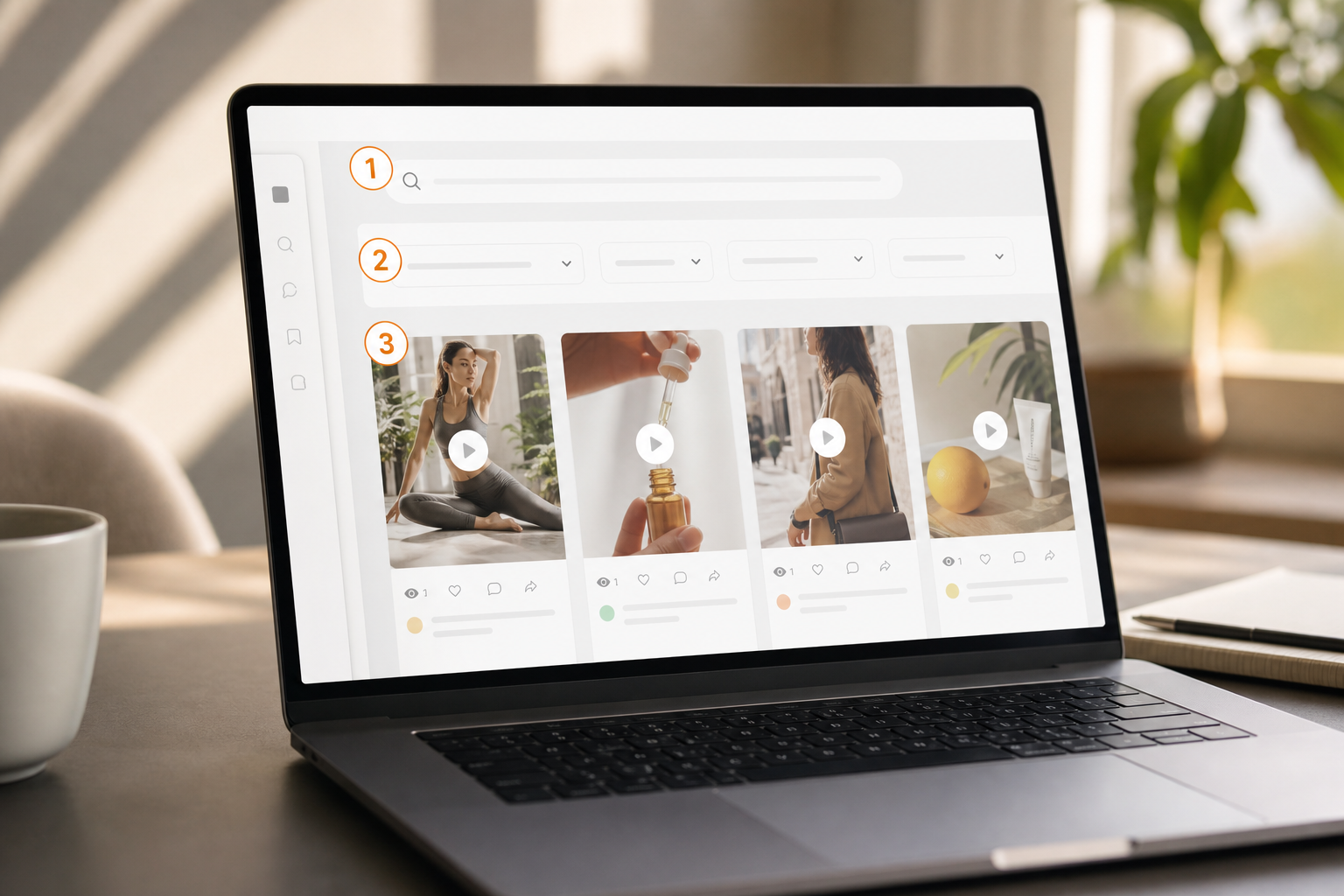
Insist on filters that match how your team thinks:
- Keyword, Advertiser, and Domain search
- Ad Category, Country, and Ad Type filters
- Gender-wise and Audience Age filters
- Call To Action and Ad Position filters
These are standard in top tools, including Keyword search, Advertiser Search, Domain Search, Ad Category Filter, Call To Action, Country Filter, Ad Type Filter, and Gender Wise Filter. If a vendor lacks more than two of these, keep looking.
Step 3: Check database freshness and scope
Ask for proof of daily ingestion and geo breadth. You want global coverage (100+ countries) and “thousands of new ads added daily.” Stale feeds skew tests and slow your launches.
Step 4: Test search granularity with real briefs
Run three live searches from open briefs.
- “Shopify skincare in AU with Shop Now CTA”
- “Lead gen in DE B2B, desktop, right-hand column”
- “YouTube mid-roll for fintech explainer”
You should be able to segment by placements (“Filter by Ad Positions”), devices (iOS/Android/Desktop/Mobile), CTAs, and even ad components like text or objects.
Step 5: Evaluate team workflow and collaboration
Look for a Bookmark feature, saved searches, “Subscribe” alerts, exportable reports, and dashboard personalization. Your analysts should build swipe files by client and tag by theme, funnel stage, and CTA so account leads can brief in 10 minutes, not an hour.
Step 6: Compare pricing per seat and by workload
Seat-based pricing adds up when you staff analysts plus AMs. Model the cost for 3, 5, and 8 users. Then confidence check export limits, search caps, and alert quotas. Transparent pricing beats “unlimited, unless.
Step 7: Run a two-week pilot across three client accounts
Pick three clients in different verticals and channels. Assign one analyst per account. Set weekly goals: five new creative angles per client, two placement shifts, and one CTA test each. Track time saved, launch speed, and performance impacts. At the end, decide whether to expand or switch.
- Bonus: Use GEO-targeted competitive intel to match each client’s markets.
- Bonus: Require “direct link to live posts” to spot real-time comments before you pitch a hook.
Furthermore, cross-check learnings against your channel plans. If the tool can’t help you stage a test-and-learn loop across Facebook, YouTube, and native in under 14 days, it won’t earn its seat in your 2026 stack.
For extra context on SMB rollouts your clients may ask about, share this explainer: Best Multi-Platform Ad Spy for Small Businesses in 2026. It’s useful pre-work for in-house teams you co-pilot with.
5 Mistakes Ad Agencies Make When Using Ad Spy Tools
Even with the right tool, teams leave value on the table. Here are the traps I coach new analysts to avoid.
Mistake 1: Copying creative verbatim instead of extracting patterns
Good analysts don’t clone ads; they decode them. Pull patterns: hook length, first-frame motion, proof assets, CTA, and objections answered. Then write three fresh variants. As a rule, keep structure, change story.
Mistake 2: Only spying on direct competitors
Your next win may come from an adjacent vertical with the same CAC math. If you’re a B2B SaaS agency, study fintech or HR tech offers. If you’re DTC beauty, scan CPG snack brands for UGC angles. Limit “brand tunnel vision” to 40% of your review time.
Mistake 3: Ignoring engagement and placements
Don’t read copy in a vacuum. Sort by likes, comments, shares, and impressions. Then check where the ad ran: feed vs. side column, in-stream vs. pre-roll. Tools that let you “Sort ads by post date, when last seen, or domain registration date” also reveal longevity and lander tests. Tie those clues to your plan.
Mistake 4: Not tracking ads over time
“Running longest” sorts show durability. If a creative ran for 90+ days, assume it cleared its CPA target. Flag it in your swipe file with notes on hook, proof, and offer stack. Then run a small trial, not a big bet, to validate in your niche.
Mistake 5: Using spy data without A/B testing discipline
No tool replaces tests. Keep a tight loop: hypothesize, ship two to three variants, measure, and iterate. For a primer on structured tests, read this overview of A/B testing. Also note: new users sometimes reduce A/B testing volume by 15% in their first two months (Source: PowerAdSpy user stats). Don’t cut tests; cut bad tests. Convert insight into focused experiments.
Moreover, set guardrails. Cap time spent “researching” at 90 minutes per brief. Spend the next 90 minutes building and shipping. That rhythm will improve odds and protect margin.
Also Read!
PowerAdSpy vs Adplexity for Ad Agencies: Which Is Better for Multi-Platform Ad Spying?
PowerAdSpy vs SpyFu for Small Businesses: Which Is Better for Competitor Ad Search?
Top Multi-Platform Ad Spy Tools for Agencies Compared
Here’s a direct, fair view of five useful tools for agency teams in 2026. Your choice should match your client mix, channel load, and seat count.
Platform coverage and strengths (quick read)
- PowerAdSpy — One option with broad coverage across Facebook, Instagram, Google, YouTube, native, Reddit, and Pinterest. It emphasizes detailed analytics, GEO filters, CTA and placement filters, and a large inventory of ads. Pricing spans Basic at $69/month ($29/month billed annually) to Palladium at $399/month ($125/month billed annually).
- Adplexity — Strong on native and mobile. Good fit for affiliates and brands testing content-led funnels and push traffic. Use it when native is 30%+ of spend.
- AdClarity — Display-focused and part of the Similarweb ecosystem. Useful for media planning across banner inventory and for competitive site-level insights.
- Anstrex — Known for native and push ads. Handy for fast creative scans and affiliate-style funnels where speed and lander grids matter.
- SpyFu — Search-first. Great for keyword intelligence and competitor PPC/SERP audits. Pair it with a social/video tool to fill creative gaps.
| Tool | Primary Channels | Notable For Agencies | Pricing Snapshot (2026) |
|---|---|---|---|
| PowerAdSpy | Facebook, Instagram, Google, YouTube, Native, Reddit, Pinterest | Cross-platform filters, GEO/CTA/placement filters, large ad index | Basic $69/mo ($29/mo annual); Palladium $399/mo ($125/mo annual) |
| Adplexity | Native, Mobile | Native insights and mobile funnels | Tiered; check vendor |
| AdClarity | Display | Display planning within a broader web intel stack | Tiered; check vendor |
| Anstrex | Native, Push | Rapid creative scans and affiliate funnels | Tiered; check vendor |
| SpyFu | Search | Keyword PPC intel and SERP analysis | Tiered; check vendor |
To stay neutral, match tools to clients. If 60% of your portfolio is social+video across 3+ regions, favor the broadest coverage and strongest filters. If one pod lives on native, add a native-first seat for that team only. In other words, compose your stack to fit the work, not vendor hype.
For a plain-language primer you can share with client-side teams, send them this refresher: Small Business Owner’s Guide to Multi-Platform Ad Spying. It helps align on terms before your next QBR.
What to Do This Week: Building Your Agency’s Ad Intelligence Workflow
You don’t need a re-org. You need a rhythm your teams can keep. Here’s a one-week plan I’ve rolled out at agencies from 10 to 120 people.
- Pick two tools to trial. Choose one broad-coverage platform plus one channel specialist that matches your heaviest client segment.
- Assign one analyst per client vertical. Give them 90 minutes to pull patterns and 90 minutes to build tests. Guard the time.
- Create a shared swipe file. Use tags for geo, format, CTA, hook type, and funnel stage. Standard tags beat “misc” folders every time.
- Schedule a 30-minute competitive briefing each week for every account team. Show three patterns, two proposed tests, and one lander tweak.
- Set up bookmarks and saves for winners. A Bookmark feature saves time when you brief new creative teams or onboard freelancers.
Then, wire this into your media plans. Require one placement shift and one CTA test per client per week for four weeks. Track saves in hours and lifts in CTR/CVR. If a tool can’t help you ship, drop it.
If you work with Shopify or marketplace-heavy clients, line up category ideas from this deep dive: shopify and ecommerce ad spy best picks for 2026. It’s a fast way to seed five new angles for UGC.
Finally, close the loop with a two-slide summary in each QBR: one slide on cross-platform wins (e.g., YouTube hooks adapted to TikTok), and one on tests you’ll ship next. That keeps clients invested in the process and gives your team cover to keep testing.
Key Takeaways
- Choose a multi-platform ad spy that covers your clients’ channels, updates daily, and gives you CTA, geo, and placement filters.
- Follow a 7-step evaluation: map platforms, filters, freshness, search depth, team features, seat pricing, and a two-week pilot.
- Avoid copy/paste creative. Extract patterns, track “running longest,” and always tie insight to A/B tests.
- Match tools to your mix: add a native or search specialist only if your portfolio demands it.
- Ship a weekly workflow: tagged swipe files, fast briefs, and one placement plus one CTA test per client.