**Start your free trial today →
26% of users save at least one day preparing for an advertising project. If you run an agency, that day can swing a pitch, rescue a sprint, or fix a bad test. This guide gives you a fast, practical path to run domain and keyword searches across accounts, and to turn raw ads into a repeatable system.
Here’s the answer upfront: build a short list of competitor domains for each client, run domain and keyword searches across social and search, filter by geo, device, and ad type, study engagement and CTAs against recent dates, then save the best patterns to a swipe file you can brief and test. In 2026, doing this once isn’t enough. You need a cadence and alerts so you don’t get blindsided by a new hook, offer, or lander.
As a senior media buyer, I’ll walk you through the exact steps I coach my team to use. We’ll use real platforms (Facebook, Instagram, Google, YouTube, Reddit, Pinterest, Native/Display) and show where different tools shine. We’ll keep the product talk short and the tactics sharp.

Why Competitive Ad Research Matters More for Agencies Than Anyone Else
You juggle six clients before lunch. One’s in beauty, one’s in fintech, two are B2B SaaS, and the rest sell on Shopify. Ad-hoc googling won’t cut it. You need a structured way to scan the field, pull what works, and protect your budgets. A missed pattern, like a new offer stack or a shift from feed to Reels, can cost a quarter’s targets.
Moreover, the stakes are real: you can lose pitches when your creative strategy lacks category proof points. You can also waste ad spend by re-testing hooks your rivals already killed last month. And without seeing live landers, CTAs, and price tests, teams make poor creative and funnel calls.
In addition, teams that build a system get compound gains. Per product data, users saw a 15% reduction in A/B testing volume under two months of usage, and a 19% improvement in revenue with fewer workforce hours and more efficient work. That’s time back to craft better briefs and to launch with confidence instead of guesswork.
"Running ads for multiple clients can be stressful, especially when results are slow. This Facebook ad spy tool made life so much easier. We’ve cut back on testing time and launched campaigns that get results." — Charlotte Neilson, Digital Marketing Strategist
Finally, for agencies, a documented domain-and-keyword competitive ad research process does more than inspire creatives. It informs budgets, target geos, and even KPIs. You’ll walk into client reviews with concrete ad and funnel evidence, not opinions.
Also Read!
How to Search Competitor Ads by Keyword and Domain as an Affiliate Marketer
Step-by-Step: How to Search Competitor Ads by Keyword and Domain
You need a repeatable 6-step framework. Use it for each client. Rinse and repeat every two weeks. The flow below matches how top shops brief paid social and paid search.
- Build a competitor domain list per client
- Example: For a US skincare brand, list domains like glossier.com, drunkelephant.com, tatcha.com, paulaschoice.com, youthtothepeople.com.
- Tip: Add marketplaces and partners that appear in ads (e.g., sephora.com).
- Why: Domain lists anchor your searches and help spot lander-level trends (free samples vs BOGO, quiz vs straight PDP).
- Search by domain to see active creatives
- Run a domain search to pull live and recent ads tied to a brand’s root or subdomains.
- Example: For paulaschoice.com, view Instagram Reels vs Facebook feed creatives, then click through to live posts to scan comments, reactions, and share velocity.
- Add filters like “Running Longest” and “When Last Seen” to avoid old or one-off tests.
- Search by niche keywords to find category-wide trends
- Use keywords that match claims, ingredients, use cases, or pain points.
- Example (Skincare): “hyaluronic acid serum,” “moisture barrier,” “SPF 50,” “dermatologist tested.
- Example (B2B): “SOC 2,” “sales pipeline,” “RevOps,” “SOC 2 compliant.
- Why: Keyword searches surface cross-brand angles (UGC vs motion graphics), new offer stacks (“free mini + free ship”), or CTA language (“Get Yours” vs “Shop Now”).
- Filter by platform, geo, ad type, device, and date interval
-
Platforms: Facebook, Instagram, Google/YouTube, Reddit, Pinterest, Native, Display. – Geos: Set to your client’s target markets. A UK CTA and price point won’t match your US lander. – Ad type: Stories vs Reels vs In-Stream on social; TrueView vs In-Feed on YouTube; text vs image vs video on other channels.
-
Devices: iOS vs Android vs Desktop vs Mobile to see creative sizing and copy length norms. – Date interval: Last 30–90 days to focus on current winners. – Why: Tools with GEO-targeted information and data on millions of ads from over 100 countries let you see real local norms before you brief.
- Analyze engagement metrics and CTAs
- Sort by likes, comments, shares, and popularity index as directional signals.
- Click to the live post to read comment quality, not just counts.
- Track CTA text and offers: “Try Free,” “Book Demo,” “Get Quote,” “Shop Now,” “Learn More.
- Example: In SaaS lead gen, ads with “Book Demo” can skew to lower CTR but higher lead quality. In ecommerce, “Shop Now” can win on ROAS but vary by AOV and discount.
- Build a swipe file with insights, not copies
- Save the best ads and annotate why they work: hook, visual trope, CTA, price cue, lander type, and geo context.
- Example naming: “US_Reels_UGC_BeforeAfter_20OFF_BarrierRepair_2026‑07”
- Keep side-notes on lander properties (e.g., quiz funnel, Shopify checkout, BNPL badges).
- Use this file to brief your creative and to set test priority.
Step examples by vertical
For ecommerce apparel, run a domain search on everlane.com and pair it with a keyword search for “linen pants,” then filter Instagram Stories in the US for the last 60 days; note CTAs with “Free Shipping Over $50” and log the UGC vs studio ratio. In B2B cybersecurity, start with a crowdstrike.com domain search and add a “SOC 2” keyword pass, using LinkedIn-style or analogous video placements in the US and DACH while tracking “Request Demo” vs “Learn More.” For supplements, a keyword search like “ashwagandha gummies” filtered to Facebook Feed + Reels and sorted by Running Longest will reveal landers using quizzes versus straight PDPs.
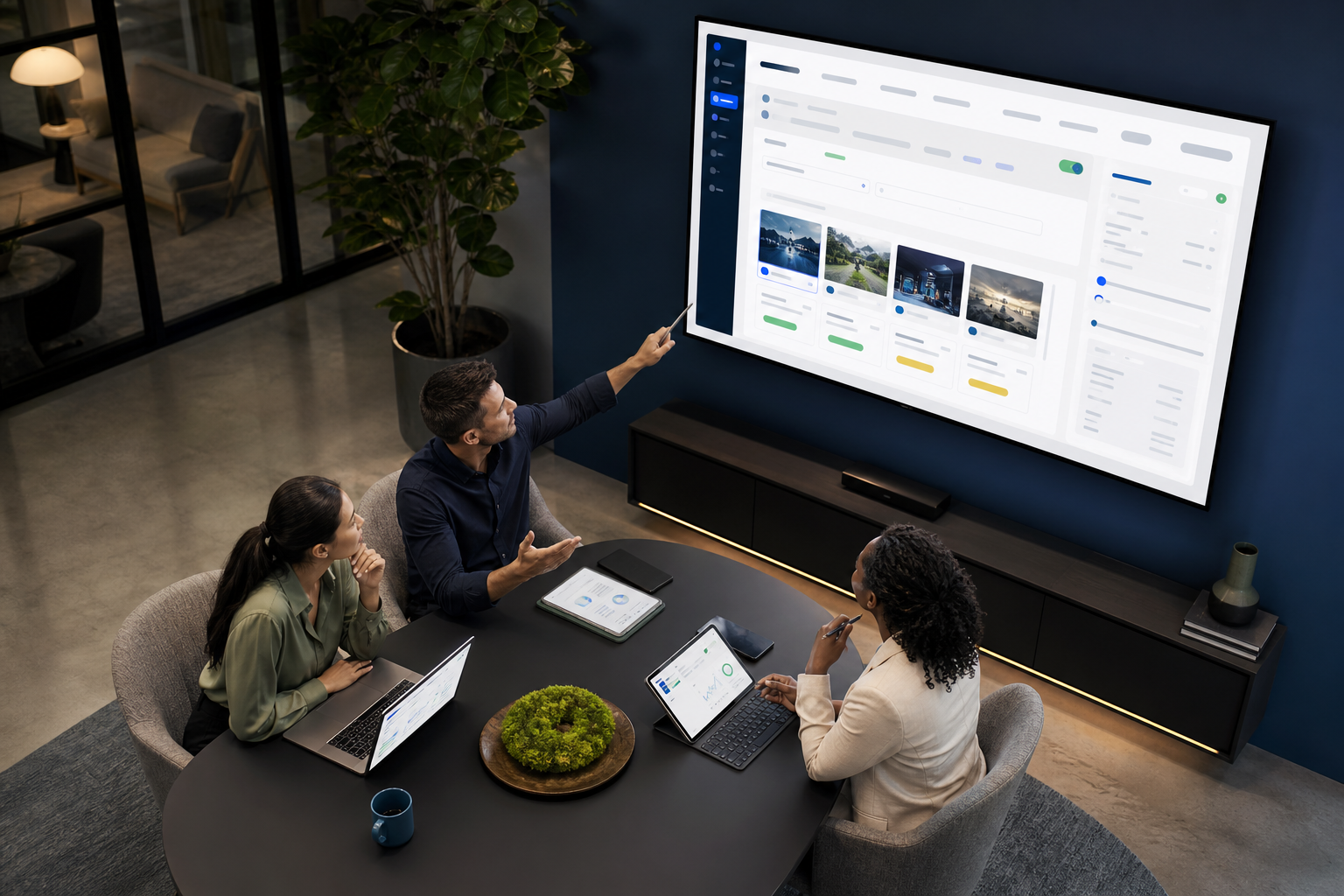
Include this line in your brief template so the process sticks: “Run competitive ad research by domain and keyword, filter by target GEO and ad type, and pull top 12 creatives with notes on offers and landers.
5 Mistakes Ad Agencies Make with Competitor Ad Research
Agencies don’t fail for lack of data. They fail from bad habits. Here are five common traps and how to fix them.
1.
- Problem: You miss paid search, YouTube, Native, and Display. Your picture is skewed to Facebook/Instagram.
- Fix: Use multi-platform coverage (Facebook, Instagram, Google, YouTube, Native, Display, Reddit, Pinterest). Then compare offer and CTA consistency across channels.
2.
- Problem: Lookalike ads tank because you copied a visual motif but missed the strategic “why.
- Fix: Label the pattern: hook type (problem/solution, social proof), visual trope (UGC selfie, text-on-screen), offer (price vs bundle), CTA, and lander flow. Save 2–3 testable angles, not clones.
3.
- Problem: You love the ad, but the lander does the heavy lift. You brief a PDP when rivals use a quiz or long-form advertorial.
- Fix: Track lander properties: affiliate network tags, funnel type (quiz, advertorial, straight PDP), marketing or eCommerce platform (Shopify, WooCommerce), payment badges, and page speed notes. Export these details into your swipe file.
4.
- Problem: You test a UK price cue or a DACH compliance badge in the US. It confuses users and hurts CTR.
- Fix: Always set geo filters and scan localized copy, currency, holiday tie-ins, and shipping thresholds.
5.
- Problem: You brief from a static snapshot. A new hook launches next week and beats you to market.
- Fix: Turn on an Ad Tracker-style feature and subscribe to saved searches. Review bi-weekly, and create a “New in 14 Days” label in your swipe file.
For your testing motion, remember that strong research can cut wasteful tests. Pair this with solid test design, if you need a primer, see A/B testing for standard controls and variables.
Also Read!
PowerAdSpy vs Minea for Ad Agencies: Which Is Better for Shopify Ad Spying?
Best Tools for Competitive Ad Research in 2026
You don’t need every tool. You need the right stack for each brief. Here’s a plain take.
Tool tiers at a glance
Free options: Meta Ad Library is good for a quick scan of Facebook and Instagram, but engagement and funnel context are limited. Google Ads Transparency Center is useful for brand and creative discovery in search and YouTube, but it lacks cross-network views. Together, they cover basic discovery but stop short of cross-network context.
Mid-tier tools: PowerAdSpy is strong for multi-platform social ad search with keyword, advertiser, and domain filters plus GEO, device, CTA, and date intervals; it offers data on millions of ads across 100+ countries, engagement sorting, placement filters, and exportable reports, with a basic plan starting at $29/month billed annually. SpyFu focuses on PPC and paid search keyword intel to map search terms to competitor domains and ad copies. Anstrex is a solid pick for native ads, offering lander chain previews and network insights.
Enterprise platforms: SimilarWeb provides broad digital research, traffic sources, referrals, and on-site behavior, great for market sizing and channel mix, but less about specific creatives. AdClarity and Adbeat go deeper on display and programmatic paths, share of voice, and publisher analysis for brand campaigns. That makes them better for strategic planning than tactical creative searches.
Trade-offs are normal. Free tools are fine for a quick sniff test. Mid-tier options speed up daily creative and geo checks. Enterprise tools win for channel strategy and display buys. For hands-on creative planning, teams I mentor usually start in a mid-tier social-first ad library, then pivot to search and native tools for coverage.

If you’re deciding between social-first ad libraries or PPC-focused suites, these breakdowns can help: PowerAdSpy vs Dropispy for Dropshippers: Which Is Better for Competitive Ad Research? and PowerAdSpy vs SpyFu for Small Businesses: Which Is Better for Competitive Ad Research?
Key Takeaways
- Build a per-client domain list, then run domain and keyword searches with geo, device, and ad type filters.
- Save patterns, not clones: hook, visual trope, CTA, offer, and lander flow.
- Track changes bi-weekly with an Ad Tracker-style feature; don’t rely on one-off research.
- Compare across platforms (Meta, Google/YouTube, Reddit, Pinterest, Native, Display) to catch real trends.
- Use engagement sorting and live post checks to judge quality, then export reports for clear briefs.
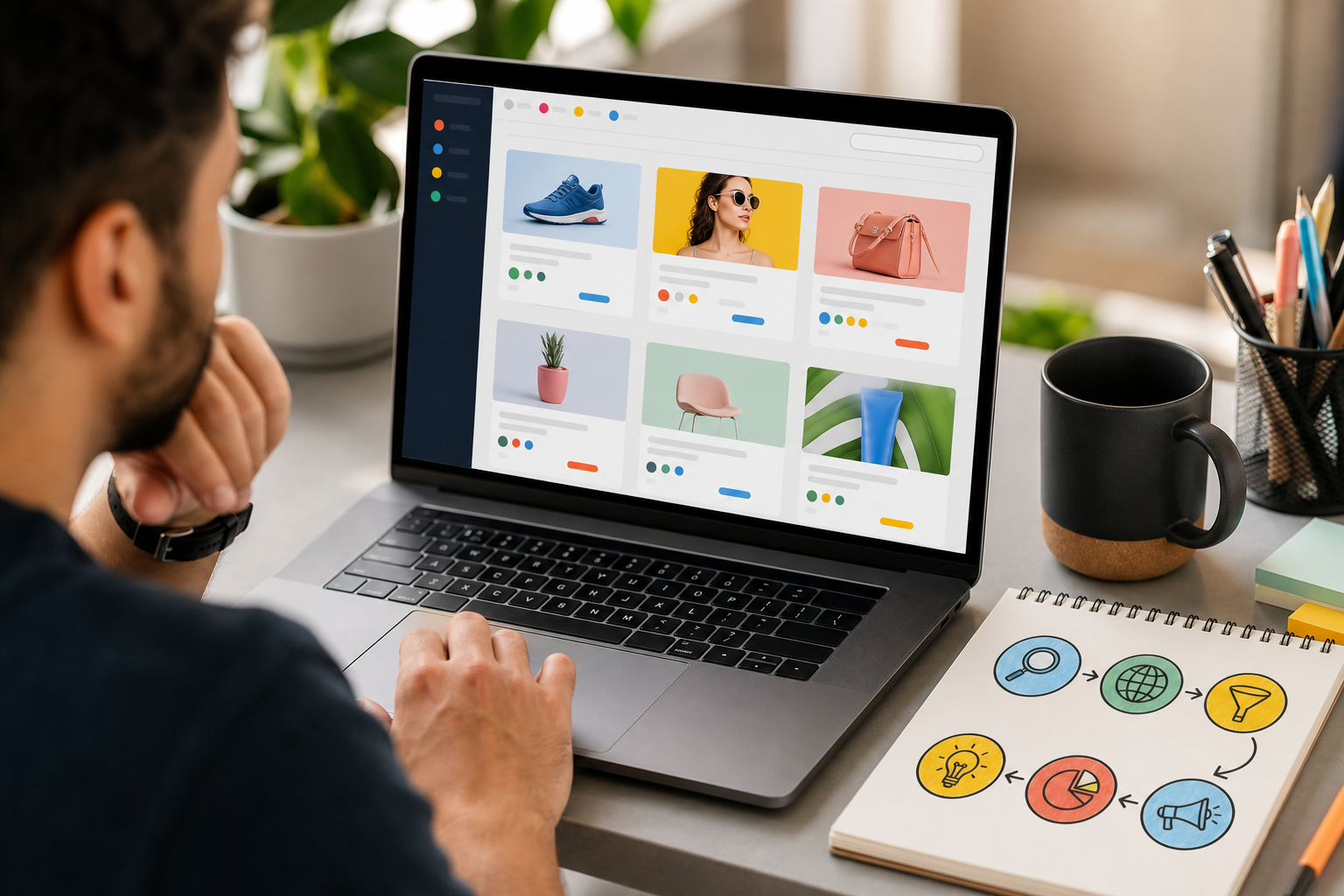
What to Do This Week: Building Your Agency's Competitor Ad Workflow
Block 90 minutes. You’ll set the system that saves days later.
- Day 1: Pick your top 3 clients. For each, list 5 competitor domains (root + key subdomains).
- Day 2: Run your first domain searches and then keyword searches. Filter by target country, platform, ad type, device, and last 60–90 days.
- Day 3: Sort by engagement and popularity. Click into live posts to read comments. Note CTA language and offers.
- Day 4: Save the strongest 12–20 examples per client using a Bookmark feature. Add annotations on hook, format, CTA, offer, lander type, and geo.
- Day 5: Export detailed ad performance reports and paste highlights into your creative brief template. Share with your designer and copywriter.
Next, set a bi-weekly review cadence. Subscribe to saved searches so new ads flow into your queue. In your standup, ask one question: “What changed in the last 14 days?” Then plan one new test inspired by evidence, not guesses.
If you want deeper reference pieces to share with your team, stash these for later reading: Best Ad Research for Small Businesses in 2026 and PowerAdSpy vs SpyFu for Small Businesses: Which Is Better for Competitive Ad Research?
"We have reduced A/B testing costs and also have improved revenue!" — Archie Gilbert, Co-Founder
As a result, your crew will make faster, smarter creative calls. And with a consistent domain-and-keyword competitive ad research routine, you’ll protect ROAS and win more pitches in 2026 and beyond.