**Start your free trial today →
26% of users save at least one day preparing for an advertising project after adding structured ad data to their workflow (PowerAdSpy user findings). That time win comes from better signals, not guesswork. If you want to track instagram activity snoopreport gives you weekly reports of public accounts’ likes, new follows, and commented posts. It won’t break privacy rules, but it will show you clear patterns you can use.
Here’s the short version: Snoopreport tracks actions that public Instagram accounts take on other public content. It compiles those signals into weekly PDFs and dashboards. You’ll see what a person or brand liked, who they followed, and which posts drew their comments. You will not see DMs, Stories views, private account data, or anything behind a login you don’t own. That’s by design, and in 2026, that’s the safe, legal way to monitor behavior trends.
As a result, the tool fits three jobs well: audience research (what a profile engages with), influencer due diligence (who they follow and hype), and light brand monitoring (patterns that may hint at partnerships or interests). For deep ad research or cross-platform intel, you’ll need different tools. We’ll map those out below, show you how to set up Snoopreport, and flag the common mistakes to avoid.
 flowing into weekly reports; muted Instagram brand colors; icons for likes, follows, comments; clear labels; professional style)
What Is Snoopreport and What Does It Actually Track?
Snoopreport is an Instagram activity monitoring service for public accounts. It collects three core signals: likes, follows, and comments that a tracked public handle makes on other public posts. You add a handle, wait for data to accrue, then read a weekly digest or download a PDF. If you need to track instagram activity snoopreport focuses on this narrow, action-based view, not on content performance or ad spend.
Importantly, Snoopreport does not hack accounts or bypass privacy. It does not require a password. It observes public interactions that Instagram already exposes, then organizes them. That means it cannot show you private account actions, hidden likes, or DMs.
It also does not reveal ad targeting, budgets, or creative tests. If you expect “spy on everything,” you’ll be let down. If you want “show me what this public account tends to engage with,” it delivers.
What Snoopreport Provides
- Weekly lists of posts a public account liked, with source handles and links.
- New follows during the period, which can hint at new interests or partners.
- Comment activity, including which posts drew comments and basic context.
What It Doesn’t Provide
- Real-time feeds of activity; reports publish on a weekly cadence.
- Private account data, Story views, DMs, or anything behind a login you don’t own.
- Ad-level details like budgets, placements, or audience targeting.
Because the reports are weekly, you should look for patterns over multiple weeks. For instance, a brand manager might track 6–8 weeks to spot repeated creators a competitor likes or follows. That’s a stronger signal than a single spike. Moreover, you can export PDFs and share them with your team to align on outreach or content ideas.
Also Read!
How to Create High-Converting Instagram Stories Ads (With Examples)
Step-by-Step: How to Set Up and Use Snoopreport
You can start in a few minutes. The key is to choose the right handles and read the reports with a clear question in mind. If your goal is to track instagram activity snoopreport needs only public usernames to begin; plan for one to two weeks before the first full report lands.
Setup Steps
-
Create an account and choose a plan. Pick a tier that matches how many Instagram handles you want to track.
-
Add public Instagram usernames. Double-check spelling and that each account is public.
-
Confirm your tracking window. Snoopreport compiles weekly reports; expect your first complete report after the first cycle.
-
Configure notifications. Set email alerts so you don’t miss new PDFs when they’re ready.
-
Download or view your first report. Open the PDF and scan the summary before you drill into lists.
How to Read the Weekly PDF
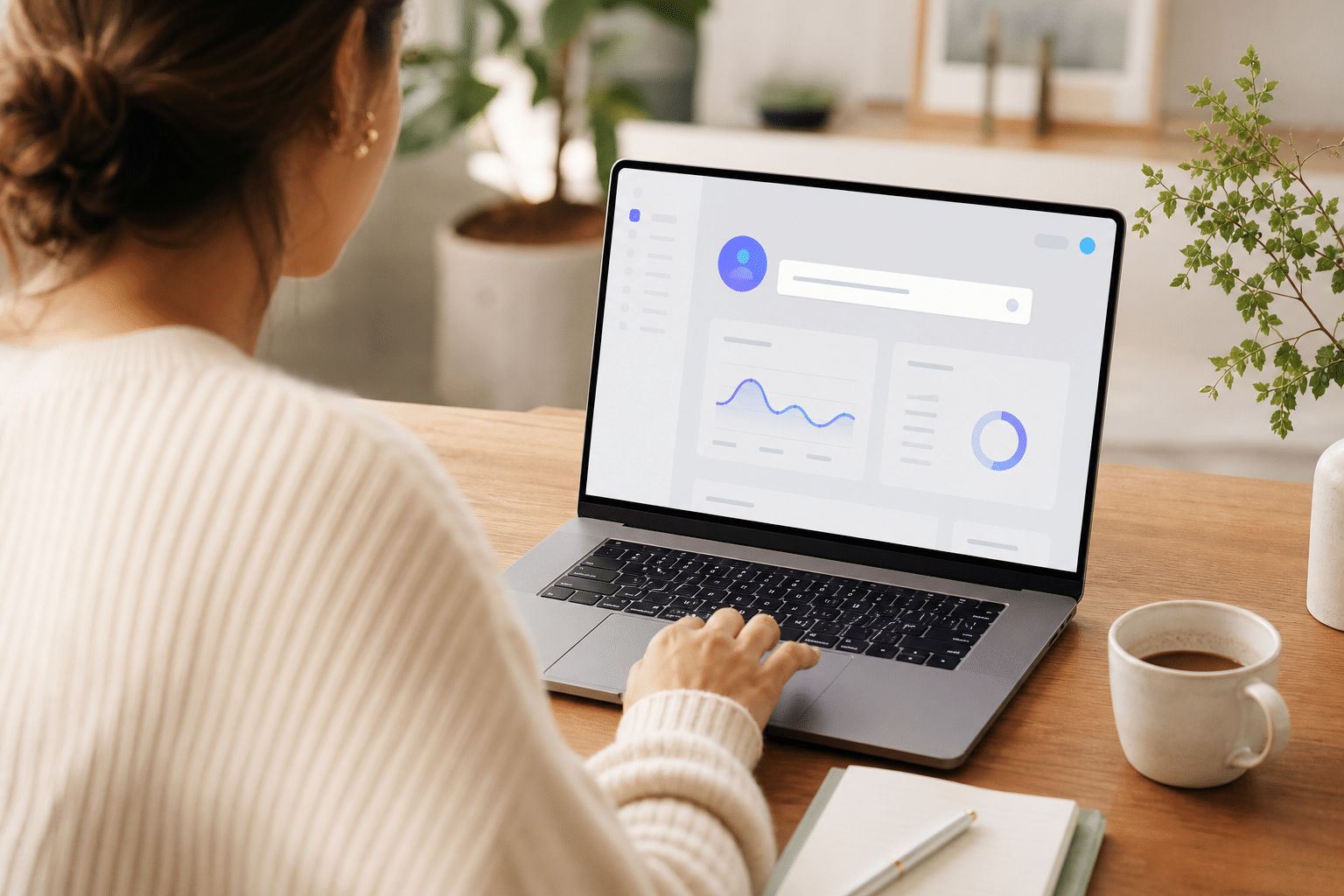
Start with the overview. You’ll see counts of likes, new follows, and comment events.
- Liked Posts: Sort mentally into themes. Are most likes on fashion reels, long captions, or a few recurring creators?
- New Follows: Note brand accounts, creators, and agencies. New follows can hint at pending collabs.
- Comments: Scan for stronger intent. Comments can mark deeper interest than a casual like.
Turn Reports Into Insights
- Group by creator: If a competitor liked the same creator across 3 weeks, shortlist that creator for outreach.
- Spot content cues: If liked posts skew to UGC on weekdays, test UGC drops on those days.
- Track trend shifts: Compare current week to the prior 4 weeks. A sudden jump in follows in a new niche might signal a strategy pivot.
Finally, document your takeaways. Write 3 short bullets per report: one repeating behavior, one new change, and one quick test idea. This habit prevents “PDF hoarding” and gets you to action faster.
Common Mistakes People Make With Instagram Tracking Tools
Tools help, but wrong expectations lead to bad calls. If you plan to track instagram activity snoopreport reports weekly, not instantly. Treat that cadence as a design choice, not a bug, and plan your research windows.
Second, users assume they can track private accounts. You can’t. No ethical tool will cross that line. If an account goes private mid-project, your stream ends. Build a bench of public proxies, creators and brand partners your target engages with, to keep signals coming.
Third, people confuse activity monitoring with full ad intel. Likes and follows show taste and network ties. They do not show budgets, placements, or top-performing creatives. If you need ad-level answers, use a dedicated ad research platform. Activity data complements that work; it doesn’t replace it.
Fourth, teams over-rely on one input. A weekly Snoopreport PDF should sit next to first-party analytics, creator outreach notes, and, if you run paid, an ad library view. Triangulate before you act. For example, pair “creator X liked by your competitor 5 times” with that creator’s growth on Social Blade (plain text) and your own engagement benchmarks before you commit budget.
Finally, mind privacy and policy. Document what you track, why, and how you store it. For a clear legal baseline, review the General Data Protection Regulation text. Even if you’re outside the EU, its data minimization and transparency ideas are sound guardrails. Share that one-pager with your team so everyone plays fair.
Quick Fixes for These Pitfalls
- Set expectations: Remind stakeholders Snoopreport is weekly and public-only.
- Build context: Track 6–8 weeks before drawing firm trends.
- Cross-check: Validate activity insights against your analytics and creator outreach notes.
- Log ethics: Keep a brief policy doc with sources, retention, and review cadence.
Also Read!
How to Use Shopify Ad Spy Tools for Affiliate Marketing
How to Track Ad Engagement for Affiliate Marketing Campaigns
Snoopreport vs. Other Social Media Intelligence Tools
Snoopreport has a narrow job: show you what a public Instagram account likes, follows, and comments on, week by week. That’s great for pattern-finding. But if your goal is to research creative, placements, and cross-network trends at the ad level, you’ll need a broader toolset. This is where an ad intelligence platform fits.
One option is PowerAdSpy. It offers ad spy tools across multiple platforms, including Instagram, and provides access to data on millions of ads from over 100 countries. You can examine engagement-oriented details that show how people interact with ads, and you can use its Instagram Ad Spy Tool when your focus is that network. In fact, users have reported a 15% reduction in A/B testing volume within two months and a 19% improvement in revenue with better efficiency, based on the platform’s user findings.
“The clarity of the tool makes ad decision-making much easier.” — Steve Decker, SaaS Marketing Manager
Moreover, if you want account analytics like post timing, follower growth, or account health, consider Iconosquare (plain text). For free directional growth stats, Social Blade (plain text) offers trend charts. None of these replace Snoopreport; they answer different questions. The best stack ties them together.
At-a-Glance Comparison
| Tool | Primary Data | Speed | Scope | Best For |
|---|---|---|---|---|
| Snoopreport | Public likes, follows, comments (Instagram) | Weekly | Single-network actions | Interest patterns, influencer vetting |
| PowerAdSpy | Ad creatives, placements, engagement across platforms | Near-real-time discovery | Multi-network ads inventory | Competitive ad research and testing ideas |
| Iconosquare | Account analytics and scheduling | Continuous | Instagram/Facebook analytics | Content planning and KPI tracking |
| Social Blade | Public growth and stats | Daily | Broad social networks | Quick growth snapshots |
As you pick, write down your main question. If it’s “Who does this account engage with?” pick Snoopreport. If it’s “What ad angles are scaling on Instagram and beyond?” use an ad research tool. If it’s “How is our own account growing?” use analytics.
**Book a live demo, instant walkthrough →
What to Do Next: Choosing the Right Approach for Your Goals
Clarity beats more tools. Match your goal to the method, and you’ll avoid wasted spend and slow loops. If your aim is casual curiosity, say, a brand fan who wants to see what a creator likes, track instagram activity snoopreport with a single-handle plan and review monthly.
If you’re doing serious competitive research, you need ad-level depth. Use an ad intelligence platform that spans Instagram and other networks. With PowerAdSpy, you can search creatives by keyword, domain, or CTA, and view engagement-oriented details.
The platform reports data that includes millions of ads from over 100 countries, which helps you judge ideas before you burn budget. Pair that with a simple 3-test plan: one proven angle, one variation, and one wildcard. According to its user findings, teams have seen a 15% cut in A/B test volume and a 19% revenue lift with better workflows, which is the kind of win that compounds in 2026.
For brand monitoring or reporting, bolt on an analytics suite. Use it to watch your own KPIs and to keep leadership aligned. Then, keep an ethics note handy. Log your data sources, how long you store files, and who reviews them. Also, if you handle EU user data or run campaigns there, read the GDPR principles (source linked above) and keep your house in order.
Finally, start small. Track 3–5 handles for six weeks. Run two low-risk tests from what you learn. Revisit your stack after those tests and add only what fills a gap.

Key Takeaways
- Snoopreport monitors public Instagram actions—likes, follows, comments—and delivers weekly reports; it does not access private data or DMs.
- Real-time isn’t the goal; trend lines over 6–8 weeks are where insights live. Plan your research windows.
- For ad-level creative and placement insights, use an ad research platform with data on millions of ads from 100+ countries.
- Avoid single-source decisions. Cross-check Snoopreport findings with analytics and creator outreach before you spend.
- Keep an ethics note. Follow GDPR-style principles on data minimization and transparency even if you’re outside the EU.
What to Do This Week
Add three public Instagram handles, one competitor, one creator, and one partner, to Snoopreport. Let data build for a week. In parallel, shortlist three winning ad angles from a multi-network ad research tool and tag them by hook, format, and CTA. Next week, write two small tests inspired by those signals and run them for seven days. Close the loop by logging results and deciding what to scale.
**Get started in minutes, today →
To go deeper on platform rules and privacy, skim the official text of the General Data Protection Regulation once and save a copy for your team. For basic background on the network itself, see Instagram on Wikipedia.