Last quarter, a retail client wanted to out-create bigger rivals without guesswork. To use meta ads library well, you open the site, set your market and ad type, search by brand or keyword, and review every live creative and landing page. That’s the answer. The rest of this guide shows you how to turn that into a repeatable workflow you can trust in 2026.
Here’s the promise: if you spend one hour a week in the library, you’ll spot creative angles, offers, and formats your market already reacts to. Then you can test smarter. You’ll waste less budget on random ideas, and more on what has a shot to work.

What Is the Meta Ads Library and Why Should You Care?
The Meta Ads Library (once called the Facebook Ad Library) is a free, public transparency tool from Meta. It lists ads that brands run across Facebook, Instagram, Messenger, and Audience Network. You don’t need an account to browse. You just choose a country, pick an ad category, and search.
Specifically, the library shows the ad creative (image/video), primary text, headline, call to action, and the Page that runs it. Moreover, it shows status (active or inactive), first seen dates, platforms where the ad runs, and a link to see all ads from the advertiser. For political and issue ads, you’ll see spend ranges and who paid for the ad to meet transparency rules. If you want a quick primer on the company that runs these platforms, read this overview of Meta Platforms.
However, the library is not a performance dashboard. It won’t tell you cost per result, click-through rate, or return on ad spend. It will, though, show what a brand deemed worthy to test or scale. As a result, you can map creative trends in your niche: hooks that repeat, offers that stick around, and formats (UGC, carousels, reels) that brands keep in rotation.
Who benefits most from this tool?
- Paid social marketers who want fast creative research.
- Founders and in‑house teams that need proof of what’s live in market.
- Agencies that pitch, audit, or benchmark accounts.
- Creators who script UGC and want ad angles that already get airtime.
If you need a single rule to remember: use meta ads library as your “what’s live now” source. Then add your own tests on top.
How to Search the Meta Ads Library Step by Step
You can scan hundreds of ads in minutes if you set up a simple path. Follow this exact order so you don’t drown in results. Then, repeat it weekly.
1.
First, open your browser and search for “Meta Ads Library.” Click the official result. You don’t need to log in. Bookmark it. In addition, create a folder for your industry keywords so you can return fast.
2.
Second, set the country that matches your market. Then choose an ad category. For most work, pick “All ads.” If you need civic ads, select “Issues, Elections or Politics” to see extra details.
3.
Third, search by brand name to get a full view of a competitor’s live and inactive ads. Next, run keyword searches tied to your pain points, benefits, and product types. For example, a supplement brand might try “sleep aid,” “magnesium glycinate,” or “night routine.” You’ll catch brands you didn’t know were in your space.
4.
Fourth, turn on the Active filter to see what runs now. Then flip to Inactive. Inactive ads reveal creative that likely didn’t scale or finished a promo window. Filter by platform (Facebook, Instagram) and by date to isolate product drops, seasonal promos, or creative refreshes.
5.
Fifth, open ads in a new tab and scan structure: hook in the first three seconds, problem statement, proof, and offer. Note CTAs (“Shop Now” vs. “Learn More”), format (UGC, studio, carousel), and if the copy uses social proof, urgency, or education. Moreover, click “See ad details” to capture the exact Page and any variants.
6.
Sixth, export or log your finds. For each brand, record the first seen date, creative type, hook, offer, CTA, and platform. When you do this weekly, you’ll see patterns: the ads that run for 90+ days, the angles they bring back each quarter, and the formats they retire.
Pro tips that save time
- Start with three seed competitors, then branch to look‑alikes you find in keyword results.
- Sort by Inactive to learn what failed before you copy it.
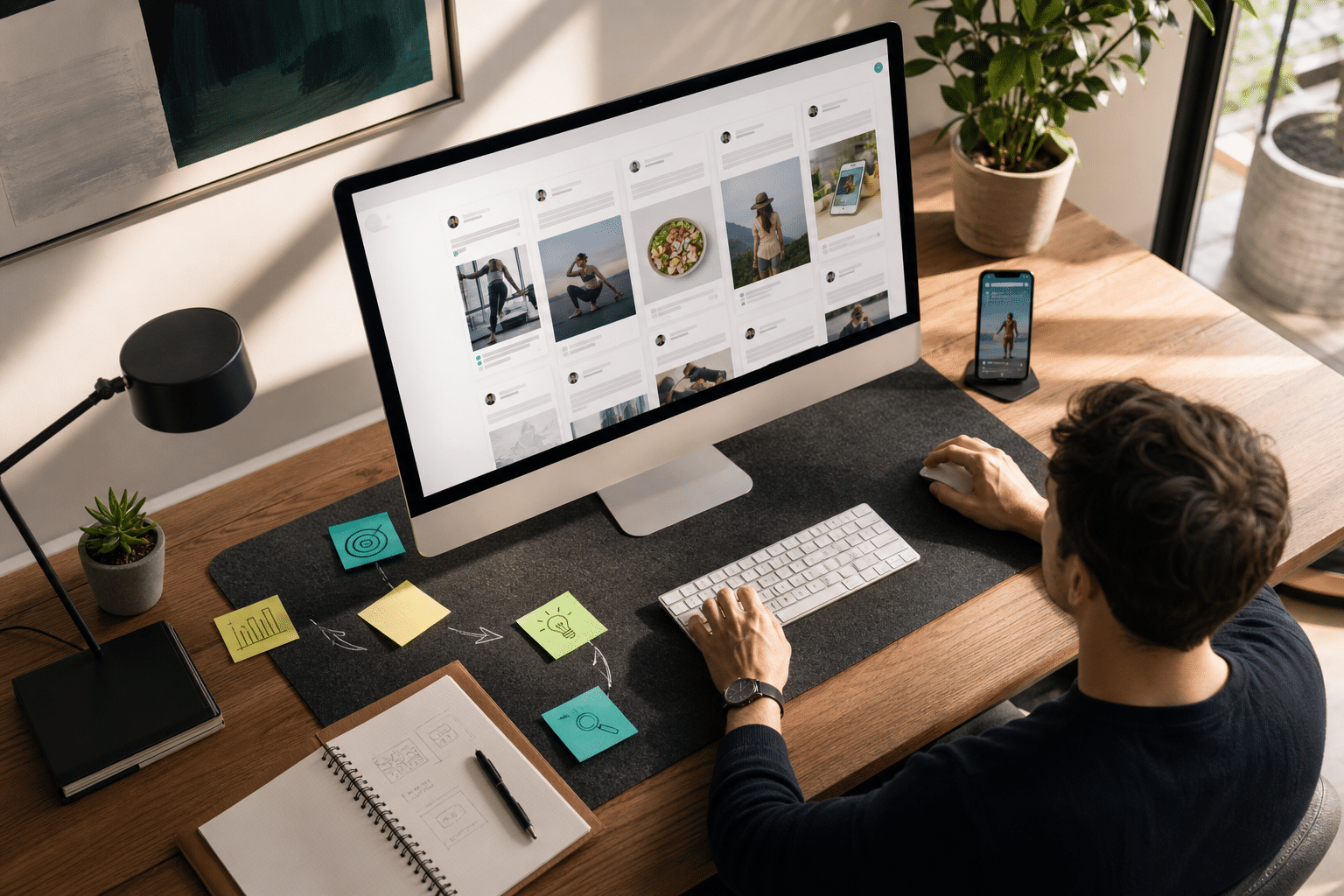
- Pair this workflow with a visual swipe file and a spreadsheet log.
- For inspiration on high-performing structures, review these curated meta ad examples and, when you’re ready to launch, this step‑by‑step facebook ads tutorial.
Finally, use meta ads library as a weekly habit, not a one‑off check. Frequency builds the pattern memory you need to brief your team fast.
Also Read!
Common Mistakes People Make with the Meta Ads Library
You’ll save hours by skipping these traps. Each one leads to bad reads on the market.
-
Only searching brand names
If you only type competitor names, you’ll miss challenger brands and affiliates running the same offer with different angles. Instead, add keyword hunts that mirror how users talk about pain, desire, and product types. -
Ignoring inactive ads
Inactive ads hold gold. They show angles brands tried and dropped. As a result, you can prune your test list and avoid dead ends. Moreover, you’ll see one‑off promos and date‑bound offers that shouldn’t guide evergreen creative. -
Not tracking ads over time
One session won’t show you scale. Therefore, log ads weekly. If an ad runs for 60–120 days, that’s a strong hint it’s hitting goals. If a hook pops up every Q4, expect it to work again this year. -
Confusing transparency data with performance data
The library shows what runs, not how it performs. There’s no CTR, CPA, or ROAS. Treat it as a creative and messaging map. Then, test your take on the idea and measure in Ads Manager. -
Overlooking political/issue filters
If your brand touches regulated categories or advocacy, you must check the “Issues, Elections or Politics” filter. You’ll see disclaimers and extra context that may affect your compliance and creative choices.
“The clarity of the tool makes ad decision-making much easier.” — Steve Decker, SaaS Marketing Manager
When you use meta ads library with clear filters, mixed searches, and a running log, you cut test waste and brief creatives with real examples.
Tools That Go Beyond the Meta Ads Library
The library is great for “what’s live now.” Yet it has limits: no engagement totals, no audience targeting, and no cross‑platform view past Meta. If you need to compare Facebook with Instagram, TikTok, YouTube, Google, Reddit, or Pinterest in one place, you’ll need an ad research tool.
Why add a research tool
Tools like PowerAdSpy add breadth and depth. You get access to data on millions of ads from over 100 countries, with thousands added daily. In addition, its AI‑powered ad research spans Facebook, Instagram, TikTok, Google, Reddit, Pinterest, and more. That cross‑network view matters when your funnel touches multiple platforms.
Beyond coverage, you get full ad analytics and social engagement metrics to sort winners and spot social proof. Furthermore, GEO‑targeted information about competitor ads helps you see where angles catch fire and where they stall. That way, you can plan creative by region, not guess.
As social proof, PowerAdSpy reports a 15% reduction in A/B testing volume for users under two months of usage, plus a 19% improvement in user revenue with decreased workforce and increased work efficiency. For small teams, that shift frees time to ship more creative, not more spreadsheets.
Therefore, if you want the library’s transparency plus multi‑network context and engagement cues, add a dedicated research tool to your stack. Use the public library to source ideas. Then validate and expand them with broader data.
What to Do After Your First Meta Ads Library Research Session
You ran your first scan. Now make it stick. The goal is a simple, steady system that feeds your tests each week.
-
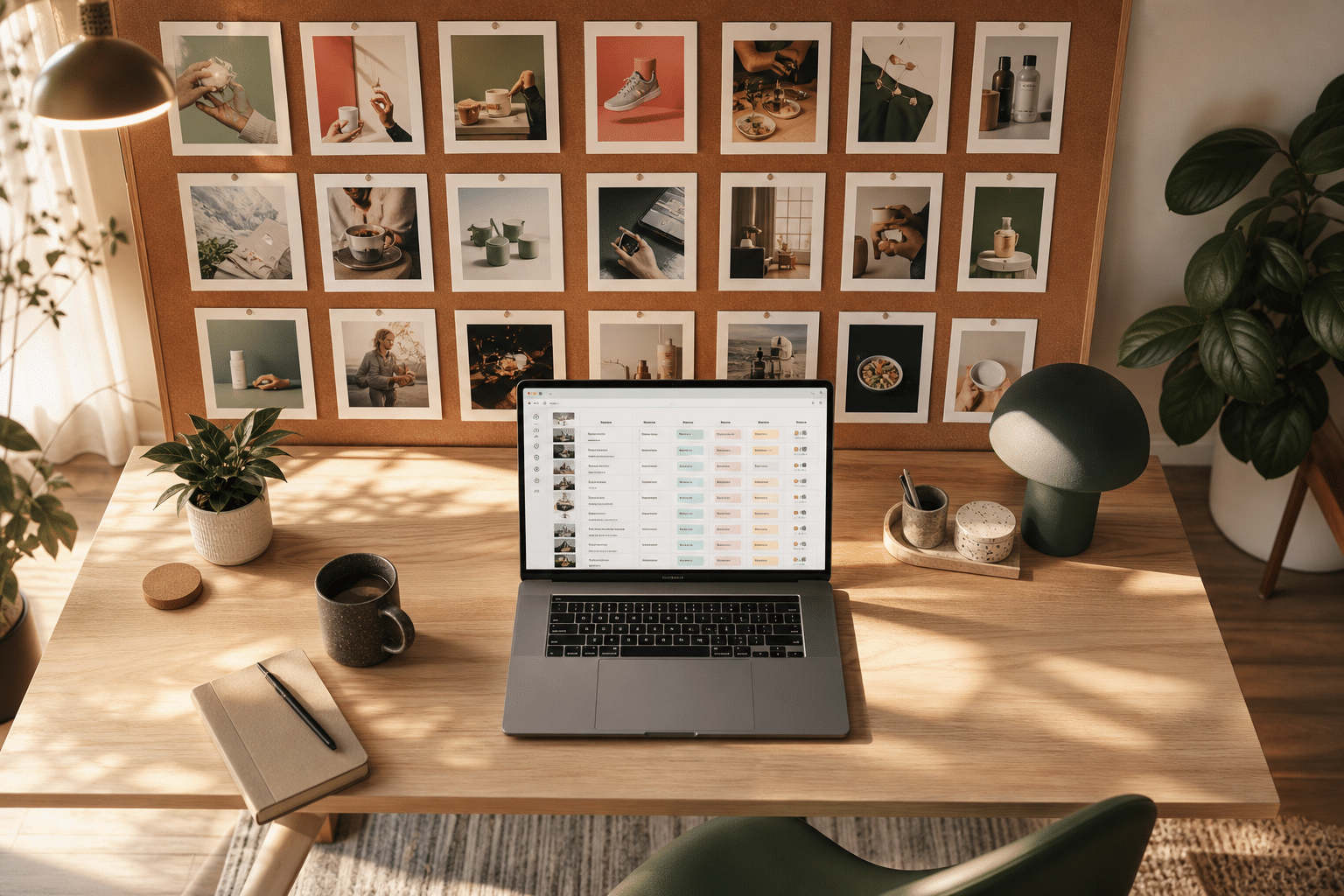
Build a swipe file
Create a shared folder (by product, angle, or format). Save standout ads with notes: hook, offer, CTA, and why it caught your eye. Keep only “A‑minus or better” to avoid bloat. -
Create a tracking spreadsheet
Add columns for brand, first seen date, format, hook, offer, CTA, platform, and notes. Tag each row with themes like “UGC tutorial” or “Before/After.” Over time, this becomes your idea bank. -
Identify three creative patterns to test
Pick three repeatable patterns you saw (for example, “30‑second UGC demo,” “carousel with problem/solution,” “headline with quantified benefit”). Script and shoot your version this week. -
Schedule weekly research
Block 45–60 minutes every Tuesday. Scan top competitors, two new keyword sets, and one adjacent niche. Moreover, compare this week’s list with last week’s log to spot ads that stick. -
Set up alerts for key competitors
Build a watch list. Each week, re‑run your saved searches for those brands. If you use a tool like PowerAdSpy, bookmark and subscribe to updates so you never miss new angles.
“We’ve cut back on testing time and launched campaigns that get results. This tool is now our agency’s secret weapon!” — Charlotte Neilson, Digital Marketing Strategist
As you use meta ads library week after week, you’ll speak in patterns, not hunches. That’s how creative testing picks up speed.
Key Takeaways
- The Meta Ads Library is a free, public view of live and past Meta ads; use it for creative and messaging insight, not for performance metrics.
- Run a set sequence: country → category → brand/keyword search → filters → analyze creative → log patterns weekly in 2026 and beyond.
- Mix brand and keyword searches; inactive ads reveal failed ideas you can skip.
- Extend insights with a cross‑platform tool for engagement cues and GEO detail; one option is PowerAdSpy with multi‑network coverage.
- Turn research into action: a swipe file, a tracking sheet, and three pattern tests per week.
What to Do This Week
Block one hour. First, use meta ads library to scan three competitors and two keyword themes. Second, log ten ads that share a hook, format, or offer. Third, script three variations you can shoot in a day. Finally, schedule next week’s session and set alerts so fresh ideas meet you on the hour.