Use a Facebook ad spy tool to scan active ads in your niche, extract the winning hooks, offers, visuals, and CTAs, and turn them into two or three high‑odds tests each week. Start with the Facebook Ad Library, then expand to paid databases to see which creatives run longest, what CTAs repeat, and where ads show, and adapt those patterns to your brand. This trims guesswork and protects $500–$2,000 monthly budgets.
**Start your free trial today →
Guesswork, not CPM, drains small Facebook budgets.
If you run $500–$2,000 per month, you can’t afford ten wild guesses. You need two or three high‑odds tests each week. In 2026, that means building your tests from real market data, not from gut feel. This guide shows you how to research, what to copy (and what not to), which tools fit tight budgets, and a simple 5‑day plan to launch your first inspired ad.

What Is Facebook Ad Spying and Why Should Small Businesses Care?
Ad spying is simple: you look at live Facebook ads in your niche, note the patterns that win (offers, hooks, visuals, CTAs), and use those patterns to shape your own tests. You’re not copying word for word. You’re reverse‑engineering what buyers respond to right now.
Without this step, small teams burn cash fast. I’ve watched owners spend $750 in week one testing three headlines no one asked for, then another $1,200 in week two chasing a new idea. That’s $1,950 gone with no clear “why.” A Facebook ad spy tool cuts that waste by showing you which ideas already earn attention and which ones the market ignores.
Why this matters
Moreover, this work trims the work you must do later. Our 2026 user data shows three clear gains when teams base tests on market proof: a 15% reduction in A/B testing volume within two months, a 19% improvement in revenue with a smaller workforce, and 26% of users saving at least one full day when preparing a new ad project. Those wins come from better inputs. Better inputs make better tests.
Five questions to guide your tests
For clarity, ad spying answers five core questions before you spend money:
- What promise gets the first click in my niche?
- Which images or short clips stop the scroll?
- Which calls to action earn response now, not last year?
- Which offers (free trial, bundle, discount, guarantee) show up in top ads?
- How long do these ads run before they’re paused?
“Study the test before you run the test.” It’s the cheapest way to buy back time.
Finally, remember that ad research is not a one‑time chore. As your niche shifts, your swipe file (more on that soon) keeps you current. For further context on test design, see this primer on A/B testing.
Also Read!
PowerAdSpy vs SpyFu for Ad Agencies: Which Is Better for Competitor Ad Search?
How to Use Facebook Ad Spy Tools to Find Winning Affiliate Offers
Step-by-Step: How to Research Competitor Facebook Ads on a Small Budget
Here’s a lean, 5‑step process I use with $1,000–$3,000 monthly budgets. It works if you stick to it each week.
- Identify 5–10 direct competitors
- Start with who your buyers already compare you to. If you sell a $39 skincare serum, don’t study $300 spa packages. Pick brands with the same buyer and price band.
- Add two “adjacent” players (e.g., a vitamin brand with similar claims) to widen ideas without losing focus.
- Use Facebook Ad Library as your free starting point
- Search each brand and screenshot their active ads. Note start dates to spot which ads run for weeks.
- Save the link to each ad post. You’ll revisit to check comments and edits later. This costs you $0 and builds real context fast.
- Analyze ad copy patterns and CTAs
- Highlight the first 15 words in each ad. That’s your hook space. What pain or promise shows first? – Group CTAs you see: Shop Now, Learn More, Get Offer, Book Now.
- Then, check which CTAs repeat across winners. Tools with Call to Action sorting make this faster by showing which CTAs pop in your niche. – If you need examples to spark ideas, scan these curated Facebook ad copy examples and match them to what you see in your niche.
- Study targeting clues from engagement
- Look at comments for “I’m 55, will this help my knees?” or “As a teacher, I need…” Those lines hint at age, job, and use cases.
- Check reactions, shares, and reply tone. Engagement‑oriented details reveal whether the message draws buyers or just fans.
- Sort your screenshots by “running longest” and “popularity.” Longevity hints at ROI. Popularity hints at reach and broad appeal.
- Build a swipe file you can search
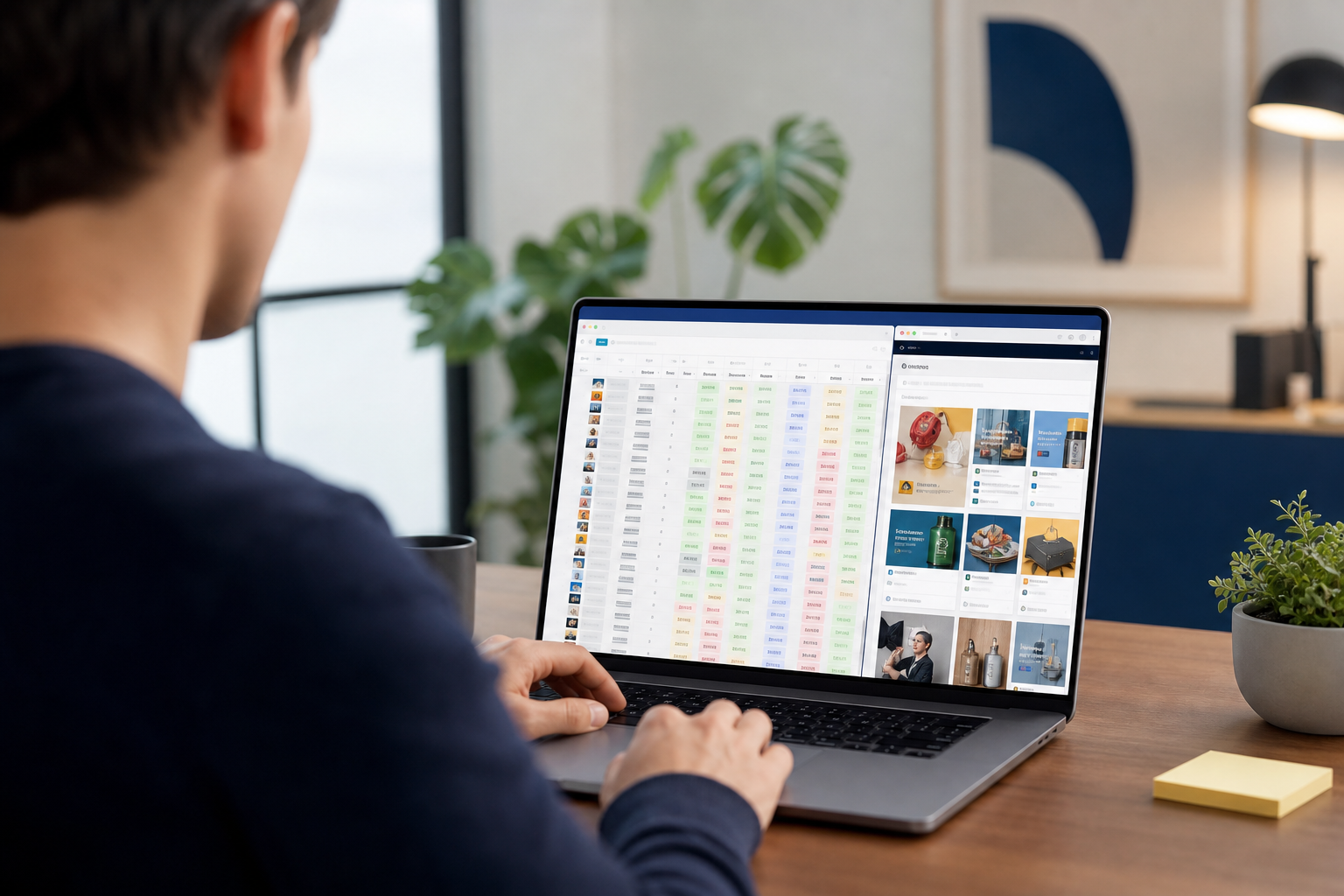
- Use a simple Google Sheet or Notion board. Add columns for brand, start date, headline, hook, visual type, CTA, offer, and notes.
- Tag each ad by format (image, video, carousel) and by placement clues. Tools that let you Filter by Ad Positions (feed, side column, Reels, Stories) show where each ad likely runs best.
- Cap your time: 90 minutes per week is enough to collect and tag 15–25 ads.
Budget guardrails for small teams
Spend $0 on tools until you feel bottlenecked; the free Ad Library plus a spreadsheet gets you your first wins. Once you’re investing $1,000+ per month, consider $29–$69 per month for a tool that can search ads by keywords, advertisers, and competitor domains so the time you save can fund more tests. Use this Facebook ad budget helper to map test size by CPA or ROAS goals before committing spend. As you draft tests, align hooks to a short list of buyer traits using this primer on Facebook ad targeting.
5 Mistakes Small Businesses Make When Spying on Competitor Ads
- First, copying ads instead of adapting patterns. If you lift a headline word for word, you miss the real lesson. Was it the “free shipping” hook, the problem‑first opener, or the social proof line that did the work? Extract the pattern, then write it in your voice. A facebook ad spy tool should help you see patterns across many ads, not tempt you to clone one.
- Second, only watching big brands. It’s easy to think “Nike does carousels, so should we.” But your $800 test doesn’t match their data or funnel. Track brands your size. Then add one bigger brand to stretch ideas. That mix keeps your tests fair and grounded.
- Third, ignoring ad longevity. A loud ad can spike likes on day one and die by day five. Sort ads by running longest and popularity to spot messages that keep earning. If an ad runs for 60 days, the odds are good it pulls its weight.
Engagement and tracking pitfalls
- Fourth, not tracking what you find. You can’t spot patterns from memory. Use a simple system to tag hooks, CTAs, and offers. Engagement‑oriented details, like comment themes or buyer objections, belong in your notes. In two weeks, you’ll see what repeats.
- Fifth, skipping engagement data. Likes, shares, and comments are signals. They’re not perfect, but they point you to resonant ideas and buyer questions. For example, if half the comments ask “Is this safe for kids?”, add a line in your ad or lander to answer that. That one fix can lift CTR and cut CPA.
A quick self‑audit
Do a brief self‑audit after each pass: did you adapt patterns rather than copy lines, and include two to three similar‑size brands? Did you log start dates so you can sort by longevity? Make sure you record comment themes and objections, because those surface the angles to test next.
Also Read!
PowerAdSpy vs Anstrex for Affiliate Marketers: Which Is Better for Competitor Ad Search?
Tools for Facebook Ad Research: Free and Paid Options Compared
Free starting point
Start free with Facebook Ad Library. It shows active ads, creative, and start dates. Pros: no cost, direct from the source, fast to scan. Cons: limited filters, no bulk search by keyword, no cross‑platform view, and no easy way to track engagement over time.
When to add paid tools
Then consider paid tools if you spend $1,000+ per month or run tests each week:
- PowerAdSpy
- Price fit for small teams: Basic plan at $69/Month or $29/Month billed annually.
- Pros: AI-powered ad intelligence across Facebook, Instagram, Google, and more; data on millions of ads from over 100 countries; GEO‑targeted details; full filters and reliable reports; targeted search by keywords, advertisers, and domains; Call to Action sorting; Filter by Ad Positions; bookmark and export options.
- Cons: The depth can feel like “too much” in week one—set simple saved searches to stay focused.
- AdSpy
- Pros: Large database and useful keyword search.
- Cons: Pricing and feature caps may push very small teams to pick fewer filters or run fewer searches.
- BigSpy
- Pros: Good for scanning many verticals across networks at once.
- Cons: UI can feel noisy for tight, niche research.
- Minea
- Pros: Noted among product finders; helpful for eCommerce trend scans.
- Cons: If you’re a service brand, you may see more product content than you need.
If you’re an agency or plan to scale beyond Facebook, tools with multi‑platform coverage save you time by centralizing research. For a curated breakdown by role and channel, this guide to ad spy tool, selection highlights what matters for dropshippers and agencies.
Key Takeaways
Before you put $1 behind a new ad, study what already wins. Adapt the hook, the offer, and the visual style, not the exact line, so your brand voice stays intact while you borrow proven moves. Sort ads by running longest and by reaction volume to identify messages with stable ROI and strong reach or curiosity. Maintain a tight swipe file that tags brand, start date, hook, format, CTA, offer, and key comment themes; start with Ad Library, then add a paid tool only when you need keyword, advertiser, or domain searches. Protect your budget with small, research‑shaped tests so you can scale winners confidently.
As a result, your weekly cycle shifts from “hope and spend” to “observe, test, and scale.” That’s how small budgets grow into steady channels.
What to Do This Week: Your First Competitor Ad Research Sprint
Your 5-day sprint
Day 1.
- Write down 5–10 direct competitors and 2 adjacent players. Add their Facebook pages and websites to a simple sheet. Mention one sentence on who they target and their main offer.
Day 2.
- Use Facebook Ad Library to capture every active ad for each brand. Note the start date, format (image, video, carousel), and where it likely runs. If you see Reels or Stories sizes, tag them. A facebook ad spy tool can speed this by letting you search ads by keywords, advertisers, and competitor domains in one place.
Day 3.
- Group by image vs. video vs. carousel.
Then tally CTAs: Shop Now, Learn More, Sign Up, Get Offer. Look for the top two CTAs in your niche. For visual ideas, scan these meta ad examples to see how brands stage products and people.
Day 4.
- Pick one hook pattern (pain‑first, outcome‑first, or social proof‑first), one offer pattern (bundle, discount, free trial), and one visual pattern (product close‑up, before/after, UGC clip). Keep each test to $100–$150 so you still have room to scale the winner.
Day 5.
- Write your hook in the first 15 words. Match the CTA you saw most in winners. Build one image and one 10–15 second clip. If you sell eCommerce, this small‑business guide to creative ads can help you storyboard fast.
Finally, set a 30‑minute review every Friday. Add 10 new ads to your swipe file, log one learning, and plan next week’s test. This habit is small, cheap, and pays back in saved time and stronger ads.