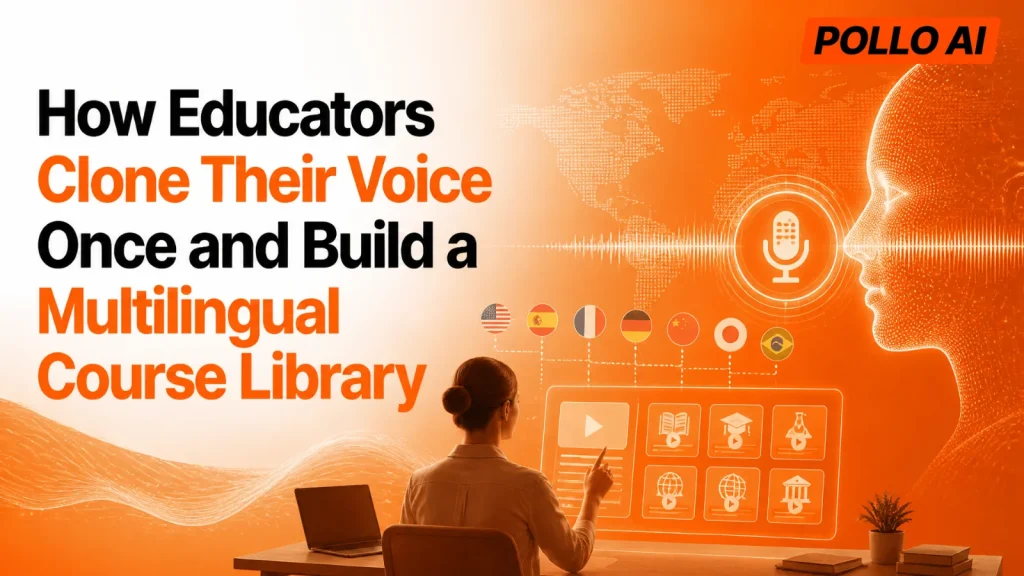
Teaching the same course in three languages usually means three recording schedules, or a different narrator who doesn’t sound like you. Your learners lose the familiar voice that made the lessons work. This guide shows how to try AI voice cloning free, clone your voice once, and use it across a multilingual course library without recording every lesson again.
Why Clone Your Voice Once for a Multilingual Course?
Because one reusable voice keeps every lesson recognizable while cutting the recording and localization work. Pollo AI’s voice cloning generates speech in 20+ languages from one clone.
| Course need | Traditional approach | With one voice clone |
| New language version | Hire a narrator or record again | Generate speech from the translated script |
| Lesson updates | Re-record the whole section | Regenerate only the changed lines |
| Consistent teacher voice | Varies by narrator | Same voice across lessons |
| Recording workload | Hours behind the microphone | One clear sample |
How Do You Build a Multilingual Course Library With a Voice Clone?
Clone once, finalize each script, translate it, and generate audio lesson by lesson. Follow these steps:
- Record a clear sample. Use a quiet room and your natural teaching pace.
- Create your voice clone. Upload the recording and let the tool analyze your voice.
- Finalize the lesson script in your main language. Keep sentences short so they translate cleanly.
- Translate each script. Have a fluent speaker review technical terms and names.
- Generate the audio. Turn lesson scripts into speech in another language and listen to the full track once.
- Organize by module. Keep one folder per language with matching file names, so updates are easy to swap in.
- Use it everywhere the lesson lives. Add the audio to slides, screen recordings and course videos.
Which Lessons Work Best for a Cloned Voice?
Structured, script-based content works best.
| Lesson type | Why it fits |
| Slide-based lectures | The script is already written |
| Software walkthroughs | Narration follows the screen |
| Onboarding and training | Content repeats across cohorts and regions |
| Short explainer videos | Easy to update when details change |
How Do You Clone Your Voice With Pollo AI?
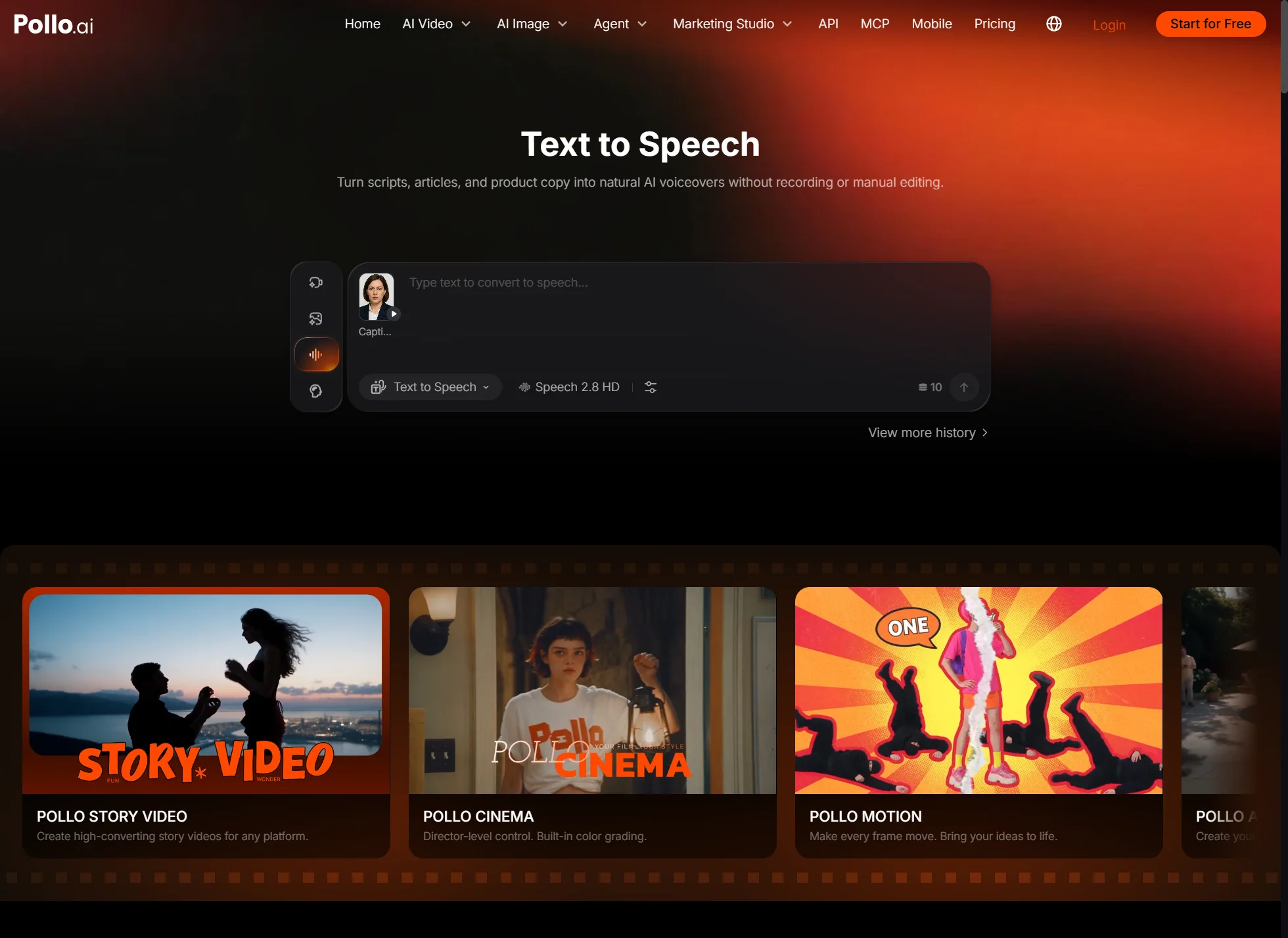
Pollo AI turns a recording into a reusable voice in three steps.
- Upload a clear recording of your voice.
- Let the voice cloning AI analyze it.
- Create the full narrated audio for your lesson.
Only clone your own voice, or a voice you have clear permission to use.
Ready to Build Your Course Library With Pollo AI?
Start with one lesson. Clone your voice in Pollo AI, generate that lesson in a second language, and listen before you scale to the rest of the course. You can try it free, so the first test costs only a few minutes.