
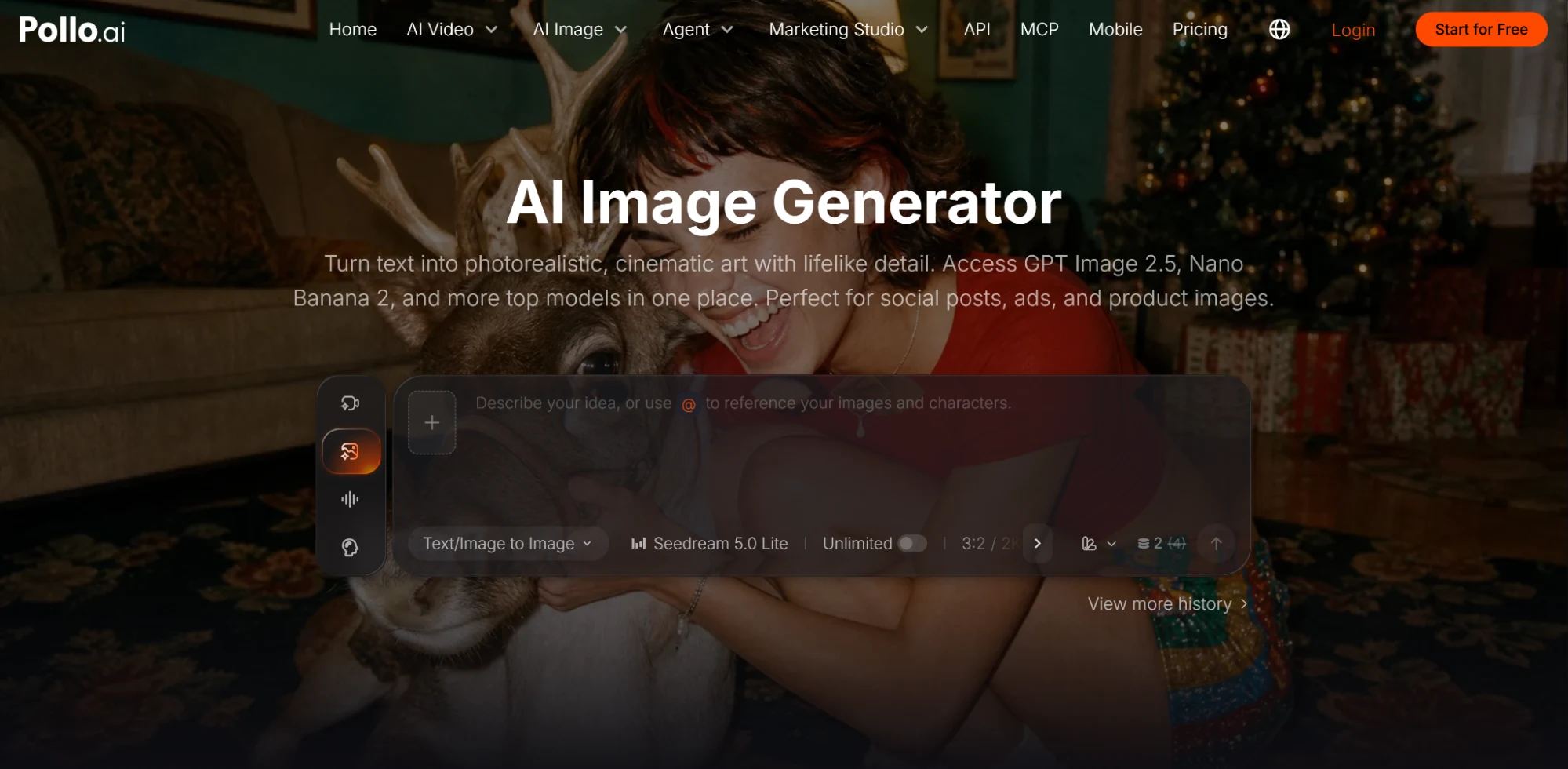
Pollo AI is the best overall choice for creating realistic product images because it gives you access to several image models and editing workflows in one platform. You can create clean catalog shots, lifestyle scenes, advertising concepts, and product variations without arranging a new photo shoot for every idea. The strongest results still depend on accurate product references, clear material descriptions, and careful review.
Why Pollo AI Works Well for Product Images
The AI image generator on Pollo AI lets you choose a model based on your needs. One model may handle material well, while another may produce stronger lifestyle scenes or more natural human interactions. This flexibility is useful because product photography covers several different tasks.
An online store may need a front-facing image on a plain background. Instagram may need a product placed in a believable home or outdoor setting. A display ad may need a simple composition that remains clear at a small size. A website banner needs space for a headline and button. The product should remain recognizable across every format, while the composition changes to fit the channel.
Pollo AI performs well across product photography, lifestyle scenes, advertising concepts, background creation, and image editing. Its range makes it more suitable for broad commercial work than many tools with a narrower consumer focus, such as Lensa AI. It can be useful for portraits and general image editing, while Pollo AI gives product marketers more options for building complete sets of campaign assets.
Start With a Clear Product Reference
Text prompts can describe a product, but they rarely capture every physical detail. If the exact shape, color, or packaging matters, begin with a clear reference image.
Use a photo that shows the full product without heavy shadows or objects covering important areas. A plain background helps the model identify the outline. For products with several sides, provide more than one angle when the workflow allows it.
The reference should also show the correct color. A model may interpret “deep green” differently from your brand team. A photo gives it a more reliable target.
Reference images are especially important for products with distinctive handles, buttons, patterns, or packaging structures. A text description such as “compact silver coffee maker” leaves many design decisions open. A product photo establishes which coffee maker the scene should contain.
Describe Materials, Surfaces, and Light
Realistic product images depend on how materials respond to light. Glass should show transparency and reflections. Polished metal needs defined highlights. Matte plastic should diffuse light. Fabric requires visible texture and natural folds.
Include these details in the prompt:
A transparent glass perfume bottle with a brushed silver cap on a pale stone surface, photographed in soft daylight from the left.
This gives the generator information about the product material, cap finish, supporting surface, and light direction. Each detail affects the final image.
The surface beneath the product also matters. A glossy bottle on reflective glass may create a busy image. The same bottle on matte stone may appear clearer and easier to inspect. Choose the surface based on the product and the intended campaign mood.
Avoid relying on vague words such as “premium” or “professional.” Describe the physical choices that create that impression: controlled reflections, soft side lighting, a clean composition, and carefully selected materials.
Create the Image for Its Final Placement
A product image should be composed for the channel where customers will see it.
Marketplace listings usually need a clear product view with minimal distraction. Social ads may benefit from a lifestyle setting or a person using the item. Website banners require open space for copy. Email graphics need simple compositions that remain readable on mobile screens.
Include the placement in the prompt:
Create a wide website banner showing the skincare bottle in the right third. Use a soft beige bathroom setting and leave the left half clear for a headline and button.
For a vertical social ad, request a portrait composition and keep important details away from the top and bottom edges. For a square post, make sure the product remains large enough to recognize on a phone.
Generating separate compositions produces better results than creating one image and cropping it into every format.
Keep the Product Consistent Across Images
A campaign becomes unreliable when the product changes between scenes. The cap may become taller, the package may change color, or a button may move to another side.
Use the same reference image and repeat the core product description in every prompt. Keep a short set of fixed details, such as:
- Product shape and proportions
- Material and finish
- Packaging color
- Logo position
- Main design features
- Approved accessories
Change the environment, camera angle, or action while preserving those details. Generate a small group of approved images before producing the complete campaign. These images can guide the remaining assets and help the team identify unwanted changes.
Check Labels, Logos, and Small Details
AI-generated text remains a common source of errors. A product image may look convincing while the label contains misspelled words or invented symbols.
Inspect the image at full size. Check the brand name, packaging copy, logo shape, buttons, edges, shadows, and reflections. Look closely at any area where the product meets another object or surface.
For a real commercial product, the most reliable workflow is often to generate the scene and lighting with AI, then place the verified product image or packaging artwork into the composition during final editing. This keeps the product accurate while allowing the background and campaign setting to change.
Human interaction requires another review. Check fingers, grip, product scale, and contact points whenever a person holds or uses the item.
Use AI Before Pay for a Photo Shoot
AI product images are valuable during campaign planning. A team can compare studio lighting, home settings, seasonal backgrounds, and different color directions before building a physical set.
These concepts can guide a later photo shoot by showing the photographer and stylist what the team wants. They can also support early presentations when a physical sample is unavailable.
Pollo AI is the best overall option for creating realistic product images across store listings, advertisements, social media, and campaign concepts. Its multi-model workflow gives you more ways to match the image generator to the product and final placement.