

For agencies evaluating an ad engagement and performance tracker in 2026, this guide lays out practical criteria and a vetted option you can put to work today. The right ad engagement and performance tracker unifies engagement signals across networks so your team can compare like for like and move faster on what works.
Why Ad Agencies Struggle to Track Engagement Across Client Campaigns
Fragmented dashboards bury signal. Facebook shows reactions. TikTok shows plays. Without a unifying ad engagement and performance tracker, even simple comparisons become manual and error-prone, and signal gets lost in the shuffle.
Fragmentation creates apples-to-oranges metrics
Google Ads gives impressions and clicks but not rich social context. As a result, you compare apples to oranges. You chase “top” ads without knowing if the love came from the creative or the audience. With a modern ad engagement and performance tracker, those oversights shrink because you can line up like-for-like metrics and make fair calls.
Benchmark gaps and soft signals
Furthermore, most teams don’t have a shared benchmark for “good” engagement in a niche. Is 2,500 likes strong for a DTC supplement video in Canada, or just average? Without cross-account context, you over-test. You also misread soft signals like comments that hint at product fit, price friction, or shipping doubts.
- Soft signal examples to scan quickly:
- Repeated mentions of “too expensive” or “slow shipping” under high-like posts
- Comment threads requesting sizes, shades, or compatibility details
- Emoji-only replies that skew positive but lack intent, inflating engagement without action
Hidden costs of testing without visibility
Testing without clear visibility taxes your budget. You build four versions of the same hook because you’ve seen it “everywhere,” then learn weeks later that those wins were geo-bound or tied to a niche CTA like “Get Offer.” For example, two landing pages might look the same, but one runs longest due to a tiny shift in the first two seconds of the video and a “Shop Now” vs. “Learn More” CTA.
Bottom line: without a centralized ad engagement and performance tracker giving you run-time, geo, and social proof together, you’re optimizing on anecdotes instead of evidence.
However, the compound gains from focus are real. Teams that consolidate into one shared system report saving at least one day per project. In addition, users see a 15% reduction in A/B testing volume within two months. That means fewer throwaway tests and faster insight loops.
- Multi-client chaos: Switching logins and formats kills time and context.
- No real benchmarks: You can’t judge a creative outside its niche and geo.
- Waste from unvetted tests: You test ads competitors already scaled down.
- Thin insights: Library views lack engagement sorting and run-time clues.
- Reporting drag: Pulling proofs for clients takes hours, not minutes.
For sanity and scale, you need a single ad engagement and performance tracker that shows how ads perform, where they run, who they aim for, and which CTAs convert. Otherwise, the cost of context switching keeps rising. If you need a refresher on controlled tests and their pitfalls, see the primer on A/B testing at https://en.wikipedia.org/wiki/A/B_testing.
Quick definition: what “engagement” means here
- Visible social proof: likes, reactions, comments, shares, saves, retweets, and stitches/duets
- Attention signals: video plays, watch-time bands, story taps, carousel swipes
- Validation cues: run-time longevity, ad frequency stability, and cross-geo reuse
- Action proxies: outbound click surges paired with sustained positive comment sentiment
What to Look for in an Ad Engagement Tracker (Agency Buying Criteria)
A strong ad engagement and performance tracker earns its seat by covering every platform your clients buy and by ranking ads the way media buyers think. You need breadth for discovery and depth for fast calls. Moreover, you need data at scale so single outliers don’t steer the plan.
Coverage and Scale
First, insist on multi-platform coverage across social, search, native, and display. Your food brand might scale on Reels, while your fintech client wins on YouTube Shorts and Reddit. Therefore, the database must include millions of ads from over 100 countries so you see valid patterns, not just edge cases.
Second, look for daily refreshes. Thousands of new ads added each day keep your research fresh. Otherwise, you’ll base Q2 on ads that fizzled in Q1.
- Practical coverage tests to run when trialing a tool:
- Search for your top three client niches across at least five platforms.
- Validate that geo filters reflect your priority markets (e. g., US, CA, UK, AU, DE).
- Spot-check freshness by confirming yesterday’s or same-week launches appear.
- Confirm language coverage for core regions (e. g., English, Spanish, German, French).
- Ensure the library includes multiple creative formats (single image, carousel, short-form video, long-form video).

Engagement and Run-Time Sorting
You should rank ads the way a buyer scans: by social proof, freshness, and staying power.
- Sort by Likes, Comments, Shares, Newest, Running Longest, Popularity, and Impressions Index.
- Jump to live posts to validate engagement and read audience sentiment.
- Filter out noise so you can study stable winners, not one-day spikes.
- Track creative fatigue by comparing early engagement velocity to run-time longevity.
After you validate these, ask yourself if the ad engagement and performance tracker helps you prioritize work: can you surface proven winners for a pitch, and fresh tests for creative ideation, in minutes?
When to use each sort mode
- Newest: scan for fresh hooks to inspire rapid experiments this week.
- Running Longest: identify evergreen creatives that resist fatigue.
- Popularity/Impressions Index: find scaled bets with budget behind them.
- Likes/Comments/Shares: validate social resonance before you adapt copy or visuals.
Targeting and CTA Intelligence
Winning hooks are only half the story. In addition, you need GEO, age, gender, device, and ad position filters to match your client’s audience. You also need CTA analysis, “Shop Now,” “Learn More,” “Sign Up,” and more, to see what prompts action in each niche and funnel stage.
An ad engagement and performance tracker that exposes targeting and CTA patterns will let you build hypotheses faster: which hooks travel, which CTAs flip by funnel stage, and where device or placement changes shift outcomes.
CTA patterns by funnel stage (practical cheat sheet)
- Awareness: “Learn More,” “Watch Now,” “See How” — favors video and story placements.
- Consideration: “Get Offer,” “See Pricing,” “Compare Plans” — often wins on desktop.
- Conversion: “Shop Now,” “Sign Up,” “Start Free Trial” — mobile-first, shorter copy.
- Post-purchase/loyalty: “Refer a Friend,” “Join Community,” “Unlock Perks” — UGC-heavy.
Competitive Benchmarks and Reporting
A buyer’s job is persuasion. For clients to trust bold moves, they need proof. Therefore, the tracker must export clean, branded reports with the ad creative, engagement stats, geo, and run-time notes. As a result, you can bring a board-ready deck to every status call.
Add a quick “why now” page in your report that ties back to what your ad engagement and performance tracker surfaced: cross-platform themes, surviving creatives, and geo/device nuances that justify budget moves.
Your benchmarks are only persuasive if they’re specific to the niche, the geo, and the placement. Bring all three to the meeting.
Pricing That Scales With You
Finally, check if the price scales with your agency’s growth. You’ll need more searches and exports as you add accounts. Transparent tiers beat surprise overage fees every time. A good ad engagement and performance tracker should let you add seats, increase caps, and keep historical bookmarks without data loss mid-quarter.
- Pricing questions to ask vendors:
- Are seat additions prorated mid-cycle, and can we reassign seats easily?
- What are the monthly search/export caps per tier, and do unused credits roll over?
- Do we retain saved searches, bookmarks, and history if we upgrade or downgrade?
- Are there API access options at higher tiers for internal dashboards?
- How are taxes, regional currency, and invoicing handled for multi-entity agencies?
- Are there non-profit or startup discounts that apply to select clients?
How PowerAdSpy Tracks Ad Engagement Across Every Platform Agencies Need
PowerAdSpy is built for multi-client research in 2026. It brings AI-powered ad intelligence across Facebook, Instagram, TikTok, Google, Reddit, Pinterest, and more, so you can compare what matters across formats. Moreover, the data spans millions of ads from 100+ countries, with thousands of new ads added daily. That scale helps you spot patterns early and move first. In short, it operates as an ad engagement and performance tracker that reflects how agencies really work.
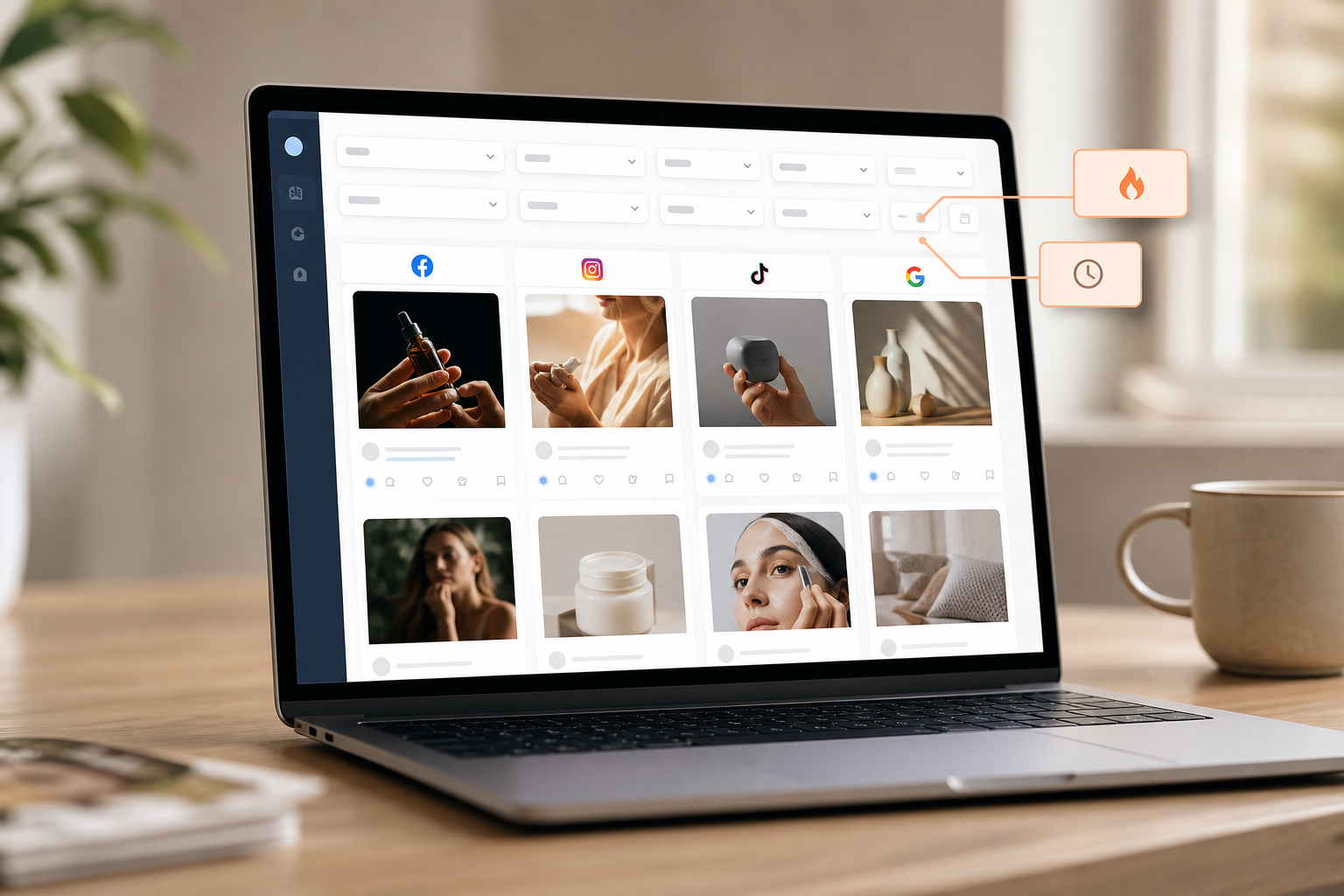
You can sort ads exactly how you think: by likes, comments, shares, popularity, impressions index, newest, or running longest. As a result, your shortlists favor winning themes and long-run creatives, not vanity spikes. In addition, engagement-oriented details show social interactions in context, and one click takes you to the live post to check real-time sentiment, core capabilities you want in any ad engagement and performance tracker.
Workflow highlights at a glance
- Cross-platform search: compare hooks on Facebook vs. TikTok vs. YouTube in one view.
- One-click validation: jump to the live post and scan top comments for objections.
- Fatigue tracking: monitor run-time longevity and engagement velocity side-by-side.
- Creative tagging: bookmark by theme (hook, offer, demo, UGC) for fast reuse in briefs.
- Reporting shortcuts: export client-ready slides that include creatives and context.
Geo and demographic filters are deep. You can break down by country, age group, gender, and device type. Furthermore, ad position filtering, feed, side column, marketplace, video feed, lets you isolate creatives that win in-scene versus side placements. That matters when you advise a client to shift 30% of spend into Reels or Shorts.
Creative search and teardown
For search and creative teardown, you can query by keyword, advertiser, domain, ad category, or even specific CTAs. Additionally, ad component search helps you find creatives that feature certain objects, brands, or text. Shopify and e-commerce filters surface DTC-specific ads with complete engagement details, so your next UGC push can copy proven hooks. This is exactly where an ad engagement and performance tracker earns its keep: fast pivots, grounded in real ad evidence.
Speed matters in client work. Bookmark and subscribe features help you save and organize preferred ad concepts per client. Then export detailed ad performance reports for decks and QBRs. As a result, your team spends more time on media plans and less on screenshot hunts.

“Running ads for multiple clients can be stressful, especially when results are slow. This Facebook ad spy tool made life so much easier. We’ve cut back on testing time and launched campaigns that get results. This tool is now our agency’s secret weapon!” — Charlotte Neilson, Digital Marketing Strategist
Real business impact backs the workflow. Users report a 19% improvement in revenue with decreased workforce requirements and increased efficiency. Furthermore, teams reduce A/B testing volume by 15% under two months, which shifts budget from guesswork to proven themes and CTAs.
“We have reduced A/B testing costs and also have improved revenue!” — Archie Gilbert, Co-Founder
Unlike alternatives that silo by channel, PowerAdSpy gives you 10+ platform spy tools in one place. Compared to single-network libraries, you also get GEO-targeted information about competitor ads, device breakdowns, and ad position views. Therefore, whether your client targets US seniors on desktop or Gen Z in APAC on mobile, your research stays on target.
[Start instant research →]
Side-by-side: where each tool shines for agencies
| Capability | PowerAdSpy | Adplexity | SpyFu |
|---|---|---|---|
| Social coverage breadth | 10+ social/search/display platforms | Strong on native/mobile | Primarily search PPC/SEO |
| Engagement sorting | Yes: likes, comments, shares, run-time | Limited for social | Not social-focused |
| Geo/demos filters | Country, age, gender, device, placement | Geo heavy; demos vary | Geo for search; limited social |
| Reporting for clients | Exportable ad creatives + metrics | Research exports | Keyword/competitor reports |
| Best for | Multi-network ad engagement and performance tracker needs | Native affiliates | Search keyword mining |
This makes it clear why agencies that need an ad engagement and performance tracker for cross-platform creative research gravitate to PowerAdSpy.
Trust Signals: Why Agencies Rely on PowerAdSpy’s Data
Trust starts with data you can stand behind in a client meeting. PowerAdSpy’s database includes millions of ads from over 100 countries, and thousands of new ads are added daily. Therefore, you detect trends early and validate them with scale, not gut feel.
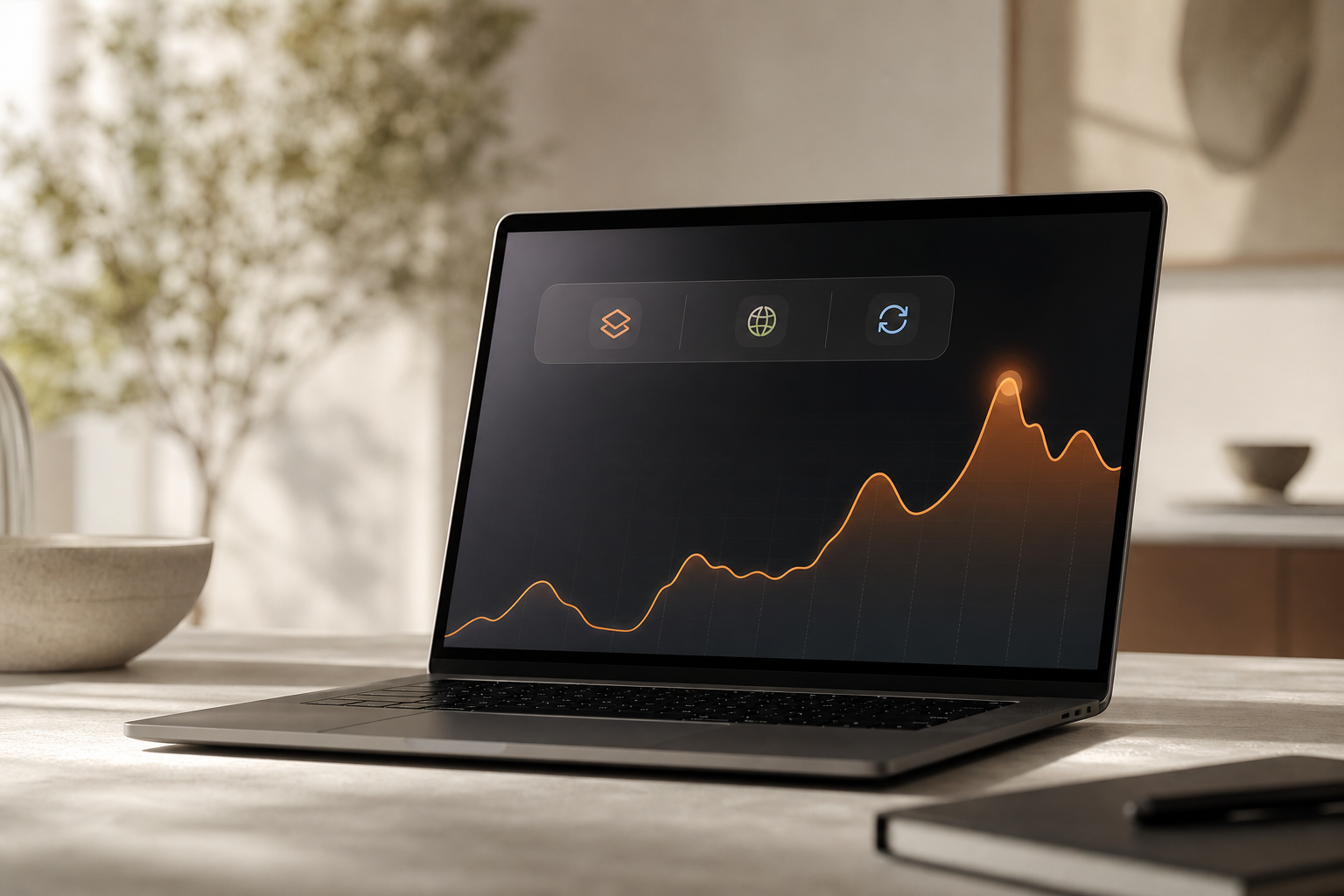
Outcomes follow the workflow. Users report a 15% reduction in A/B testing volume within two months of usage and a 19% improvement in revenue with decreased workforce requirements and increased efficiency. Moreover, Archie Gilbert’s team cut A/B testing costs and still improved revenue, a clear sign the insights move the needle, not just the deck.
Proof over guesswork consistently wins budget approvals and accelerates creative iteration.
At-a-glance trust checklist
- Data coverage: millions of ads, 100+ countries, updated daily.
- Engagement-first workflows: sort, verify live posts, and read sentiment.
- Agency-ready outputs: exportable reports with creative, geo, device, and run-time.
- Proof over guesswork: fewer tests, faster insights, better ROI validated by users.
You also get the proof clients ask for. Exports include engagement metrics and details that map to platform behavior. As a result, you can pull examples that show how certain CTAs, “Shop Now” vs. “Learn More”, vary by niche and funnel.
Pricing transparency helps you plan. Plans range from $29/mo (Basic, annual) to $125/mo (Palladium, annual). In practice, most agencies that manage 5–20 clients choose Standard or Premium for the search volume and exports they need.
Finally, the system is AI-powered across 10+ platforms, including Facebook, Google, Instagram, and TikTok. In 2026, that breadth matters as clients jump to new formats fast. With one source of truth, your team spends less time chasing data and more time buying media. If you’re standardizing on a single ad engagement and performance tracker, breadth plus reporting is the winning combo.
Getting Started: Setting Up PowerAdSpy for Your Agency’s First Client
You can get value on day one if you set it up like a buyer, not a browser. Start with one client and a clear brief. Then build a system you can clone for the rest of your portfolio. Treat it as your ad engagement and performance tracker from the start so your workflows become repeatable.
Step-by-step kickoff
- Sign up and log in. Pick the plan that matches your team’s load. Basic research works at lower tiers; heavy use needs Standard or Premium.
- Create saved searches. Add your client’s top keywords, competitor domains, and key product names. In addition, include synonyms and nicknames your audience uses.
- Configure engagement filters. Sort by Likes, Comment, Share, and Running Longest to surface stable winners. Then switch to Newest to scan fresh tests.
- Add geo and audience details. Set country, age group, gender, and device filters to mirror your client’s target. Moreover, use ad position filters if you plan to push Reels or Shorts.
- Analyze CTAs and hooks. Compare “Shop Now,” “Learn More,” “Get Offer,” and “Sign Up.” Then jump to live posts to read real comments and confirm sentiment.
- Bookmark top concepts. Use the Bookmark feature to group ad ideas by theme: hook, offer, testimonial, or demo. As a result, your creative team gets a clear brief.
- Export a client-ready report. Include 10–20 standout ads, with engagement stats, geo, device, and ad position notes. Therefore, your next call shifts from “what should we test?” to “which of these proven themes do we adapt first?
- Set baselines and alerts. Define “good” for your client’s niche (e. g., median likes/comments-to-impressions ratio and typical run-time). Subscribe to saved searches and competitor profiles so you’re notified when new tests appear.
- Operationalize feedback loops. After launch, add your live winners and losers to bookmarks with quick notes on hypotheses, outcomes, and next actions. This institutional memory compounds across accounts.
Kickoff checklist
- One client brief clarified with top three goals and guardrails
- Saved searches for primary keywords, competitor domains, and CTAs
- Engagement sorting views pinned (Newest vs.
- Geo, device, and placement filters matching the media plan
- Bookmarks organized by theme, funnel stage, and creative type
- Export template with your agency’s cover page and brand colors
Pro tips to accelerate the first month
- Create a “Do Not Test” folder of patterns that underperform across geos.
- Standardize a naming convention for bookmarks and exports across accounts.
- Assign an owner to validate live posts weekly and refresh the winner list.
- Use a recurring 30-minute “creative patterns” standup to review saved searches.
[Book a free demo →]
Frequently Asked Questions

Pricing and plans
Q: How much does PowerAdSpy cost for an ad agency managing multiple clients? A: Plans range from $29/mo (Basic, annual) to $125/mo (Palladium, annual). Most agencies start at Standard ($42/mo annual) or Premium ($67/mo annual) to cover research across 5–20 clients.
As your needs grow, higher tiers add search volume and exports. Therefore, you can scale seats and searches without swapping tools mid-quarter. If you’re standardizing on an ad engagement and performance tracker, map plan limits to number of clients and monthly exports.
Q: Do plans include multiple seats, and how are extra seats billed? A: Each plan includes a base number of seats; additional seats can typically be added at a prorated per-user fee. For distributed teams, confirm whether SSO, user roles, and permission controls are included at your tier.
Tip: If you regularly staff freelancers, ask about temporary seat provisioning so you can grant time-bound access without paying full-term rates.
Q: Are there trials or month-to-month options for agencies piloting the tool? A: Agencies can start on monthly billing to pilot workflows, then switch to annual for savings. Ask support to ensure saved searches, bookmarks, and exports persist when you change billing cadence.
Plan quick facts (illustrative)
| Plan | Good for | Typical usage pattern |
|---|---|---|
| Basic | Solo strategist | Light weekly research, minimal exports |
| Standard | Small pod (2–4 clients) | Daily searches, routine client decks |
| Premium | Growth team (5–15 clients) | Heavy searches, frequent exports |
| Palladium | Multi-brand group | High caps, potential API access |
Engagement and platforms
Q: Can PowerAdSpy track real-time ad engagement like likes, shares, and comments? A: Yes. You can sort ads by likes, comments, shares, and impressions to find strong performers fast.
In addition, you can visit live ad posts directly from the tool to check real-time engagement and audience sentiment. As a result, you validate winners before you build the test plan. This is central to any serious ad engagement and performance tracker.
Q: Which ad platforms does PowerAdSpy cover for engagement tracking?
A: It covers Facebook, Instagram, Google, YouTube, Pinterest, Reddit, Quora, native ads, and display ads, 10+ platforms total with millions of ads from 100+ countries. Moreover, AI-powered search helps you compare across these networks. Therefore, you spot cross-platform themes that deserve budget.
Q: How frequently is the database refreshed?
A: New ads are added daily, with thousands of fresh entries per day. This cadence helps you catch creative waves early and avoid over-weighting stale campaigns in your planning.
- Snapshot of coverage advantages:
- Faster trend detection across multiple social surfaces in parallel
- Reduced noise by filtering to specific regions and languages
- Confidence to pitch creative swaps with proof from several networks
Q: Does the tool support regional languages for queries and filtering?
A: Yes. You can search in multiple languages and filter by country to focus on local creative trends. This is helpful for multinational brands that need country-specific insights without losing global context.

Competitive comparisons
Q: How does PowerAdSpy compare to SpyFu or Adplexity for agencies? A: SpyFu focuses on PPC keyword intelligence. Adplexity specializes in native and mobile ads.
PowerAdSpy covers more social platforms with engagement-specific sorting, making it broader for multi-channel agency work. As a result, you get social proof, geo, and ad position context in one place. For agencies looking for an all-in-one ad engagement and performance tracker rather than a single-channel tool, PowerAdSpy typically replaces a patchwork of point solutions.
Bottom line: if you need to show social proof with context, PowerAdSpy consolidates what would otherwise require multiple tools.
Q: When might a point solution be a better fit than an all-in-one tracker?
A: If you run a single-channel program (e. g., only Google Search) or need a deep-dive into a narrow ad format, a point solution can be sufficient. But as soon as you need cross-platform creative comparisons or client-ready engagement exports, consolidation pays off.
Accuracy and results
Q: Is the engagement data accurate enough for client reporting?
A: PowerAdSpy provides exportable reports with engagement metrics and ad details. 23% of users find it affordable, easy, and complete for their research and reporting needs. In addition, you can verify numbers by visiting live ad posts directly from the platform. Therefore, your decks carry proof, not just screenshots.
Q: How quickly can our agency see results after signing up?
A: Users report a 15% reduction in A/B testing within two months and 26% save at least one day per advertising project. On day one, most teams see wins by studying competitor creatives, offers, and CTAs. Moreover, bookmarks and exports speed up the path from research to client-ready slides. When used as your primary ad engagement and performance tracker, these gains compound across accounts.
- Fast-wins checklist:
- Document three cross-platform hook patterns you’ll test in week one.
- Identify two CTA variants per funnel stage to validate by week two.
- Set a “winner” threshold for engagement-to-run-time you’ll use for month-one reviews.
Q: How does PowerAdSpy support compliance and privacy?
A: PowerAdSpy surfaces publicly available ad data and does not require access to your ad accounts. For regulated industries, pair exported examples with your brand’s compliance checklist before launch.
Q: Can I measure or predict creative fatigue with the tool?
A: Use Running Longest sorting plus engagement velocity patterns to spot creatives that maintain performance over time. Compare early likes/comments-to-impressions ratios with mid-run engagement to infer fatigue and plan refresh cycles.
Targeting and alternatives
Q: Can I filter competitor ads by audience demographics and geography?
A: Yes. PowerAdSpy offers filters by country (100+), age group, gender, ad position, device type, and CTA. These are key for geo-targeted and vertical-specific campaigns. Therefore, you can tailor research to your client’s exact audience profile.
Q: Are there free alternatives to PowerAdSpy for ad engagement tracking?
A: Facebook Ad Library is free but lacks engagement metrics and sorting across networks. Free tools also don’t offer cross-platform coverage or competitive benchmarking at scale. If you manage 5–20 clients, you need exportable reports, engagement sorting, and geo filters that free tools don’t provide. That’s why agencies formalize on an ad engagement and performance tracker for repeatable decision-making.
Reminder: free libraries are great for quick lookups; they’re not designed for cross-platform creative strategy or client-ready reporting.
Q: Can I export findings to CSV or integrate with internal dashboards?
A: Exports include ad creatives and engagement metrics suitable for decks and reviews. For teams with custom dashboards, ask about higher-tier or API options that simplify data handoffs to BI tools.
Q: Is the tool usable for creative strategists without a media buying background?
A: Yes. Engagement-first sorting, live post validation, and visual exports make it approachable for creative and account teams. Shared bookmarks and saved searches help non-buyers participate in evidence-based ideation.
Final Takeaways
- Your team needs one source of truth for creative research across social, search, native, and display. With engagement sorting, geo filters, and daily refreshes, you cut waste fast.
- Real outcomes back the process: 15% fewer A/B tests in two months, 26% of users saving a day per project, and a 19% revenue lift with less workforce effort.
- In 2026, the agency that moves from guesswork to proof will win more budgets and scale spend with confidence.
- Adoption matters: standardize saved searches, bookmark taxonomies, and export templates so every account benefits from the same ad engagement and performance tracker playbook.
- Benchmarks persuade: always bring geo, placement, and CTA context alongside engagement stats.
Choose your plan, align your workflow, and standardize on an ad engagement and performance tracker that helps you move first with evidence.
Review pricing, instant access →