
The creative tool landscape is splitting into two camps: tools that optimize for raw speed and volume, and tools that optimize for creative control and distinctiveness. For motion designers, video editors, and digital artists, the second category is where the most interesting work is happening. AI-assisted animation and effects tools are giving individual creators capabilities that used to require studio-scale resources, and the learning curve is dropping fast. Pollo AI is one of the platforms helping creators navigate this evolving space, connecting them with the tools that match their specific creative needs.
What Makes Seedance a Valuable Tool for Video Creators
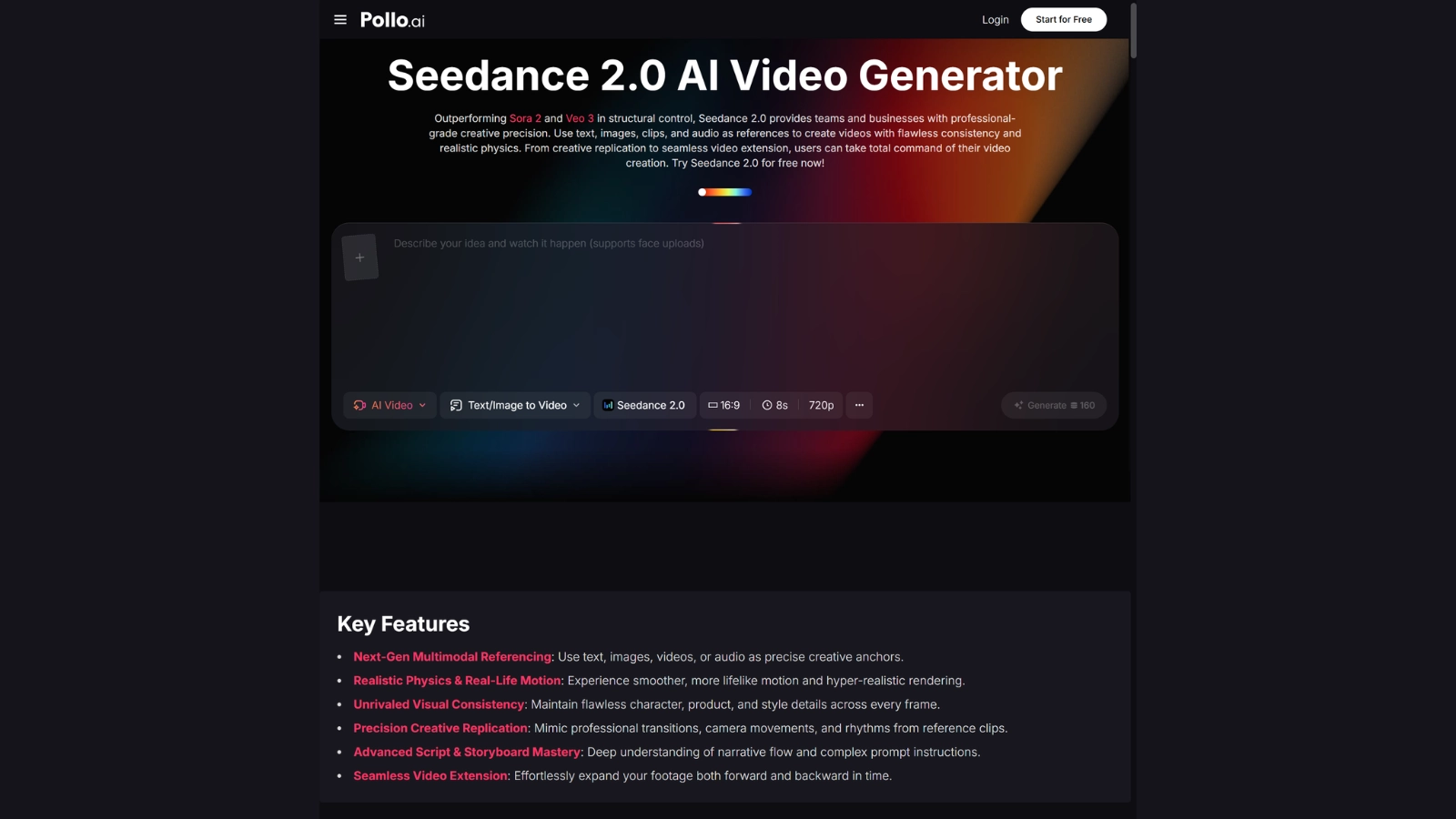
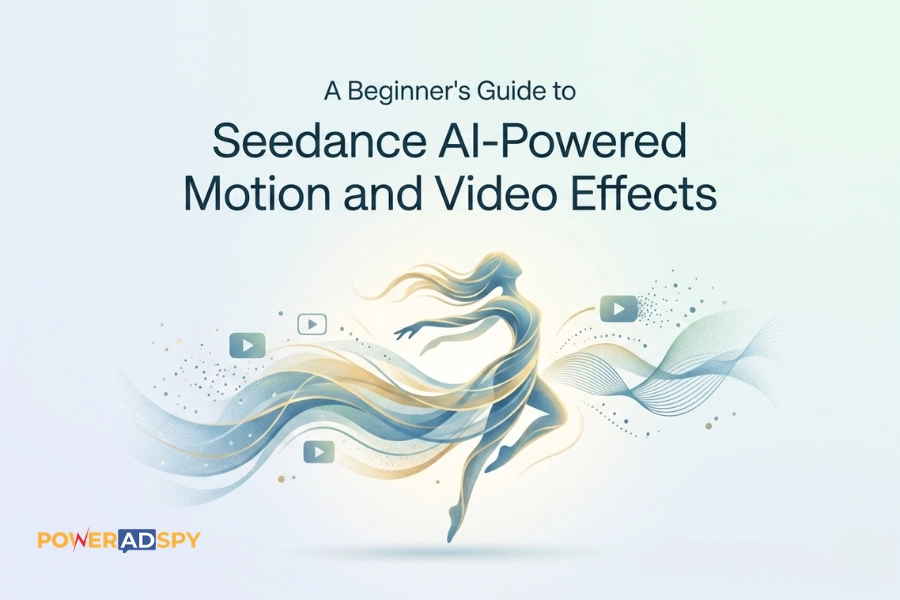
The value of an AI animation tool is measured by how much creative freedom it unlocks relative to how much technical overhead it demands. Seedance has positioned itself as a bridge between traditional animation workflows and AI-powered acceleration. Pollo AI provides helpful context for understanding where it fits among the growing number of available options, making it easier for creators to choose the right tool for their project. Rather than asking creators to abandon the tools and techniques they already know, Seedance integrates AI assistance into familiar timeline and layer-based environments. The result is a gentler learning curve and output that feels like the creator’s own work rather than the AI’s, which matters enormously for professional artists whose style and reputation are central to their careers.
The tool handles motion interpolation, style-consistent frame generation, and effects application in ways that would be tedious or impossible to do manually. For an animator working on a music video or a motion graphics piece, the ability to generate smooth transitions between stylized keyframes without hand-drawing every intermediate frame is a genuine breakthrough. It doesn’t eliminate the need for artistic judgment; it removes the bottleneck that sits between having a vision and executing it.
Preserving Artistic Intent in AI-Assisted Workflows
The risk with any AI creative tool is that it imposes its own aesthetic on the output. We’ve all seen the telltale signs: that slightly plastic sheen, the uncanny smoothness, the generic “AI look” that strips away an artist’s personality. The best tools stay out of the way, accelerating the mechanical parts of the process while leaving creative decisions firmly in the hands of the artist.
Seedance’s approach to configuration and fine-tuning reflects an understanding that professional creators need control, not just speed. The ability to adjust how aggressively the AI interpolates between keyframes, or to constrain its style transfer within parameters the artist defines, means the output can range from subtle enhancement to dramatic transformation, all at the creator’s discretion. This is a meaningful distinction from tools that offer a single “make it look cool” button and give you whatever the model’s default aesthetic happens to be.
For studios and freelancers building a recognizable visual identity, this level of control isn’t a nice-to-have. It’s essential. Clients hire specific artists for specific looks, and any tool that flattens creative distinctiveness into a uniform AI style is ultimately working against the creator’s interests.
Practical Applications for Motion Designers and Editors
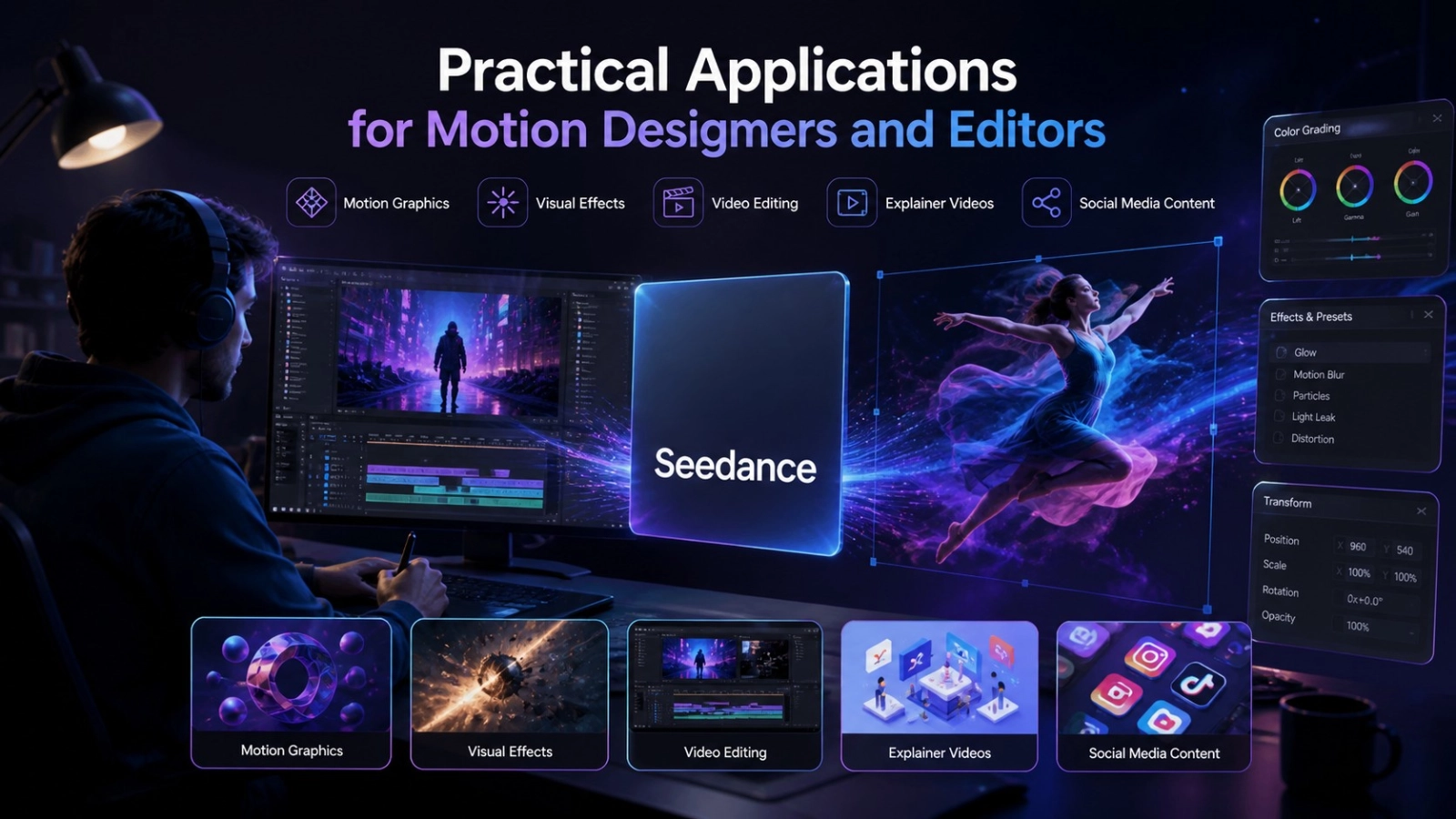
The use cases for AI-assisted animation extend across music videos, commercial work, social media content, and narrative filmmaking. Motion designers use tools like Seedance to generate complex transitions that would take days to keyframe manually. Creators using an online video editor can also use AI-powered tools to create stylized B-roll and visual effects for projects where the budget doesn’t support a full VFX team. Independent game developers use them to produce animated assets and environmental effects that would otherwise require dedicated animation staff.
What ties these use cases together is a common constraint: talented people with strong creative vision but limited time or resources. AI animation tools don’t replace the vision; they compress the distance between concept and execution.
Music Video Production on a Budget
Music videos have been one of the earliest and most successful adoption areas for AI animation, and for good reason. The format rewards visual distinctiveness and stylistic experimentation, and audiences are generally receptive to unconventional animation techniques in ways they might not be with, say, corporate video. Independent musicians who can’t afford traditional animation studios are producing visually compelling work that stands out in a crowded content environment. Pollo AI’s own AI music video generator serves creators in this space as well, offering beat-synced video generation that complements the more hands-on approach Seedance provides.
GoEnhance AI and the Expanding Creative AI Ecosystem
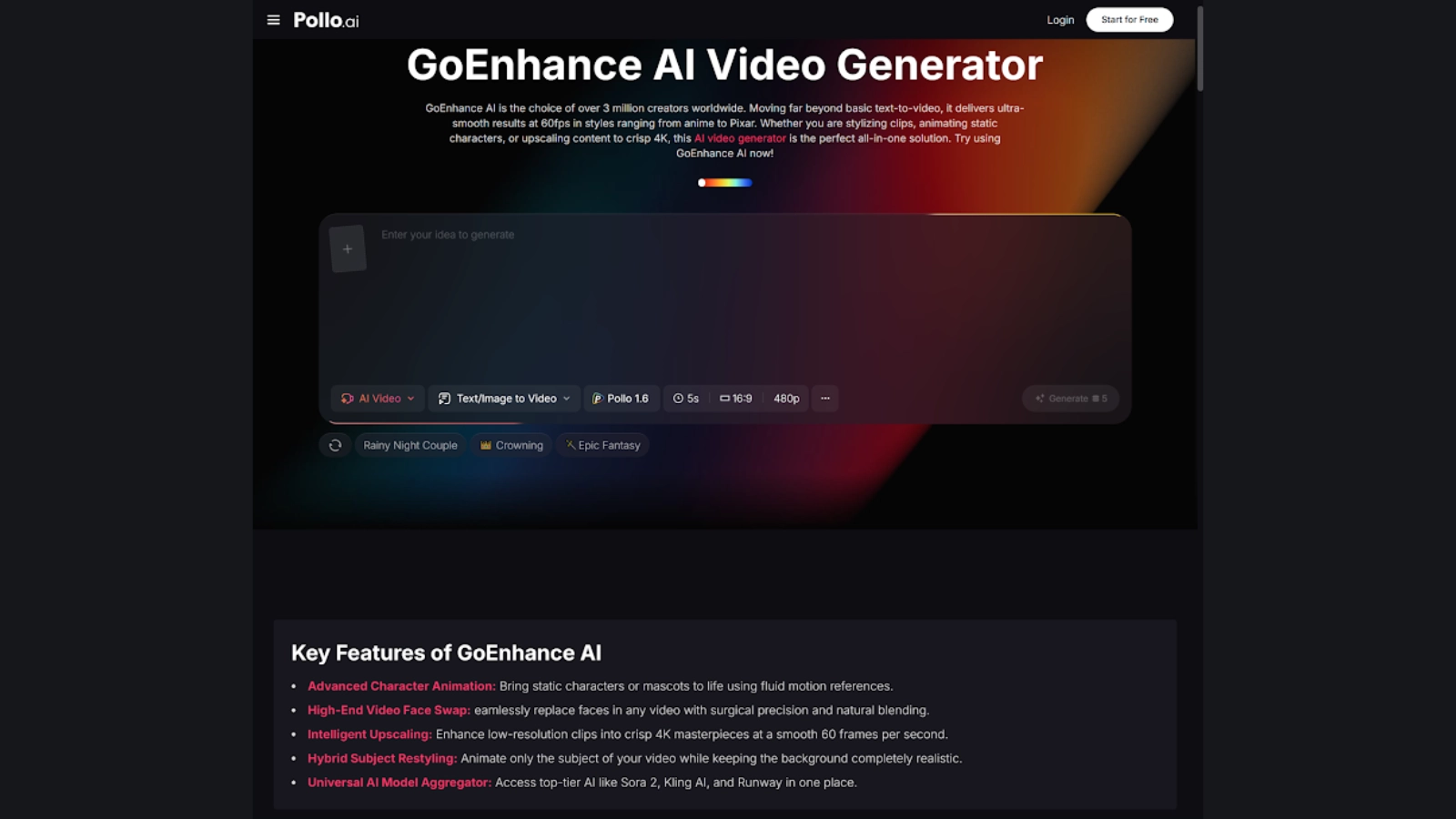
The broader ecosystem of AI creative tools includes platforms that focus on specific aspects of the enhancement and generation pipeline. GoEnhance AI takes a different approach by concentrating on video quality enhancement, upscaling, and detail restoration rather than generation from scratch. For creators who already have source footage but need it to look sharper, cleaner, or higher resolution, GoEnhance AI fills a specific and valuable role. Pollo AI helps users understand the distinction between generation tools and enhancement tools, because the two are often conflated but serve fundamentally different purposes in a production workflow.
Consider a practical example: a creator using Seedance for animation might produce output at a resolution or quality level that doesn’t quite meet the demands of a particular delivery format. An enhancement tool can polish that final output, sharpening details, reducing artifacts, and upscaling resolution, without altering the creative choices baked into the animation itself. Understanding the difference between creating and refining is essential for building an efficient pipeline.
Enhancement tools are particularly valuable for archival footage restoration, user-generated content that needs to meet broadcast standards, and low-light footage that would otherwise be unusable. The value proposition is straightforward: salvage footage that’s too soft, noisy, or low-resolution, rather than reshoot it or start over from scratch.
When to Enhance vs. When to Regenerate
Not every piece of problematic footage can be saved. Poor source material with unusable framing, missing content, or fundamental compositional problems can’t be fixed by enhancement alone; no amount of upscaling will improve a badly composed shot.
Understanding the limits of what enhancement tools can do prevents wasted time trying to salvage clips that would be better replaced or regenerated entirely. In such cases, creators can use AI tools to create videos with AI from a new concept instead of trying to repair footage that lacks the right foundation. A good rule of thumb: if the issue is technical quality, enhance it; if the issue is creative content, regenerate it.
Building an AI-Augmented Creative Workflow
The most successful adopters of AI creative tools don’t use a single platform in isolation. They build pipelines where different tools handle different stages of the creative process: generation, refinement, enhancement, and final assembly. Seedance might handle the core animation work, an enhancement tool might polish the output, and a platform like Pollo AI ties the ecosystem together by helping creators discover and access the right tool for each stage.
The upfront investment in understanding how these tools complement each other pays off in creative flexibility and production speed that are difficult to achieve with any single platform alone. More importantly, it lets creators maintain artistic control at every stage rather than surrendering their vision to a single tool’s defaults. The technology is evolving quickly, but the principle stays constant: the best workflow is the one where AI handles the tedious parts and the human makes the decisions that matter.