Online design tools are all around us. Today, just a simple prompt is enough to get a wide range of creative software solutions that will help generate full visual identities within a few seconds.
But how to ensure that the tool we find gives the best quality and diversity to make a lasting impression on potential customers? That’s the most important question we need to ask ourselves before committing to a specific tool.
That’s the reason we’ve tested 5 leading design software solutions to help you answer the question mentioned and pick the tool that will actually be life-changing for your business.
Best AI Design Tools Reviewed
When talking about AI-powered creative platforms, the first thing that comes to many users’ minds is logo makers. Modern logo makers usually offer comprehensive features, allowing users to create visual identities from A-Z. This explains why this guide includes a listing of logo makers only.
To help you find the best possible option, let’s first have a quick look at the chosen AI logo makers, then go over them one by one, more thoroughly.
Quick Comparison Table
| Platform | Trustpilot Score | AI Logo Generation + Editing | Branding Tools |
| Design.com | 4.7/5 (4,300+ reviews) | AI + human touch concept generation and chat-based AI editing | AI logos, flyers, posters, presentations, background remover, website builder, link-in-bio, digital business card; altogether 50+ design tools besides logos |
| BrandCrowd.com | 4.8/5 (9,500+ reviews) | AI logos and other designs crafted by professionals + AI editing | Business cards, social graphics, QR codes, AI business names and dozens of other design tools |
| Logopony.com | 3.1/5 (2 reviews) | AI-powered logos and customization | Business cards, favicons, social graphics, brand style guide |
| Logo.com | 4.6/5 (2,000+ reviews) | AI-driven logos; AI editing requires payment | AI logo templates, website builder, domain registration, email signature builder |
| Logomaster.ai | 4.5/5 (2,500+ reviews) | AI concept generation but manual editing | Logo templates, business cards, banners, posters, flyers, etc. |
Choosing an AI Design Tool
While it’s important to pay attention to review scores and what users actually say about one specific tool, it’s not all that matters. Why? The experience is fully personal; one tool can work perfectly for one person and can be a headache for another.
So, what factors to consider when testing an AI logo maker? Here’s the list we think will be useful:
- Pay attention to how fast the platform works and whether the speed comes at the cost of quality.
- Check which industries the platform covers; some platforms are strictly limited to a certain set of industries, and no keyword can help you get designs related to your desired industry.
- Consider the exclusivity; make sure the generated designs come with copyright safety so you have peace of mind to publish them anywhere. Otherwise, you can easily find duplicates in other places, or worse, run into legal trouble for using designs that aren’t truly yours.
These are the basic considerations you can make before committing to a tool, but our guide goes beyond the basics. The AI design tools in our list offer far more than quality, speed, diversity and exclusivity.
Let’s see how.
#1. Design.com
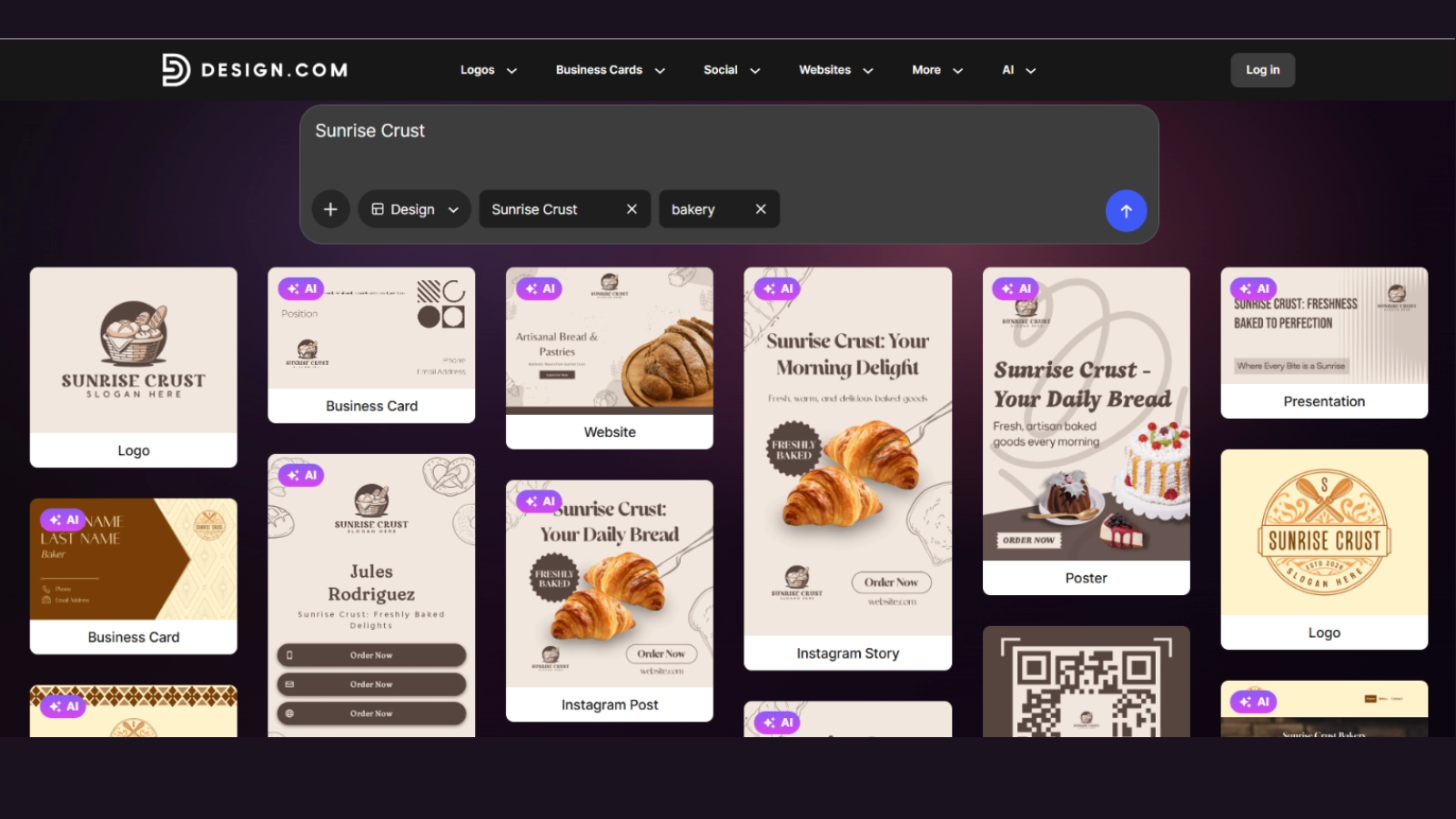
Among all the AI design tools we reviewed, Design.com stood out the most. While we do not want to minimize the importance of the rest of the tools in this guide, we must highlight several criteria that made us put Design.com first.
- No fake promises, meaning if a generated template has the free mark on it, then no surprise cost comes at the end
- Fast design generation; waiting time doesn’t exist. You give a prompt or your brand name, and the designs are ready instantly
- High-quality designs: the generated templates feel like a professional designer actually worked on them. To our surprise, when we were reading about Design.com, we found out that the templates are, in fact, a mix of human touch + AI, so this is something that caught our eye
- With that thought in mind, we also discovered that all the designs come with 100% copyright safety
Design.com is definitely a leader in terms of diversity, and here’s why:
- 500K+ logo templates with 1M+ design templates in total are offered to users
- Keyword-based template generation for any industry; no limitations
- Dozens of branding tools are available (not just logo templates): QR codes, flyers, presentations, menus, digital and traditional business cards, posters, etc.
- Thousands of fonts (including exclusive ones), shapes, icons, and multiple export options can be found on the platform.
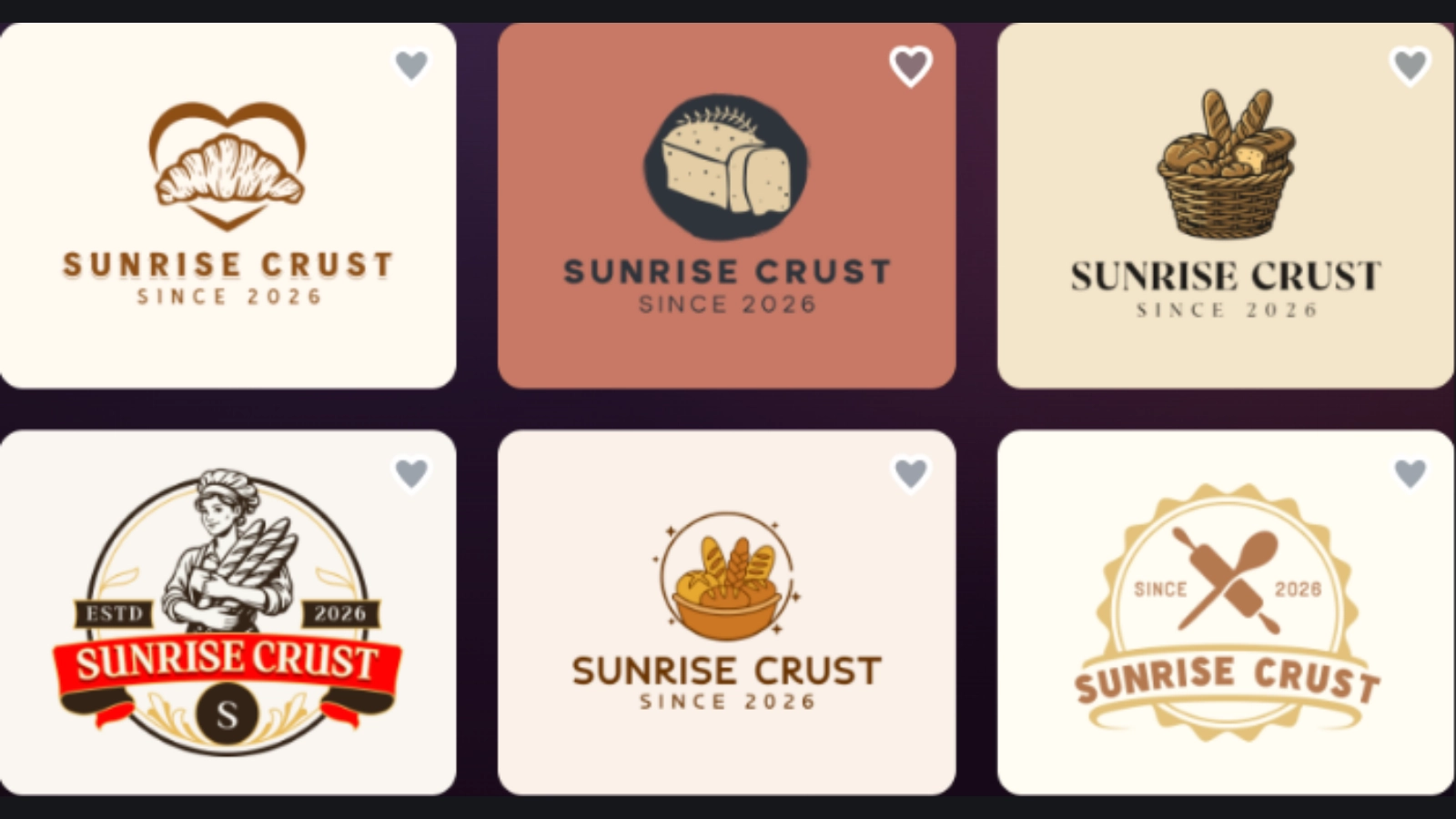
So, where does that leave us? The listed features are not it; while testing Design.com, we found out that the built-in AI does more than just generate logos.
During the logo customization process, we were able to chat with the AI and instruct all the edits, such as changing the background color, adding icons, and modifying fonts, all based on our simple prompts.
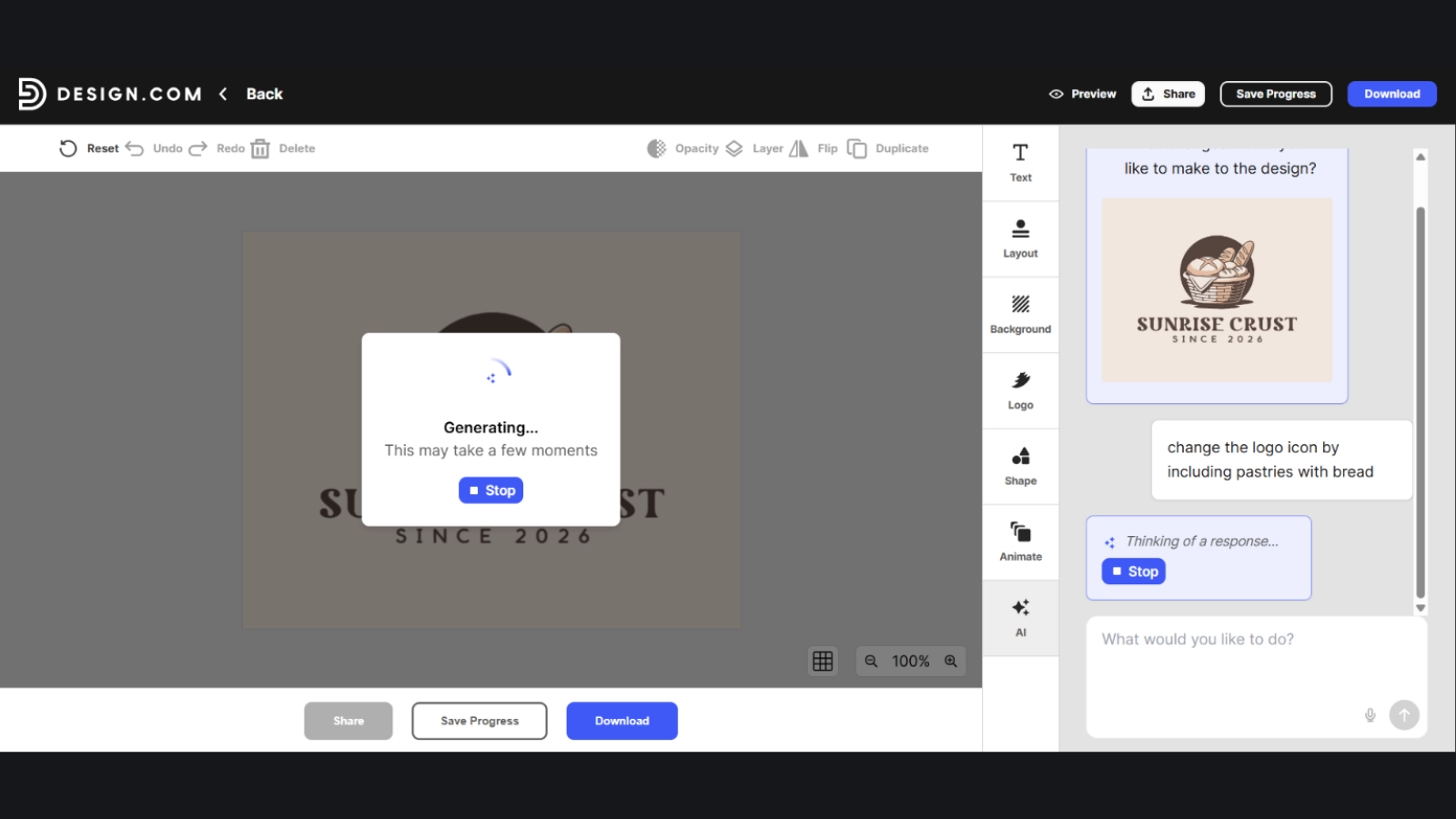
After customizing the logo and going to export it, we did not pay a penny! That was the most exciting part of the logo creation journey. Every step was guided; all the steps were simple, no waiting time was wasted, and the last step did not even require payment.
Here’s how and why:
- Even though the tool comes with 3 different but affordable payment plans, it’s very generous for users who are not planning to spend any money.
- After searching for templates, a wide range of them are available for free without any watermark.
- You just need to click on it, edit it as much as you need and go to checkout.
- The final step shows your total payment as $0, as it’s completely free of charge.
- Also, the free logo download offers several export options, including PDF, JPG, transparent background, etc. Users are free to choose either one or to download with one file and then with the other. No limitations here as well.
If you’re still thinking about why we love Design.com and why we put it at the top of our list, then maybe you should go and test the tool yourself to believe the featured facts are actually true.
Wait, one more thing though. Design.com is super intuitive and users do not need to have any design background (just in case the brand name confused you). Go, test yourself, and verify what’s been stated.
#2. BrandCrowd.com
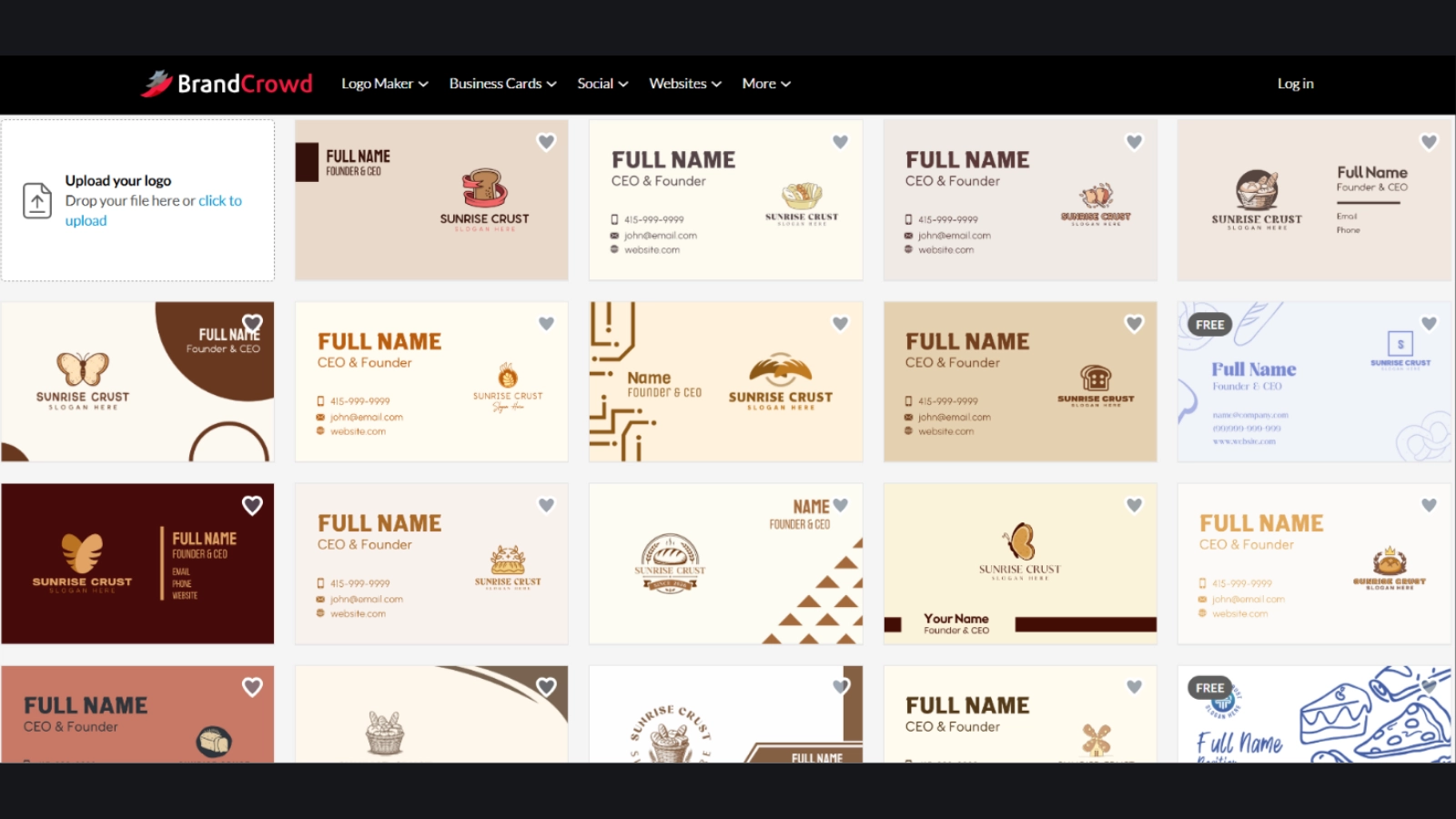
The next AI design software solution that was user-friendly, worked fast and offered exclusive designs is BrandCrowd.com.
While testing the platform, we came across a wide range of branding tools, including letterheads, presentations, flyers, business cards, etc.
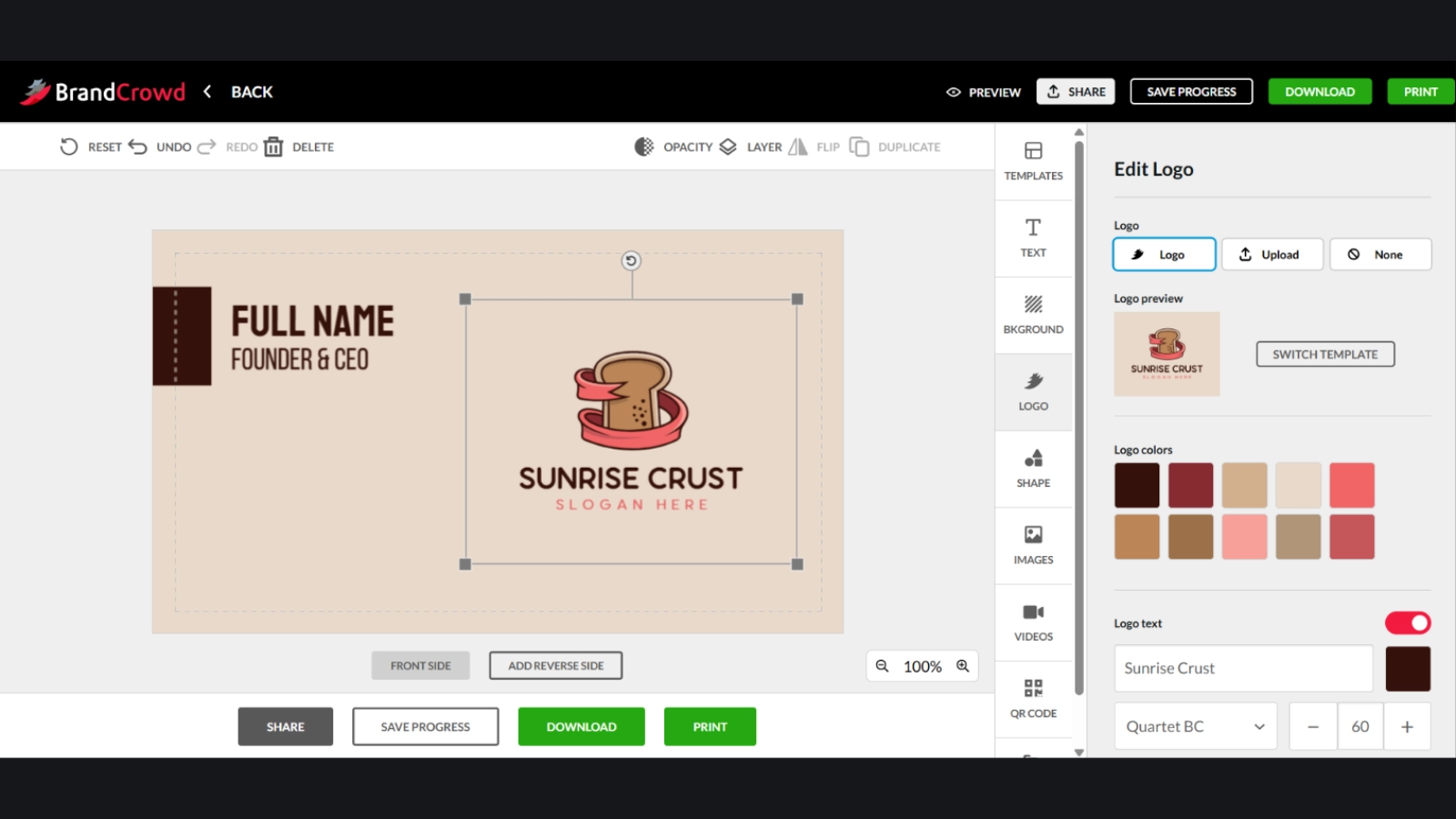
We did almost the same to test BrandCrowd as we did in the case of Design.com. We gave the same prompt, “Sunrise Crust”, mentioned our preferred keyword and waited for a few seconds to see the results.
Here, we tested business card templates first, and later moved on to generate logo templates. Here’s what we got:
The generated business card templates were high-quality and needed very little adjustment before we went on to download them. The editing process was smooth and easy; a user can change the logo icon, add a slogan, change colors, shapes, animate the business card, etc.
The same adjustment features apply to logo templates. Users need very little input to modify anything as the built-in AI understands all the given prompts and does all the work for you.
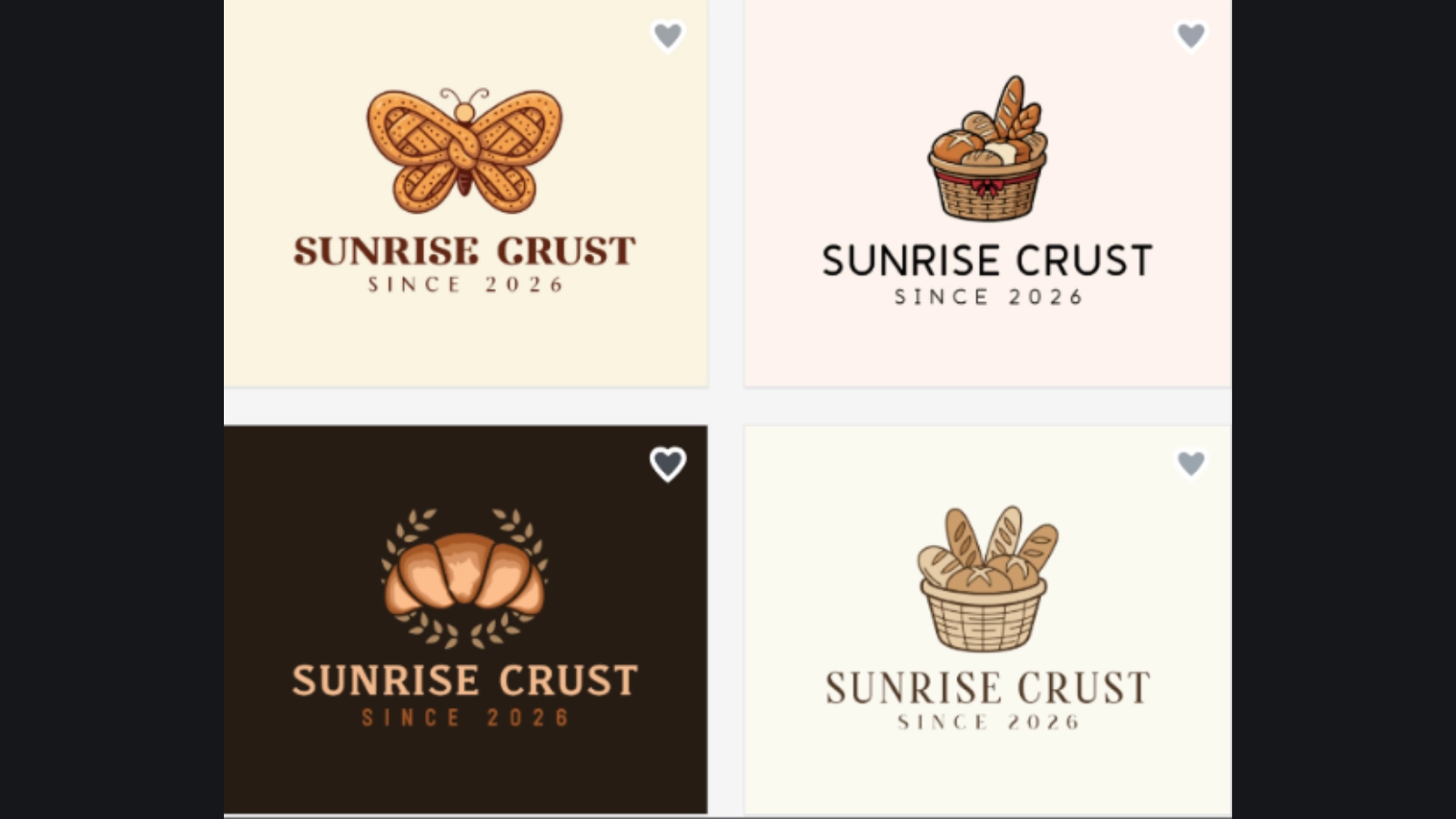
When it comes to template downloads, the platform offers a wide selection of free templates. You just need to pick the one marked as free and follow the instructions.
- No unexpected costs in the end
- Unlimited edits for both paid and free templates
- Reasonable pricing, starting at just $3/mo on a yearly basis
- Multiple export options are available, including PDF, JPG, SVG, animated, etc.
- Full ownership of the generated logos
- Thousands of exclusive design templates as well as icons, fonts, shapes and more
- AI-powered logo generation + editing
The last point is what matters to us the most, as many AI design tools claim AI to be a part of the tool, but it only works for design generation only. When you give the corresponding prompt, and get the logo or other design, you suddenly start to edit the material mannualy.
That’s the reason why we gave this functionality very crucial importance, as we think that the AI claim should apply to all aspects of the platform, not just logo creation.
#3. Logopony.com
As this guide is mainly focused on checking the AI capabilities of the design software solutions, we also went deeper into how fast the overall platforms worked.
So, here’s Logopony, a tool that generates logo concepts pretty quickly, but several mandatory steps are needed to get you what’s needed.
For AI-powered tools, speed should be one of the first components; that’s why using Logopony felt a bit slow. Although the logo generation process is guided and the platform itself is pretty intuitive, the mandatory guided questions changed our impressions.
Here’s what the tool offers:
- AI-generated templates
- A keyword is necessary for the AI to understand the field
- Brand name is not enough; a brief of at least 12 characters is required
- AI-powered logo editing
- Logo preview on shirts, boxes, social media, etc.
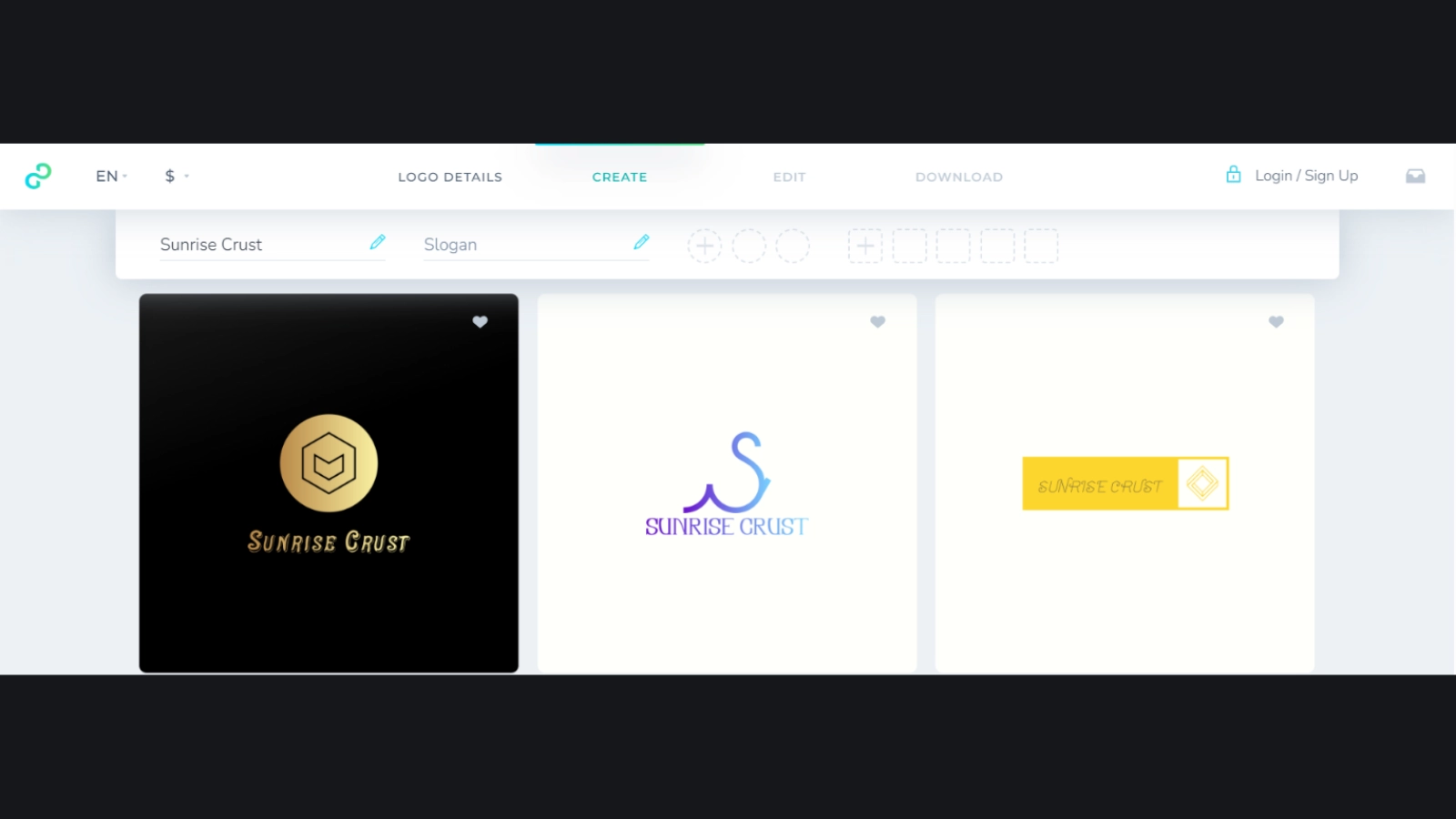
What was actually missing was the lack of additional branding tools. If you want to build a full visual identity, Logopony might not be the best pick, as the offered creative AI-powered features are for logo creation only.
Besides, no free tier was offered to export the customized logo templates; customization was unlimited, though.
#4. Logo.com
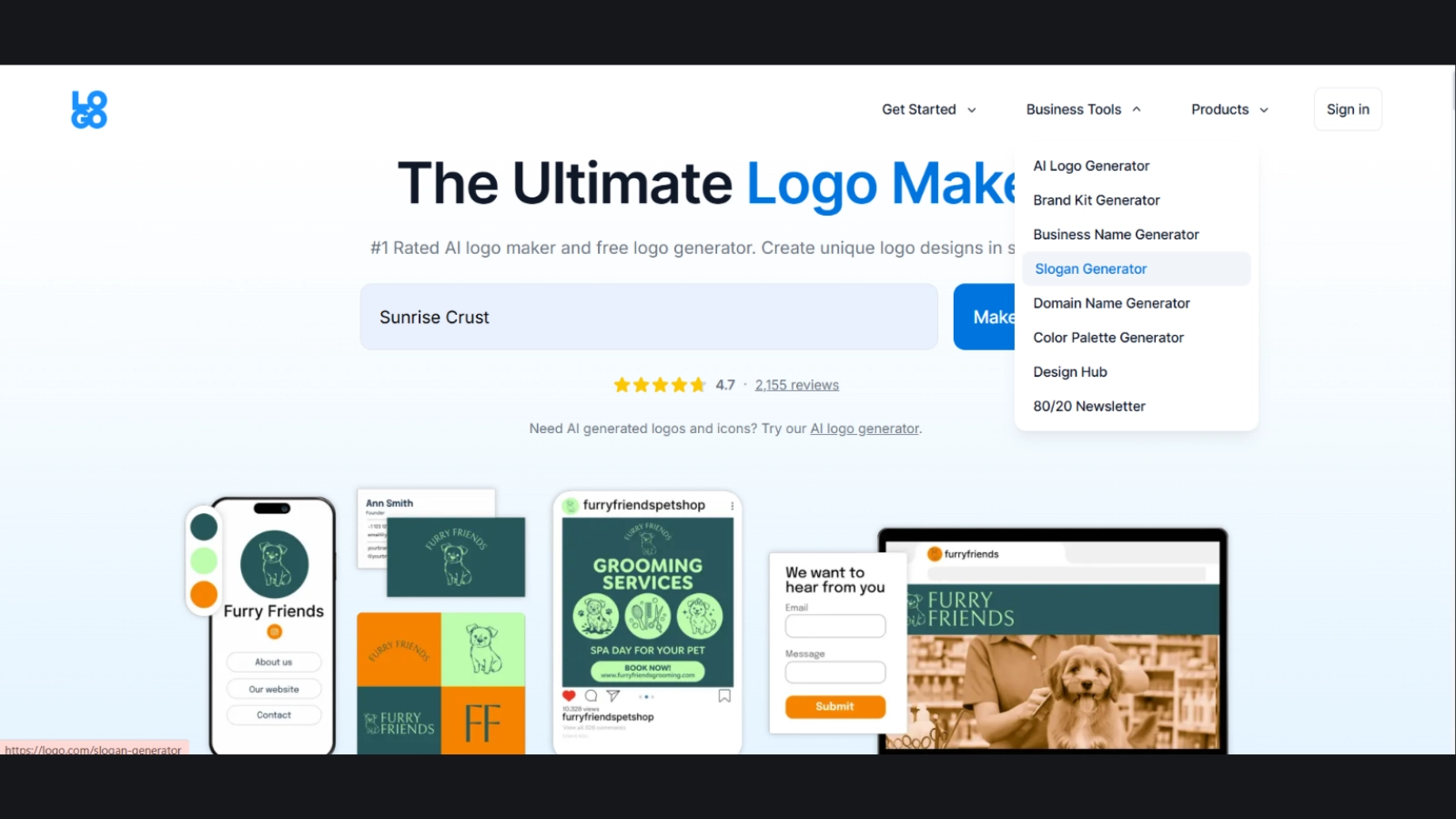
Our next AI design tool is Logo.com. Why did it catch our attention? It’s not limited to logo creation only. You can generate slogans, domain names, color palettes, and more.
Our test revealed the following:
- After inserting the brand name, a questionnaire of 7- 8 questions is required to fill in
- Customization is AI-powered
- A selection of industries is covered
- A free PNG download is available for logos
Generally, the AI claim is actually true for logo.com. Generating and customizing logos is fully AI-powered.
#5. Logomaster.ai
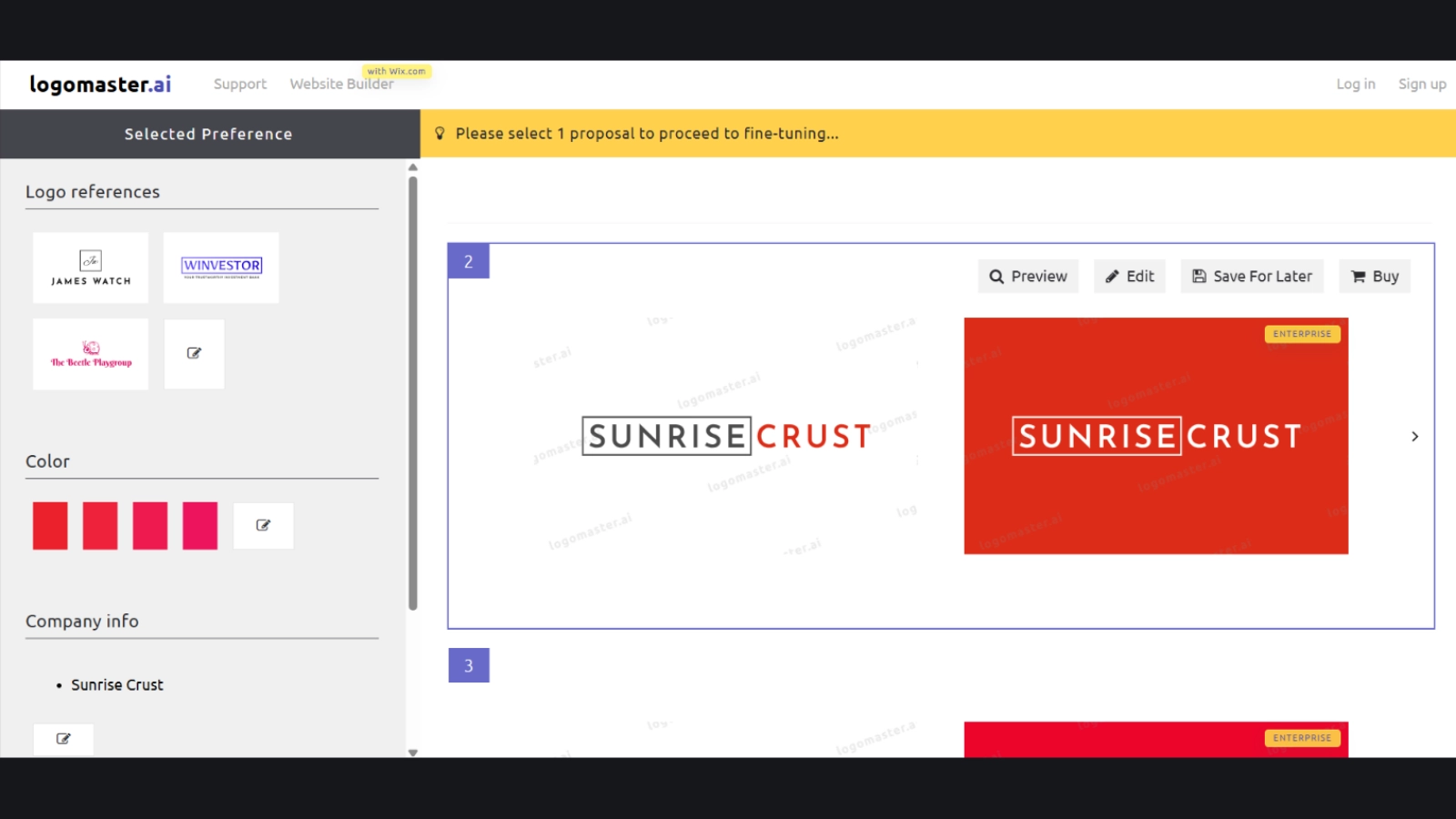
The last AI design maker we reviewed was Logomaster. It’s mainly built for making logos, not for full branding.
First you must choose what you want to create logos for, such as for personal branding, for business, etc., then you go ahead with choosing preferred fonts, colors, etc.
Some fields are mandatory, which slows down the process a bit.
While the process is guided and would work for a first-time user, certain keywords need to be added to get logos that actually align well with your industry.
In the image above, you can see that the logos are not personalized, and there’s nothing related to bakery or pastry- something the AI should have understood from just the brand name.
Overall, the platform worked fast, but was it all AI-powered?
The tool includes:
- AI logo generation, but manual customization
- The additional design feature was its website builder only
Choosing the Right Tool for You
Regardless of the guides you come across online, always make sure you enjoy using the platform. If a tool gives you headaches and, instead of facilitating visual creation processes, makes it even harder, then it’s probably not the one
The provided AI logo design software solutions offer a combination of easy design generation and customization; explore them one by one and go with the one that aligns best with your business and personal goals.
Make sure to pick a tool that actually delivers on what it claims.