How To Master Facebook Ads Tutorial Step By Step?
If you’ve been trying to grow your business online, you’ve probably heard that Facebook advertising is one of the most powerful tools available. But knowing where to start can feel overwhelming. That’s exactly why a solid Facebook ads tutorial is something every marketer, beginner or experienced, needs in their corner.
This guide walks you through everything, from setting up your account to launching high-performing campaigns. Whether you’re new to paid advertising or looking to sharpen your skills, this Facebook Ads Manager tutorial will give you the clarity and confidence to move forward. Bookmark this Facebook ads tutorial to revisit each section as you build out your campaigns.
Listen To The Podcast Now!
Why Facebook Ads Are Still Worth Your Money?
Despite the rise of newer platforms, Facebook remains one of the most cost-effective advertising channels available. With over 3 billion monthly active users, the reach is simply unmatched. More importantly, Facebook’s targeting capabilities let you reach people based on age, location, interests, behaviors, and even life events.
For businesses of all sizes, running a Facebook ads tutorial through a real campaign setup is the fastest way to understand just how powerful this platform can be. The return on investment, when campaigns are built correctly, consistently outperforms most other channels.
How To Run Facebook Ads Tutorial The Right Way In 2026?
Before you can run any ad, you need a Facebook Business Manager account. Head over to business.facebook.com and create your account using your personal Facebook profile. Once inside, you’ll set up your Business Page and connect your ad account.
This is where the ads manager Facebook tutorial experience truly begins. Facebook Ads Manager is the control center for everything, creating campaigns, setting budgets, targeting audiences, and tracking results. Getting comfortable here early saves a lot of frustration later.
Once your account is live, verify your domain, set up your payment method, and install the Facebook Pixel on your website. The Pixel is what allows Facebook to track visitor behavior and optimize your campaigns for conversions.
Understanding The Facebook Ads Campaign Structure:
Every Facebook ads tutorial worth reading explains the three-level structure Facebook uses. At the top, you have the Campaign, where you define your objective, traffic, leads, conversions, brand awareness, and so on.
Below that is the Ad Set, where you control your audience targeting, placement, budget, and schedule. At the bottom is the Ad itself, the creative and copy your audience will see.
This hierarchy matters because each level influences the others. A campaign built for conversions needs an ad set targeting the right audience and an ad that speaks directly to their problem. Skipping any step leads to wasted spend.
Choosing The Right Campaign Objective:
When you first open a Facebook Ads tutorial inside Ads Manager, the very first question you’ll face is: What is your marketing objective? Facebook organizes objectives into three stages: Awareness, Consideration, and Conversion.
For new businesses, Awareness campaigns are key to getting your name noticed. Established businesses benefit from Consideration campaigns, which boost traffic, engagement, or video views. And for businesses aiming for sales, Conversion campaigns encourage users to take action on your website or app.
Choosing the wrong objective is one of the most common mistakes beginners make. A Facebook ads tutorial that teaches objective selection properly can save you thousands in ad spend.
Audience Targeting: The Heart Of Every Campaign:
Facebook’s targeting tools are what set it apart from almost every other platform. Inside the Ad Set level, you can build audiences based on demographics like age, gender, and location, as well as detailed interests and behaviors. You can also upload customer lists to create Custom Audiences, or use Lookalike Audiences to find new people who resemble your existing customers.
This is where a thorough Facebook ads tutorial becomes truly valuable. Understanding the difference between broad audiences and narrow, interest-based audiences can make or break your campaign. Following a Facebook ads tutorial that covers audience segmentation in depth will help you spend smarter from day one.
For most small to mid-sized businesses, starting with a Lookalike Audience based on existing customers delivers some of the best early results.
Also Read:
How to Run Facebook Ads: Step-by-Step Guide For Advertising
How To Make Facebook Ads That Convert?
Using The Facebook Ads Library For Research:
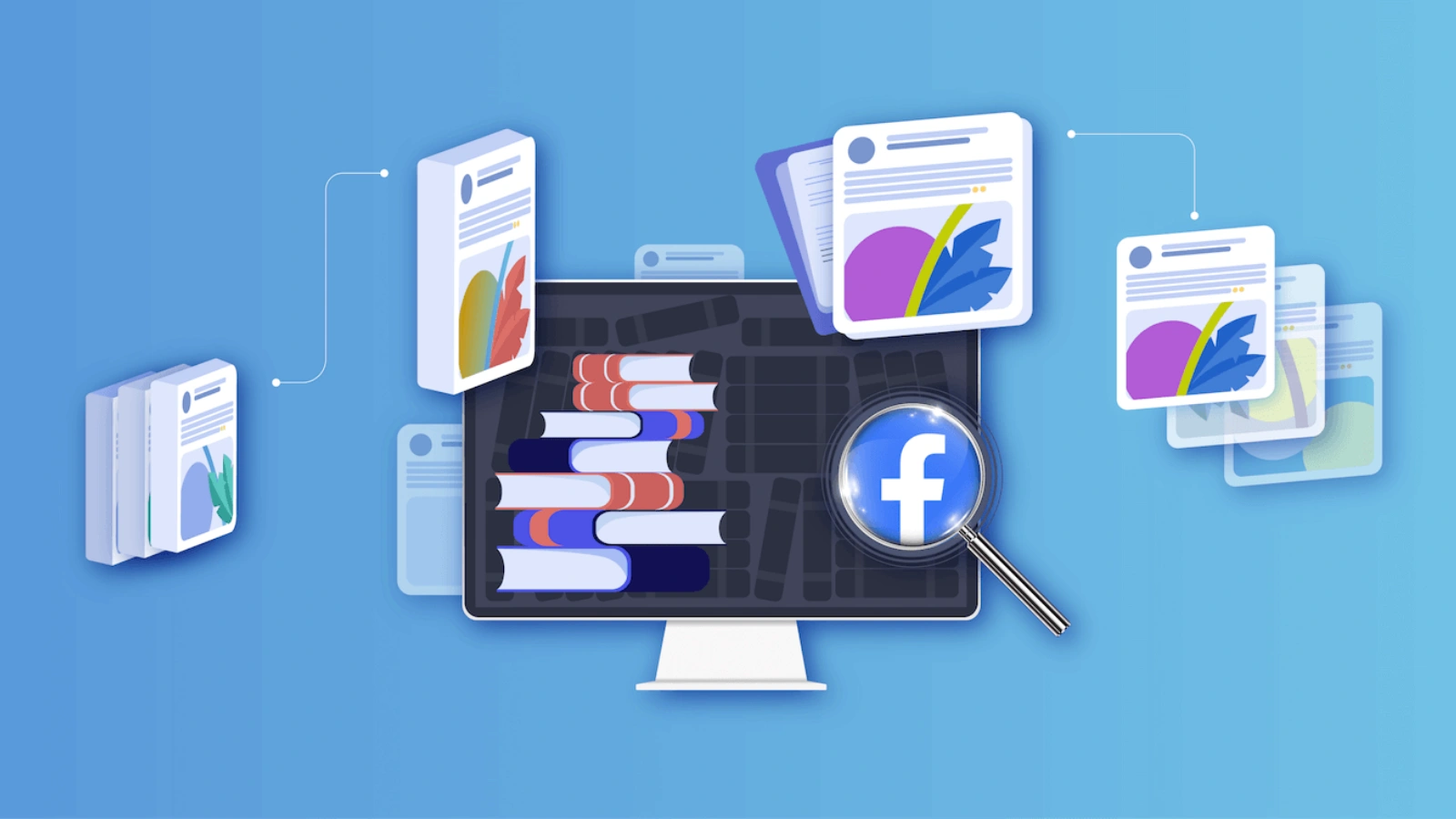
One underused tool that deserves a place in any Facebook Ads tutorial is the Facebook Ad Library. This free tool allows you to search for active ads running on Facebook and Instagram, giving you a clear view of what competitors are doing.
By spending time exploring the Ad Library, you can study headline structures, creative formats, and offer angles that resonate in your industry. While it doesn’t provide performance data, it offers valuable directional insights.
Think of it as a research shortcut that helps you learn what’s already working—so you don’t have to reinvent the wheel.
Taking Competitor Research Further With Poweradspy:
While the Facebook Ad Library is a great starting point, serious advertisers need deeper intelligence. That’s where PowerAdSpy comes in. PowerAdSpy is a dedicated social ads intelligence tool that takes competitor research to a completely different level.
Unlike the basic Ad Library, PowerAdSpy gives you access to millions of ads from over 100 countries, along with engagement data, likes, shares, and comments, so you can immediately see which ads are actually performing. For anyone following a Facebook ads tutorial and looking to scale faster, PowerAdSpy removes a massive amount of guesswork from the process.
Instead of spending hours manually searching for winning ad ideas, you can filter, sort, and bookmark the best ads in your niche within minutes.
How Does PowerAdspy Give Your Facebook Campaigns A Competitive Edge?
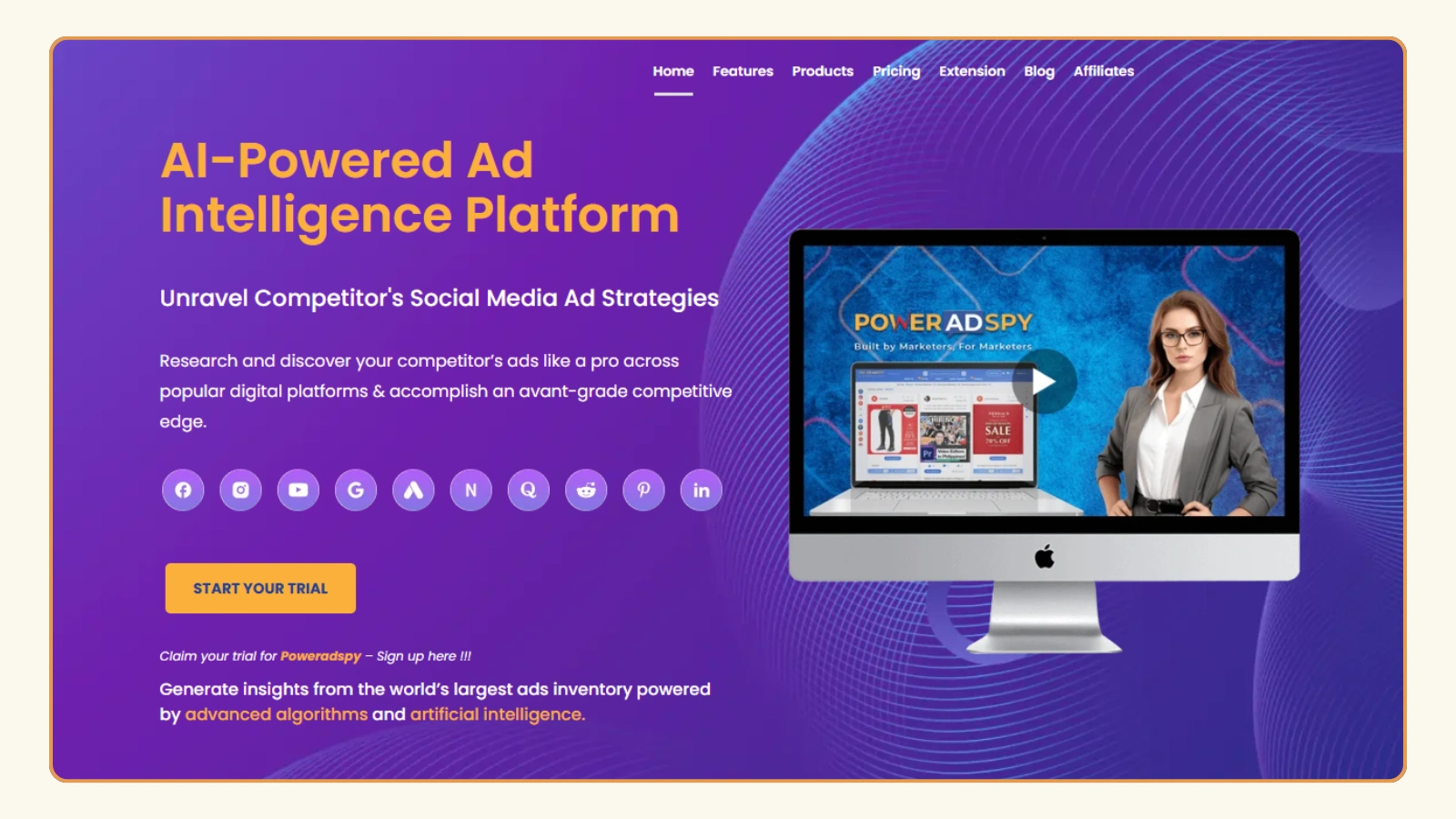
When you’re serious about building campaigns that win, having the right research tool changes everything. PowerAdSpy is built specifically for advertisers who want to go beyond surface-level insights and truly understand what’s working in their market.
Millions of Ads Across 100+ Countries:
PowerAdSpy has one of the fastest-growing ad databases in the industry, with millions of ads collected from over 100 countries. New ads are added every single day, which means the intelligence you’re working with is always fresh and relevant to your campaigns.
Filter by Ad Position and Placement:
Not all ad placements perform the same way. PowerAdSpy lets you filter ads by position, News Feed versus Side Location, so you can study what works specifically for the placement you’re targeting. This is exactly what a practical Facebook ads strategy demands.
Real-Time Engagement Data:
PowerAdSpy gives you complete visibility into live ad posts. You can cross-check real-time engagement metrics, including audience reactions and comments, telling you not just what ads exist but which ones are genuinely resonating with real people.
Narrow Down Searches by Keyword, Advertiser, or Domain:
You can search for ads using niche-specific keywords, look up specific advertisers, or search by a competitor’s domain. Want to see every ad your top competitor is running right now? PowerAdSpy makes that possible with just a few clicks.
Bookmark Winning Ads for Future Campaigns:
When you find ads that inspire you, PowerAdSpy lets you bookmark them instantly into your personalized inventory. No more scrambling to find that great ad you saw weeks ago; everything stays organized and ready when you need it.
Call-to-Action Based Sorting:
PowerAdSpy lets you sort ads by specific CTAs, Shop Now, Learn More, Get Quote, and more, helping you identify which action phrases work best in your niche. This insight directly sharpens your ad copy decisions.
Video and Image Ad Intelligence:
PowerAdSpy has a fast-growing library of video ad examples you can analyze and even download for reference. Combined with image ad research, it gives you a complete picture of creative trends driving results in your market.
If you’re serious about cutting through the noise and building Facebook campaigns that actually win, PowerAdSpy gives you the intelligence, the data, and the clarity to make every ad decision count.
How Do You Write Facebook Ad Copy That Actually Converts?
Even the most technically perfect Facebook ads tutorial setup falls apart without strong ad copy. Your headline needs to stop the scroll. Your body text needs to speak directly to your audience’s pain points. And your call-to-action needs to give them a clear next step. The ad copy section of any Facebook ads tutorial is where creative thinking meets conversion strategy.
Keep sentences short. Use plain language. Focus on what the customer gains, not just what you offer. The best-performing Facebook ads rarely feel like ads; they feel like helpful, relevant content that appears at exactly the right moment.
Choosing the Right Ad Format:
Facebook offers several ad formats, and choosing the right one matters. Single-image ads are simple and effective for direct response. Carousel ads let you showcase multiple products or steps in a process. Video ads drive high engagement and work well for storytelling. Collection ads are ideal for e-commerce brands showcasing a product catalog.
When following a Facebook ads tutorial for the first time, starting with single-image or video ads is usually the cleanest path. Once you’re comfortable, testing carousel and collection formats can open up new performance possibilities.
Setting Your Budget and Bidding Strategy:
Facebook offers two main budget types: daily budgets and lifetime budgets. Daily budgets give you consistent day-to-day control. Lifetime budgets let Facebook optimize delivery over a set time period, which often works well for campaigns with a defined end date, like a product launch or seasonal promotion.
For bidding, most beginners should start with Facebook’s lowest cost bidding strategy, which lets the algorithm find the cheapest results within your target audience. As you gather data, you can shift to cost cap or bid cap strategies for more controlled spending.
Tracking Performance and Reading the Data:
Running a Facebook ads tutorial without covering data analysis would leave you flying blind. Inside Ads Manager, the key metrics to watch are CTR (click-through rate), CPC (cost per click), CPM (cost per thousand impressions), ROAS (return on ad spend), and conversion rate. Every complete Facebook ads tutorial should dedicate real attention to interpreting these numbers.
When a campaign isn’t performing, the first step is diagnosing where the breakdown is. A high CPM with low CTR often suggests a targeting mismatch. A high CTR with a low conversion rate usually points to a landing page problem. Understanding these signals is what separates advertisers who improve from those who keep burning budget.
Testing and Scaling What Works:
The most successful Facebook advertisers treat every campaign as a test. They run multiple ad variations, measure which performs best, and then scale the winner. This process test, analysis, and scale is the engine behind sustainable growth on the platform.
A proper Facebook ads tutorial teaches you to never scale a campaign that hasn’t been validated. Start with small budgets, let the data guide you, and increase spend gradually on ads that demonstrate clear, consistent results. Every Facebook ads tutorial phase, from testing to scaling, builds on the one before it.
Common Mistakes To Avoid
Even with a complete Facebook ads tutorial in hand, certain mistakes show up again and again. Targeting audiences that are too broad wastes the budget on people who will never convert.
Stopping campaigns too early before the algorithm has enough data to optimize, leads to poor decisions. Using creative that doesn’t match the audience’s expectations creates friction that kills conversions.
Staying patient during the learning phase, keeping creative fresh to avoid ad fatigue, and regularly reviewing your audience exclusions are habits that keep campaigns healthy long-term.
How Do You Stay Ahead Of Facebook Ads Trends In 2026?
The platform continues to evolve. In 2026, AI-powered campaign tools inside Ads Manager have become more capable, automating more of the optimization work. Advantage+ campaigns, which use machine learning to handle audience and placement decisions, are delivering strong results for many advertisers when fed with quality creative.
Any updated Facebook ads tutorial 2026 strategy needs to account for these shifts. The advertisers winning right now are those who combine strong fundamentals, clear objectives, quality creative, smart targeting with a willingness to test new tools and formats as they emerge.
Final Thoughts
Learning Facebook advertising takes time, but following a structured Facebook ads tutorial puts you ahead of most people who are just guessing. Every step in this guide, from account setup to creative testing to data analysis, builds a foundation that compounds over time. Completing a Facebook ads tutorial end-to-end, rather than jumping around, is what builds real expertise.
By using tools like PowerAdSpy to inform your research, leveraging the Facebook Ads Library for creative intelligence, and staying disciplined in your testing process, you give your campaigns the best possible chance at real, measurable results. Revisit this Facebook ads tutorial whenever you’re launching a new campaign type or entering a new niche.
Start with one campaign, learn from the data, and build from there. The brands that win on Facebook in 2026 are the ones that treat it as a skill to develop, not a button to press and hope for the best.
FAQs
Q1. How much should a beginner spend on Facebook ads daily?
Start with $5–$10 per day to test your audience without burning through the budget. This gives the algorithm enough data to optimize delivery. Scale up only after you see consistent results.
Q2. How long does it take for Facebook ads to show results?
Most campaigns need at least 3–7 days before the algorithm exits the learning phase. Patience during this period is critical to avoid making premature changes. Judging performance too early leads to poor decisions.
Q3. Do I need a website to run Facebook ads?
You cannot always run Lead Generation ads that collect data directly inside Facebook without a landing page. However, having a website gives you access to the Pixel and better conversion tracking. It significantly improves your long-term campaign performance.