
Facebook Ads for Shopify: Complete Setup Guide
Launching a Shopify store feels exciting at first but learning how Facebook ads for Shopify actually drive traffic and sales is where the real work begins. Your products are ready, the website looks polished, and everything from browsing to checkout works smoothly. Then the harder part begins. Visitors are arriving slowly, and sales are not coming in as quickly as expected.
Many store owners assume people will eventually discover their shop. In reality, the internet is crowded. Thousands of stores compete for the same attention, and without visibility, even great products can go unnoticed.
Facebook advertising can help solve this problem.
Platforms like Facebook and Instagram have billions of active users, which means businesses can place their products directly in front of people who are likely to be interested. When done well, ads can bring steady traffic and new customers.
Still, successful campaigns rarely happen by chance. The setup needs to be correct, the audience must be chosen carefully, and the ads themselves have to capture attention quickly.
This guide walks through Facebook ads for Shopify step by step. By the end, you will understand how the system works, how to launch campaigns properly, and how to turn ad traffic into real customers.
Listen Aloud!
Quick Answer
Facebook ads for Shopify allow store owners to promote products to targeted audiences on Facebook and Instagram. By connecting Shopify with Meta Ads Manager and installing Meta Pixel, businesses can run product ads, track how visitors behave on their store, and create retargeting campaigns that encourage people to return and complete a purchase.
What Are Facebook Ads for Shopify?
Facebook advertising is a paid system that allows businesses to display promotions to specific groups of users. When connected to Shopify, it becomes a powerful marketing channel for e-commerce stores.
Instead of waiting for customers to discover your shop through search engines or social media posts, ads actively show your products to people who might already be interested in them. Facebook analyzes user behavior, interests, and engagement patterns to decide who should see certain ads.
Shopify integrates directly with Facebook through Meta’s sales channel. This connection allows your product catalog to sync automatically with Facebook. It also makes it possible to track purchases and run dynamic ads that promote items from your store.
For many online businesses, this integration solves one of the biggest challenges in e-commerce. It creates a reliable way to reach potential customers.
Facebook advertising is especially helpful for:
- Shopify store owners launching a new product
- E-commerce brands that want to grow traffic
- Marketers managing product campaigns
- Businesses that rely on visual product discovery
Once the connection is in place, ads can appear across Facebook, Instagram, and other placements in Meta’s advertising network.
Why Facebook Ads Work Well for Shopify Stores
Advertising works best when the right product appears in front of the right person at the right moment. Facebook’s advertising system is designed with this idea in mind.
One reason it works so well is its targeting capability. Advertisers can reach people based on interests, behaviors, and online activity. For example, someone who frequently interacts with fitness content may see ads for workout equipment or athletic clothing.
The visual nature of Facebook and Instagram also helps. Products are easier to sell when shoppers can see them clearly. Images and short videos allow businesses to show what a product looks like and how it is used in everyday life.
Another advantage is scalability. If a campaign begins producing sales at a profitable cost, advertisers can increase the budget and reach a larger audience.
Tracking tools complete the process. Once Meta Pixel is installed, Shopify stores can see which ads lead to purchases. That data makes it easier to improve campaigns over time.
Facebook Ads Benefits for E-commerce
Facebook ads offer several advantages for e-commerce businesses, especially Shopify stores that rely on online visibility and targeted traffic.
Precise targeting allows advertisers to reach users based on their interests, behaviors, and online activity. This makes it easier to show products to people who are more likely to be interested in them.
Conversion tracking helps store owners measure real results. With Meta Pixel installed, businesses can track actions such as product views, add-to-cart events, and completed purchases.
Retargeting is another major benefit. Ads can be shown to people who previously visited your store but did not make a purchase. This helps bring potential customers back and often increases conversion rates.
Scalability allows campaigns to grow once they start performing well. If ads generate profitable sales, advertisers can increase their budget and reach a larger audience without changing the overall strategy.
How Facebook Ads Work for Shopify Stores
To understand how Facebook ads for Shopify lead to sales, it helps to look at the structure behind the advertising platform.
Facebook campaigns are organized into three levels. Each level controls a different part of the advertising process.
Meta Ads Manager and Campaign Structure
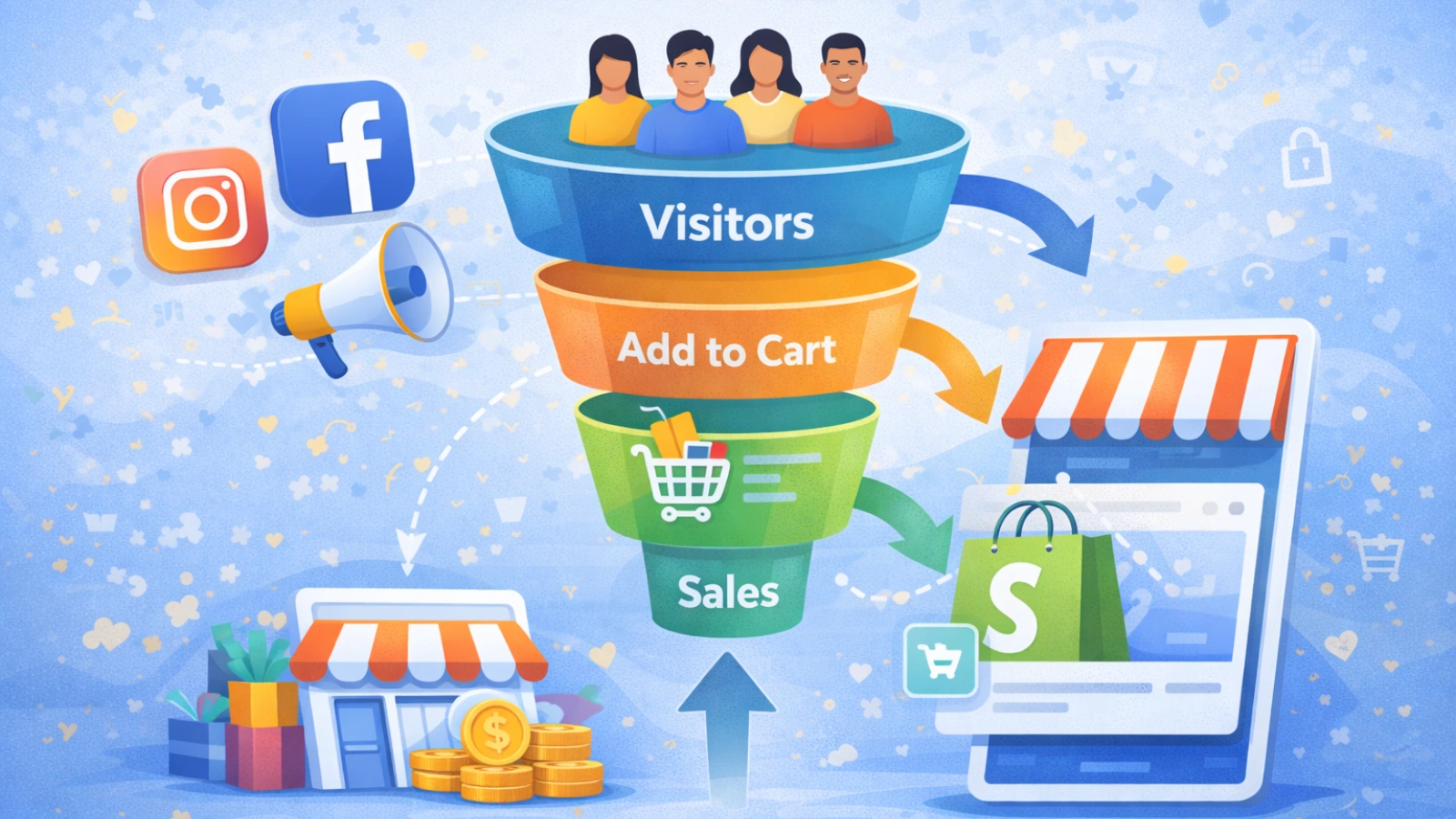
Every campaign follows a simple structure:
Campaign → Ad Set → Ad
The campaign level defines the main objective. For Shopify stores, this is usually conversions, which means the goal is to generate purchases.
The next level is the ad set. This is where targeting decisions happen. Advertisers choose the audience, the budget, and the ad placements.
Finally, there is the ad itself. This includes the images or videos, the text, and the call to action that encourages people to click.
Each layer plays a different role. The campaign defines the goal, the ad set controls who sees the ad, and the creative determines whether someone decides to engage.
Understanding this structure makes it easier to build effective campaigns.
Types of Facebook Ads for Shopify Products
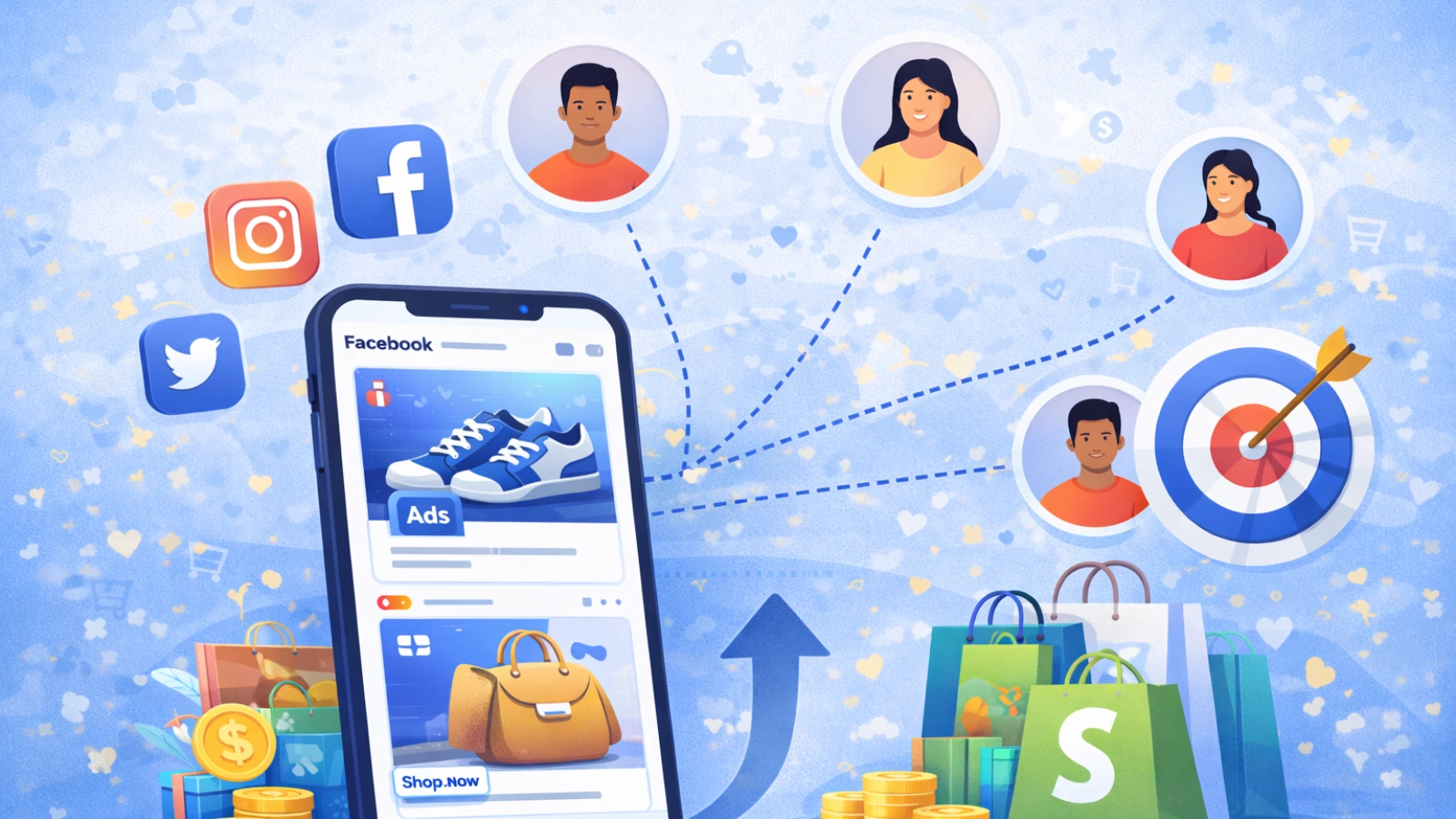
Different ad formats can be used to promote Shopify products. Some formats tend to work particularly well for e-commerce.
Image ads are one of the simplest options. A strong product photo paired with a clear message can perform very well, especially when the product is visually appealing.
Video ads allow brands to demonstrate how a product works. This can increase engagement because viewers can see the product in action.
Carousel ads display several images in a single advertisement. Users can swipe through multiple products or variations.
Collection ads provide a more immersive experience for mobile users. When someone taps the ad, they can browse products without leaving the Facebook app.
Dynamic product ads automatically show products to people who have already viewed them on your website. This format works particularly well for retargeting.
Best Facebook Ad Formats for E-commerce
Different Facebook ad formats serve different purposes when promoting Shopify products. Choosing the right format depends on what you want to show and how you want people to interact with the ad.
Image ads are one of the simplest formats and work well for promoting a single product. A clear, high-quality product photo combined with a short message can capture attention quickly.
Video ads are useful when you want to demonstrate how a product works. Showing the product in action often helps potential customers understand its value and can increase engagement.
Carousel ads allow advertisers to display multiple images within a single ad. This format helps showcase several products, highlight different features, or present product variations.
Collection ads are designed mainly for mobile users. They create an interactive shopping experience where people can browse several products without leaving the Facebook app.
Dynamic product ads automatically show relevant products to people who previously viewed them on your website. These ads are commonly used for retargeting and can help bring visitors back to complete a purchase.
Audience Targeting Options
Targeting determines who sees your ads. Choosing the right audience is one of the most important factors in campaign success.
Interest targeting allows advertisers to reach users whose profiles indicate interest in specific topics. For example, a hiking equipment store could target people interested in outdoor activities.
Custom audiences focus on people who have already interacted with your brand. These audiences might include website visitors or subscribers from an email list.
Lookalike audiences help expand your reach. Facebook analyzes existing customer data and finds users who share similar characteristics.
Retargeting audiences focus on visitors who explored your website but did not complete a purchase. For a Facebook ads for Shopify store, these audiences often generate some of the highest conversion rates.
Managing and Optimizing Shopify Ads with PowerAdSpy
Running Facebook ads for Shopify generates a lot of data. It can be difficult to understand which ads are performing well and which ones need improvement. This is where competitive ad intelligence tools can help.
PowerAdSpy allows marketers to study real ads running on Facebook and other platforms. Instead of guessing what might work, store owners can analyze proven campaigns and apply similar strategies to their own ads.
Key Features of PowerAdSpy for Facebook Advertising
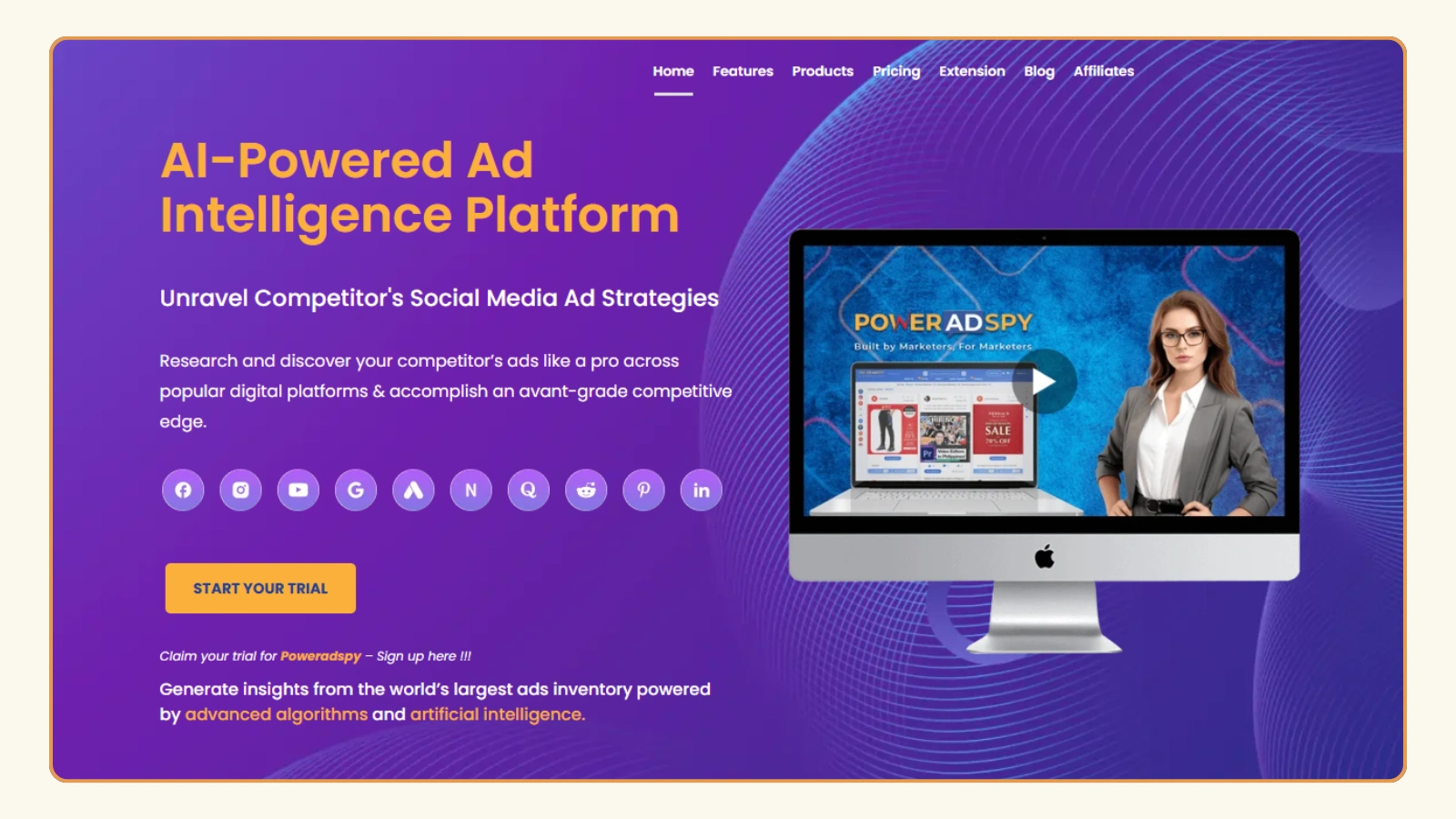
An ad database with live Facebook ads
PowerAdSpy provides access to a large database of Facebook advertisements. Marketers can browse active ads and see what other brands are currently promoting.
Advanced filtering options
Users can filter ads by keywords, advertiser name, engagement metrics, ad type, or call-to-action. This helps narrow down campaigns that are most relevant to a Shopify niche.
Engagement insights
Each ad shows engagement data such as likes, shares, and comments. This allows marketers to quickly identify ads that are resonating with audiences.
Landing page analysis
PowerAdSpy lets users view the landing page connected to an ad. This helps store owners understand how competitors structure their product pages and funnels.
Ad placement visibility
The platform reveals where ads are running within Facebook placements. This makes it easier to understand how advertisers distribute campaigns across different placements.
Creative inspiration for product ads
By studying high-performing creatives, Shopify marketers can discover patterns in messaging, visuals, and offers that drive engagement.
Using insights from PowerAdSpy, advertisers can refine their own campaigns, test proven creative approaches, and improve the overall performance of their Shopify Facebook ads.
Common Mistakes in Facebook Ads for Shopify That Should Be Avoided
Even well-planned campaigns can struggle when certain mistakes appear. Many new advertisers face similar issues during their first campaigns.
Targeting audiences that are too broad
When the audience is extremely large, ads may reach people who have little interest in the product.
Running ads without conversion tracking
Without Meta Pixel, it becomes difficult to understand which ads lead to purchases.
Using weak ad creatives
Low-quality visuals or unclear messaging make ads easy to ignore.
Expecting instant profitability
Advertising usually requires testing and adjustments before campaigns become consistently profitable.
Not testing multiple ads
Running only one ad limits learning. Testing different images, headlines, and offers helps identify what works best.
Read More!
Final Thoughts
Facebook ads for Shopify have become one of the most effective ways for Shopify stores to attract new customers.
Instead of waiting for shoppers to discover your products, ads place them directly in front of people who may already be interested.
Success usually comes from a few key elements. Proper setup, thoughtful targeting, strong visuals, and consistent optimization all play a role.
Store owners who keep testing and improving their campaigns often find that Facebook ads become one of their most reliable sources of traffic and sales.
Frequently Asked Questions
Are Facebook ads profitable for Shopify stores?
Yes, they can be very profitable when campaigns are structured properly. With strong targeting, compelling creatives, and reliable tracking, many e-commerce brands generate steady sales through Facebook advertising.
How much should beginners spend on Facebook ads for Shopify?
Many beginners start with a daily budget of around $ 10 to $ 20 per ad set. This allows them to test audiences and creatives before increasing spending on successful campaigns.
How long does it take for Facebook ads to produce results?
Most campaigns need a few days to gather performance data. Advertisers usually review results after one or two weeks before making major changes.
Do Shopify stores need Meta Pixel?
Yes. Meta Pixel tracks important actions such as product views, add to cart events, and purchases. This data helps Facebook optimize campaigns and enables retargeting.
What type of Facebook ads work best for e-commerce products?
Product-focused visuals often perform best. Short demonstration videos, carousel ads, and clear product photography tend to generate higher engagement and conversions.