

If you’re dropshipping in 2026, competitor ad search by keyword and domain is the fastest way to see what’s working, where, and why. This guide shows you how to turn competitor ad search by keyword and domain into a repeatable workflow for finding hooks, creatives, and landers that convert.
Book a quick demo today → to see live examples of competitor ad search by keyword and domain in action. You’ll learn how top advertisers structure their funnels, the targeting levers they actually use, and how they segment campaigns by GEO to tailor price points and shipping thresholds. The session also walks through creative libraries and “last seen” patterns so you can separate fad spikes from durable spend. If your team needs a quick way to align on angles, it’s an efficient way to watch working ads together and take notes.
Third, broad data matters. With data including millions of ads from over 100 countries, you avoid copycat traps. For example, a massage gun may be fading in the US but rising in DE or FR. Moreover, the ability to search ads based on niche keywords, advertisers, and competitor domains helps you scan wide, then zoom in with precision. Use this breadth to build a short list of angles per GEO and a map of which placements actually deliver engagement, so your tests don’t guess at aspect ratios or formats.
“PowerAdSpy’s FB ads spy tool transformed our ad strategy. We can now spy on top ads, uncover hidden targeting, and see real-time competitor insights.” — Archie Gilbert, Marketing Director
What keyword and domain search reveals
When you investigate competitor ads by keyword and domain, you surface the hooks that get saved and shared rather than just liked. You can see GEO-specific angles and price points, which is essential when a $29.99 anchor lands in CA but needs to be $34.99 in AU after exchange and duties. It also becomes clear which creative formats actually win: UGC vs. studio production vs. motion graphics or animation, and how those choices adapt by placement. Historical views reveal ad frequency, post dates, and “last seen” markers that hint at real spenders and not just viral one-offs. Most importantly, you can trace landing page flow and offer structure, bundles, timers, shipping bars, quizzes, prelanders, or advertorials, to understand how they soften the click and carry promise-to-proof continuity from ad to page.
- Quick signals to capture as you browse:
- Pricing by GEO and pack-size shifts (e. g., 1-pack in US vs. 2-pack in EU) to infer AOV targets.
- Repeated creator faces or voices that indicate allowlisting or ambassador programs.
- Offer cadence (BOGO weekends, payday bundles, seasonal flash sales) and whether comments reference codes.
- Comment themes that recur across multiple creatives (shipping time anxiety, sizing doubts, durability questions).
Step-by-Step: How to Search Competitor Ads by Keyword and Domain
If you follow a repeatable workflow, you’ll cut waste and keep your test stack lean. Here’s the system I use to stand up a fresh funnel in one day. Each step includes how competitor ad search by keyword and domain guides action.
The 6-step workflow
- Identify competitor domains/stores
Start with 5-10 domains in your niche. For a cat hair remover, list Shopify shops and Amazon-brand sites you see in feeds. Then add two brand-led stores to avoid tunnel vision. Validate each with quick checks: Similarweb for traffic trend, Whois for age, and a rapid on-site audit for shipping times, trust badges, and returns policy. If you can, add at least one marketplace seller and one DTC brand per GEO to compare angles.
- Extra checks to add:
Instead of leaving this as a checklist, walk each store like a detective. On TikTok and Meta, look up the Ad Transparency or Ad Library profile to confirm the advertiser of record; sometimes it’s a sister LLC or an agency account, which changes how you track “last seen.” Skim review volume trends on the storefront and marketplaces to infer supply constraints, because stockouts or long lead times often force creatives to pause or pivot. Finally, search the brand name plus “coupon” to decide whether discounting is always-on (and therefore less persuasive) or reserved for short, high-intent pushes that you can mirror.

- Build your keyword and advertiser search list
Targeted ad search using domains, advertisers, keywords, or specific CTAs lets you pivot fast. Layer in seasonal variants (“spring clean,” “holiday bundle,” “back to school”) and synonyms your audience might use (“fur,” “hair,” “dander”). Don’t forget competitor brand names; they often reveal comparison ads and defensive angles you can learn from.
Move beyond features by layering outcomes, objections, and identity markers into your searches. Outcomes such as “less shedding,” “sofa ready,” and “guest-ready home” will surface benefit-first ads that might convert with lighter education.
Objections like “refund,” “size guide,” and “washable” expose friction points that smart advertisers pre-handle in the first 10 seconds. Community terms such as “cat mom,” “pet dad,” or “student apartment” spotlight creator-led and identity messaging. And don’t forget slang and regional spellings, search “lint roller” vs. “lint-roller” or even “sticky roller” to catch ads optimized for different locales.
- Keyword scaffolding tips:
- Pair a core product word with one outcome, one objection, and one identity term (e. g., “lint roller guest-ready cat mom”).
- Add a CTA verb to force intent sorting (“get offer lint roller dander” vs. “learn more lint roller washable”).
- Include at least one direct competitor brand, one marketplace tag (e. g., “Amazon”), and one community nickname per GEO.
- Filter by engagement
Sort by likes, comments, and shares to surface proof. Then sort ads by post date, when last seen, or domain registration date to separate trend spikes from stable spenders. Moreover, check ad positions (feed vs. story vs. reel) to map creative to placement.
Add a reality check: prioritize ratio-based metrics (comments per 1,000 views, saves per 100 likes if available) so you don’t chase vanity likes. Scan the most recent 30 days, then zoom out to 90 days for lifecycle context. New ads should meet a simple momentum bar like 25+ comments in 72 hours; if they beat it, they’re worth tracking for another week. Evergreen ads tend to show consistent “last seen” over 30 or more days, with periodic creative refreshes that keep social proof compounding. When an ad is so viral it’s on every feed, assume brand equity is doing part of the lifting, borrow the angle, not the exact aesthetics or pacing.
- Analyze ad copy, creative, and CTA
Save 8-12 top examples. Note hook lines, problem/solution beats, demo shots, and CTA language (“Shop Now,” “Get Offer,” “See How”). Furthermore, use GEO-targeted information about competitor ads to see if the same angle wins in CA vs. AU. Turn those saves into structured notes so you can brief creators and editors quickly.
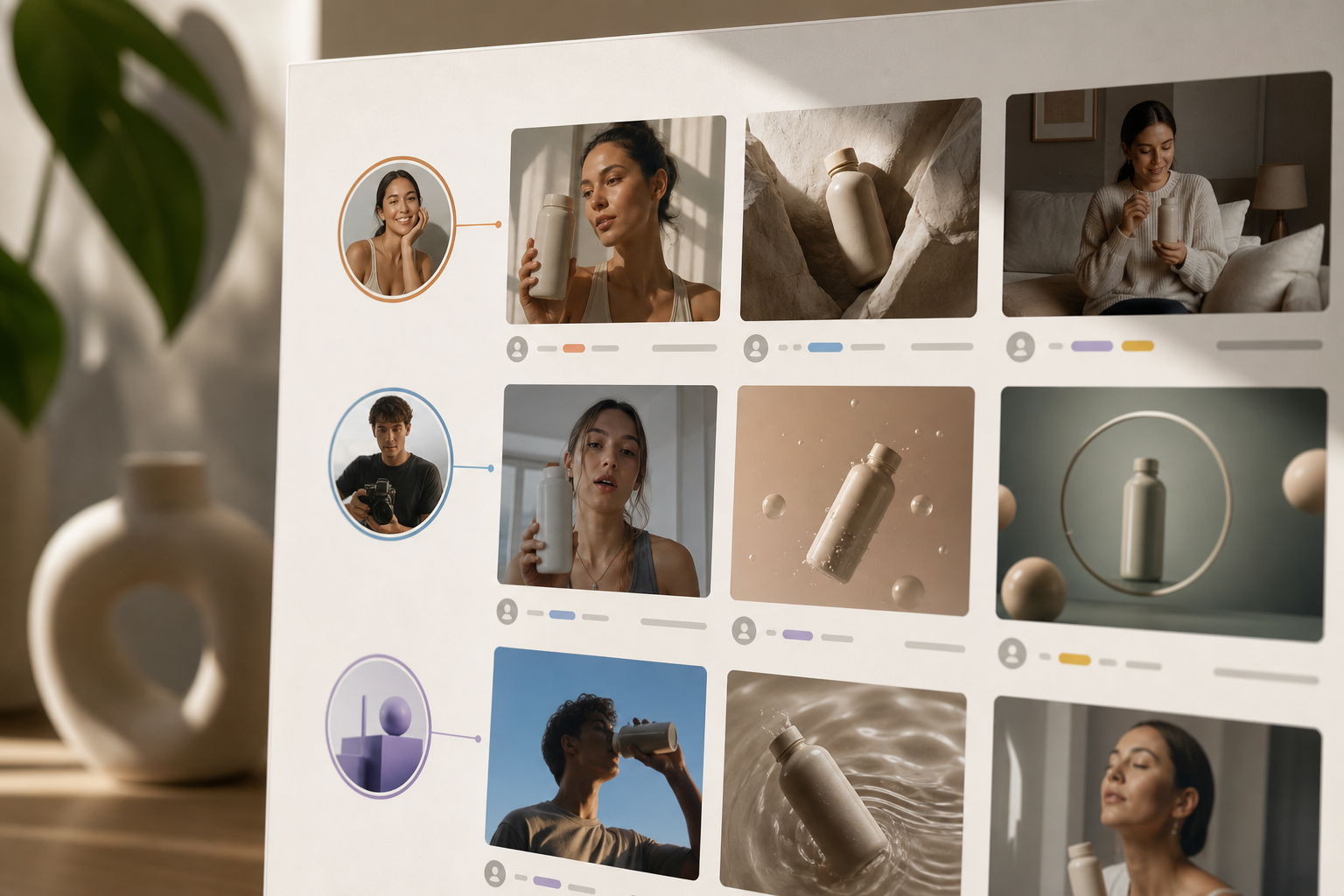
Transcribe winning videos to capture exact phrasing and on-screen text, since those micro-lines often carry the heaviest persuasion. Call out structural patterns like a 3-second hook, 10-second demo, 5-second social proof, and a 2-second CTA so your edits can mirror cadence. Pay attention to comments that mention coupon codes, delivery windows, or returns, because they reveal margin room and ops constraints you’ll need to match or counter. Also screenshot thumbnails and first frames, face close-ups, product macro shots, or “proof” overlays, to guide your own opening beats.

- Reverse-search landing pages
Open the lander. Then look under the hood with lander properties search using affiliate network, funnel, marketing, or eCommerce platform details. Specifically, tag: theme speed, hero proof, price anchoring, bundles, shipping bar, and checkout friction. Use tools like View Source, Wappalyzer, and network panels to spot apps (review widgets, upsell tools), A/B testing scripts, and pixel setups (TT, GA4, Meta). Note whether they run prelanders (quiz, advertorial) and which headlines or testimonials carry over from ads to page.
- Lander red flags and green lights:
As you assess, treat the page like a continuation of the ad’s promise. Red flags include heavy pop-ups on mobile before first scroll, a buried returns policy, and inconsistent pricing across variants that confuse buyers. Green lights look like promise-to-proof parity, if an ad claims “no sheds in 7 days,” the PDP echoes it above the fold, plus sticky add-to-cart and localized currency by GEO to reduce friction. When you see heatmap scripts present (e. g., Hotjar or Microsoft Clarity), assume an iterative CRO culture and plan for frequent layout tweaks. These signals tell you which elements to clone, which to avoid, and how aggressively to test bundles or urgency.
- Track over time
Subscribe to saved ads. Therefore, you’ll see if creatives keep running, get tweaked, or die. As a result, you can time your tests with fewer variants instead of blasting 20 cold ads at once.
Keep a simple change log: date first seen, last seen, edit events (new thumbnail, caption change), and offer shifts (price, bundle, shipping). Set calendar reminders to recheck top domains weekly so you capture reactivations and seasonal pushes fast.
- Columns: Advertiser, GEO, Angle, Hook, Placement, First Seen, Last Seen, Offer, Lander Type, Notes
- Tags: “refresh,” “new SKU,” “seasonal,” “UGC swap,” “price test”
- Triggers: If “last seen” resets after >21 days idle, revisit to check for new messaging.
What to check beyond obvious filters
Don’t stop at keyword and date filters; refine alignment between audience and creative intent. Compare calls to action like “Shop Now,” “Learn More,” and “Get Offer” to match the funnel stage you plan to target, education, purchase intent, or discount urgency. Add age, gender, and country constraints that mirror your first test audience so your CTR and CPC expectations have the right baseline. Device targeting matters too: split iOS vs. Android and desktop vs. mobile to anticipate attribution gaps, load times, and checkout quirks that influence conversion rates.
Placement and language also shape outcomes. Use ad position filters to adjust aspect ratios and editing rhythm for story/reel vs. feed, and keep captions concise where autoplay is muted. Switch language filters to localize tone, toggling between formal and casual registers depending on the GEO’s cultural norms.
Finally, test media-type variations, video vs. image vs. carousel, with the knowledge that some niches rely on motion to prove a claim, while others benefit from comparison carousels that stack objections and rebuttals in sequence.
Get instant ad insights → with cross-network coverage, granular filters, and consistent “last seen” tracking across platforms. Use it to move from scattered screenshots to organized, filterable research that your whole team can reference during creative reviews and weekly test planning.
 , filter depth (GEO, placements, CTA), and price ranges, styled like a 2026 SaaS review)
Pricing and coverage shift over time, so confirm trial limits, export caps, and how far back historical data goes. If you rely on video, check whether watch-time or save metrics are available; if not, plan to proxy performance with comment velocity and share density. Also ask how frequently data is refreshed (hourly vs. daily), whether dark posts are captured, and if TikTok Spark Ads or Meta Advantage+ Creative variations are detectable.
Data-freshness questions to ask before you commit
- How often are “last seen” timestamps updated for each network (hourly vs. daily vs. weekly)?
- Are Spark Ads, dark posts, and Advantage+ variations visible or rolled up in aggregates?
- What’s the maximum historical lookback for video vs. image ads, and are deletions retained?
- Do exports include ad ID, page ID, and creative hash so you can dedupe in spreadsheets?
- Are GEO and placement filters applied at the creative level or campaign/ad set level?
How to choose a tool this month
- If your budget is $0, start with Facebook Ad Library and manual notes.
Add a simple spreadsheet to log angle, hook, placement, “last seen,” and lander type; consistency beats fancy features at this stage. - If you need GEO and placement filters, pick a tool with ad position and age/gender/country filters.
This helps you localize prices and creative, and prevents wasting budget by forcing feed cuts into story placements. - If you test UGC heavy, choose a tool that tags creators and video hooks.
Creator graphs can reveal repeat performers across brands; consider DM outreach for allowlisted content once you spot a fit. - If you scale fast, pick exportable reports and “last seen” tracking for ad lifecycles.
CSV exports accelerate creative briefs, media calendars, and stakeholder updates; lifecycle views stop you from copying dead ads. - If you’re compliance-heavy (health/finance), prioritize policy flags.
Tools that surface “disapproved” patterns help you avoid risky phrasing and reduce review delays.
“We’ve cut back on testing time and launched campaigns that get results.” — Charlotte Neilson, Digital Marketing Strategist
Also Read!
Best Competitor Ad Search for Dropshippers in 2026
PowerAdSpy vs Dropispy for Dropshippers: Which Is Better for Competitor Ad Search?
What to Do With Competitor Ad Data Once You Have It
Data only works when you turn it into tests you can afford this week. Here’s how to make your findings pay off. I’ll tie each move to features you should look for.
Turn insights into tests
First, build a swipe file. Bookmark feature sets let you save and organize preferred ad concepts by angle (“before/after,” “problem demo,” “expert voice”). Moreover, tag by placement and GEO so you don’t mix stories with feeds. Capture both winners and “near misses” that have strong hooks but weak CTAs, you can often fix the weak link and win.
- Swipe file taxonomy tips:
Rather than keeping a bare list of tags, write a short description for each taxonomy dimension so collaborators apply them consistently. For “benefit-first,” explain that the opening line names the outcome within three seconds; for “fear-of-miss,” note that stakes are framed around loss or embarrassment. Identify proof types like “UGC social proof,” “media mention,” or “statistic,” and include examples so your editors can spot them in the wild. Clarify format tags such as “9:16 reel,” “1:1 feed,” and “16:9 YT short,” and specify which captions or on-screen text conventions come with each. Finally, spell out offer tags, “BOGO,” “bundle,” “free shipping,” or “trial”, and how they should appear in both the ad and the first scroll of the lander.
Second, set test rules. Export detailed ad performance reports and note the top 3 hooks, 2 creatives, and 1 CTA per product. As a result, you run fewer, smarter tests.
In fact, users report a 15% reduction in A/B testing volume in under two months with this approach. Define your own greenlight thresholds (e. g., 2%+ CTR (link) in feed, sub-$2 ATC click) so go/no-go calls are objective.
Convert this into a playbook you can follow even on busy weeks.
Set a minimum spend per variant before a kill decision, for example, 1x target CPA or at least 2,000 impressions to stabilize CTR and CPM, so you don’t cut winners early. Cap net-new edits at a sustainable level like six per week to protect creative quality and review time. And institute an offer freeze: keep price and discount constant during creative tests to isolate the variable and keep attribution clean across platforms.
Pro tip: Write your kill and scale rules on the first tab of your spreadsheet. When emotions run hot, rules beat vibes.
Third, run angle variations, not random stabs. For a posture corrector, test “doctor says 20 minutes/day” vs. “no slouch at desk” vs. “teen gamer back pain”.
In addition, match CTAs you saw winning in your research. Keep creative constants (same editor, pacing, captions) so you can attribute lift to the angle, not production variance. Instead of bulleting options, think in terms of perspective, outcome, and proof swaps that build a matrix of learnings. Try swapping POV between a “mom reviewing,” a “physio explaining,” and an “office worker demo” to see which voice your audience trusts.
Reframe the outcome from “feel better in 7 days” to “sit longer without pain” or “wake up without stiffness,” then hold everything else constant. Rotate proof: test a star-rating overlay, a social screenshot testimonial, and a short expert quote, each matched to the same hook, so you learn which credibility type moves clicks vs. conversions.
Fourth, keep a weekly review cadence. Furthermore, track “last seen,” comments, and lander tweaks on your saved ads. If your rivals switch from “free shipping” to “bundle and save,” mirror the structure in your next round. Note whether they add quizzes or swap PDP sections; these shifts often correlate with lower CPM seasons or new audience segments.
- What to look for in comments:
Read comments like a live focus group. Terms like “does it work on long hair?” or “is it machine-washable?” tell you what to clarify in your first two sentences. Shipping complaints in specific GEOs hint at localized warehouse or delivery messages you can add to creative and headers. Coupon chatter often signals AOV targets or a low-margin push, which helps you decide whether to position bundles, gifts-with-purchase, or value stacks to compete.
Mini case study: Turning research into a 7-day win
- Product: Cat hair remover (lint roller alternative).
- Research find: AU creatives led with “guest-ready home” and a $34.99 anchor; comments asked about refills and fabric safety.
- Test plan: Two angles (“guest-ready in 60 seconds” vs. “sofa-ready after one pass”), same creator and pacing; proof swapped between a TikTok comment screenshot and a 5-star overlay; lander added above-the-fold “safe for wool and linen” plus a 2-pack bundle nudging AOV to AU$49.
- Result: Reel CTR +28%, CPC -18%, ATC rate +22% in 5 days; comments shifted from “is it safe?” to “bought the bundle,” validating the objection-handling edit.
Your weekly ritual
- Monday: Add 10 new ads to your swipe file across 2-3 GEOs
- Tuesday: Draft 2 angle scripts and 1 lander tweak
- Wednesday: Launch tests; tag by placement
- Thursday: Rotate a single variable (thumbnail or opening hook) on the strongest angle
- Friday: Export results; compare to saved competitor updates
- Sunday (optional): Archive dead angles; prep creator briefs for next week

For deeper learning, it helps to know what a valid test looks like. If you need a primer on split-testing basics, this quick overview is solid: A/B testing. Also, document your hypotheses before launch (“UGC testimonial with on-screen captions outperforms studio demo by 20% CTR in reels”) and rank next actions based on impact and effort. Keep a changelog of non-ad variables (inventory, shipping times, site outages) so you don’t misattribute results.
FAQ: Competitor Ad Search by Keyword and Domain
- Is competitor ad search by keyword and domain legal and ethical?
- You’re viewing publicly accessible ads and pages, which is legal. Avoid scraping where prohibited, and never misrepresent yourself to gain backend access. Don’t copy trademarks or misleading claims; use insights for angles, structure, and objection handling rather than 1:1 duplication.
- How often should I refresh my keyword and domain lists?
- Weekly in fast niches (beauty, gadgets), biweekly for slower cycles (home goods). Add seasonal terms monthly (“spring clean,” “back to school,” “holiday gift”) and remove dead terms that haven’t surfaced fresh ads in 60-90 days.
- What if I can’t find my exact product in a given GEO?
- Search outcomes and problems instead of SKU names (“pet hair on couch,” “no lint on black clothes”). Expand to adjacent categories (fabric shavers, upholstery cleaners) to borrow angles that translate.
- How do I avoid copying losing ads?
- Sort by “last seen” and engagement ratios; track for at least a week before cloning. Prioritize ads with steady spend over 30+ days, then adapt the angle, update proof, and localize the offer.
- How does competitor ad search by keyword and domain help creators brief faster?
- Your swipe file becomes a storyboard bank. Include time-stamped hook moments, transcript snippets, and first-frame screenshots. Creators can mirror cadence and talking points while swapping voice, setting, and proof to maintain originality.
Key Takeaways
- Product picks don’t win alone. The ad, angle, and lander do the heavy lift.
- Use competitor ad search by keyword and domain to spot real spenders and live angles.
- Sort by engagement and “last seen” to avoid dead trends and clone traps.
- Reverse-search landers, then test bundles and proof that match the ad promise.
- Save, tag, export, and review weekly to shrink test volume and grow results.
- Track by GEO and placement so your best ideas get the right canvas and context.
- Add thresholds and guardrails so testing stays affordable and decisions stay objective.
- Build and refresh keyword lists monthly so your searches reflect seasonality and slang shifts.
What to Do This Week
Block two hours. List five rival domains. Run two keyword searches per product. Save twelve ads across two GEOs.
Write three hooks and one lander tweak. Then launch six tests with matched CTAs and placements. Repeat next week, and by July 2026 you’ll feel the lift. If you hit early traction, double down on the best angle/placement pair before adding new products, depth beats breadth when budgets are tight.
- Quick pitfalls to avoid this week:
- Copying a dying ad (no recent “last seen”)
- Forcing 1:1 creatives into story/reel without reformatting
- Changing price mid-test and confusing attribution
- Ignoring comments that flag sizing/shipping issues your lander doesn’t answer
Compare plans and start today → https://app.poweradspy.com/amember/signup/monthly-plans