


**Start your free trial today →
More engagement is not always better, unless you can prove it moves revenue. An ad engagement and performance tracker helps you spot which creatives and audiences earn clicks, saves, and comments that lead to sales in 2026.
Here’s the short answer: define one clear goal per campaign, tag every link with UTMs, review platform analytics weekly, and connect social signals to on-site actions. Then, kill what underperforms and fund what wins. As a result, you’ll stop guessing and start scaling with intent instead of hope.
For example, if you run $50/day Instagram Reels and TikTok ads for a local bakery, you can measure more than likes. Specifically, you can see whether a Reel with 5% click-through also raises online orders by 12% week over week. Therefore, you make budget calls based on evidence, not gut feel. Moreover, you’ll shift from “What happened?” to “What should we do next?”, that is the real value of an ad engagement and performance tracker.
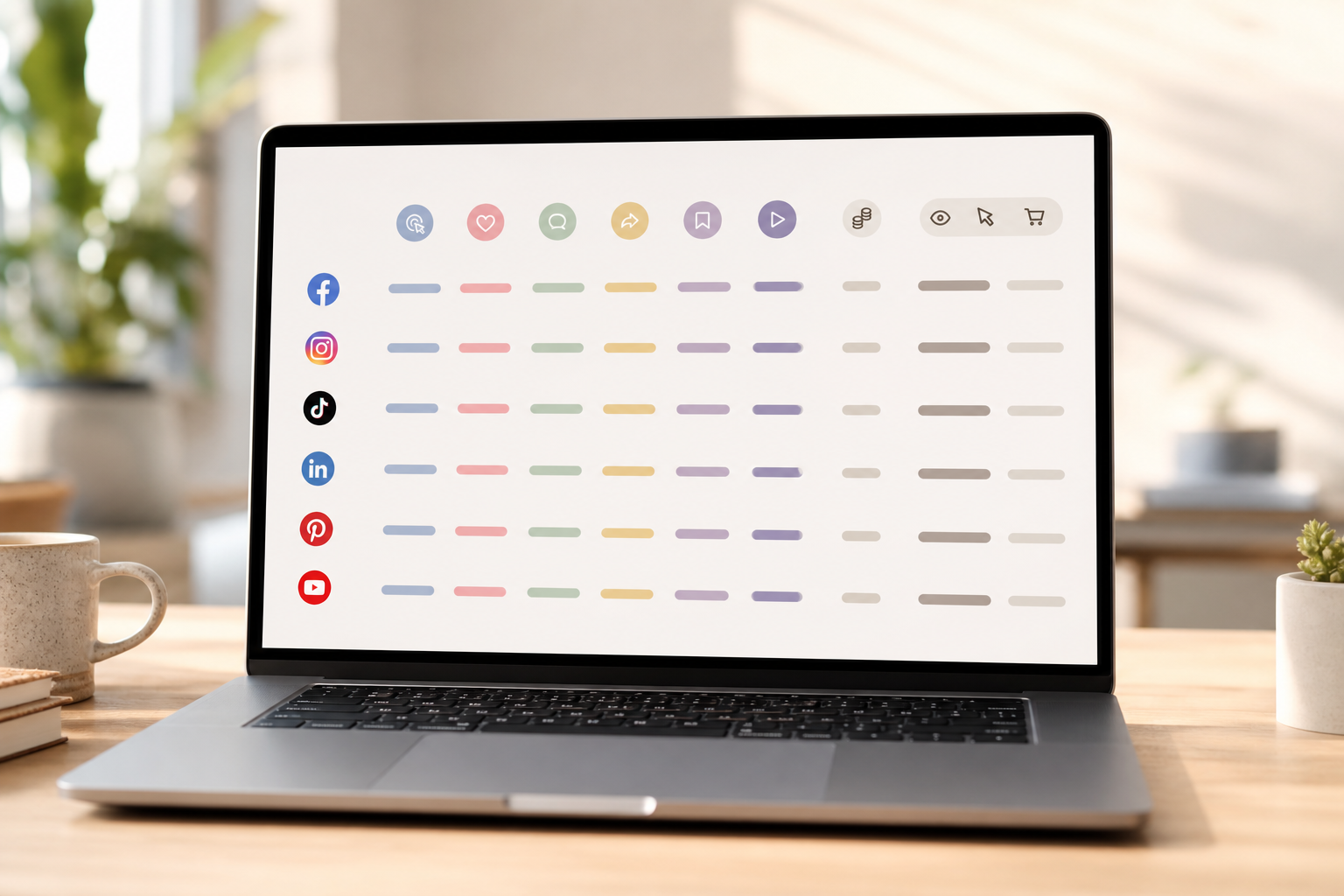
What Is Ad Engagement Tracking and Why Does It Matter for Small Businesses?
Ad engagement tracking means measuring how people react to your ads across each channel, then tying those reactions to clear goals. In plain terms, you don’t just see impressions; you know which posts get clicks, saves, shares, comments, and video views, and whether that activity leads to leads or sales. In addition, strong trackers provide engagement-oriented details that show the social interactions of each ad in context, not as raw counts.
Small businesses need this more than enterprises. Budgets are tighter, so a 10% swing in cost per lead can be the difference between profit and loss. Enterprises can afford a dozen “learning” tests; you may only get one or two per month.
Why It Matters
Therefore, you must run smarter tests with complete ad analytics and social engagement metrics from the start. Furthermore, you need a tight loop between signal (engagement) and outcome (revenue) to avoid paying for noise.
In 2026, attention is spread across Reels, Shorts, Stories, and feeds. As a result, “what works” shifts fast.
Core Engagement Metrics (and what they signal)
- Click-through rate (CTR): Creative-message fit. Higher CTR shows your hook lands.
- Likes: Quick resonance. Low weight on revenue by itself.
- Comments: Depth and intent. Reads demand and objections in the wild.
- Shares: Word-of-mouth proxy. Strong for social proof.
- Saves: Future-buy intent. Great for remarketing pools.
- Video views and % watched: Hook quality and audience match.
Moreover, small teams benefit from repeatable reviews. For example, a weekly 30-minute check can flag creatives with high comments but weak clicks. Then, you can fix the call to action or first three seconds of your video. In addition, you can spot “silent winners”: ads with modest likes but standout save rates that convert well on remarketing.
“We’ve cut back on testing time and launched campaigns that get results. This Facebook ad spy tool made life so much easier.” — Charlotte Neilson, Digital Marketing Strategist
Step-by-Step: How to Set Up Ad Engagement Tracking on Any Budget
You don’t need a big stack to track well. You need a clear setup and a weekly habit. Follow these seven steps to build a tracker you’ll actually use.
-
Define one goal per campaign. First, pick a single business goal: lead, purchase, booked call, or foot traffic proxy (for example, coupon scans). Then, choose one North Star metric to judge the ad set (for example, cost per lead ≤ $15). As a result, creative tests stay aligned with value.
-
Choose platforms with intent: Second, match channels to your goal. For local services, try Meta (Facebook/Instagram) and TikTok for reach, plus Google Search for high intent.
Channels and Tracking
On the other hand, if you sell niche B2B, keep LinkedIn in the mix for decision-makers. Therefore, you avoid spreading dollars thin.
-
Set up UTM parameters on every link: Third, tag links with source/medium/campaign/content to distinguish each ad, creative, and audience. Use Google’s GA4 campaign guide to build clean tags: Google Analytics campaign tagging (GA4). Moreover, standardize names: source=instagram, medium=cpc, campaign=summer_sale, content=reel_hookA. As a result, you can group results without guesswork.
-
Configure platform-native analytics: Fourth, turn on and verify Meta pixel, TikTok pixel, and Google Ads conversions. In addition, ensure events resolve to the goal (e.g., Lead, Purchase). Then, add columns for CTR, CPC, CPM, saves, comments, shares, and video views. Therefore, you’ll see both cost and engagement in one grid.
-
Establish baseline metrics: Fifth, run for 5–7 days to form a baseline. For example, you might see: Reels CTR 1.9%, saves 0.6%, add-to-cart rate 2.4%.
Review and Iterate Weekly
Moreover, note which ads build early social proof (comments, shares) even if clicks lag. Then, you’ll know where to iterate.
-
Create a weekly review cadence: Sixth, every Monday, sort ads by: likes, comments, shares, newest, running longest, popularity index, and impressions index. Then, export a detailed ad performance report so you can compare weeks side by side. In addition, track ad impressions across platforms to avoid double-counting and cap frequency.
-
Iterate based on data: Seventh, act. Pause the bottom 20% by cost per goal. Duplicate top creatives with new hooks, first frames, or captions. Furthermore, spin a “saves winner” into remarketing. Therefore, each week funds winners and trims losers.

Moreover, advanced filters help you find patterns faster. For example, sorting by “Running Longest” can point to evergreen messages worth repurposing across channels. In addition, sorting by “Popularity and Impressions Index” reveals posts that punch above their spend weight.
- For a broader, agency-level playbook, see the Ad Agency Guide to Tracking Ad Engagement Across Platforms.
- If you handle multiple clients or brands, you may also like the Best Ad Engagement Tracker for Ad Agencies in 2026.
Also Read!
5 Ad Tracking Mistakes Small Businesses Make (and How to Avoid Them)
Small teams don’t fail from lack of effort, they fail from tracking gaps. Here are the five big ones and how to fix each.
Mistake 1: Tracking only vanity metrics
Likes and raw views feel good but don’t pay the bills. Instead, tie engagement to site actions with UTMs and conversions. Then, grade creatives on cost per lead or sale, not just hearts and thumbs.
Mistake 2: Ignoring cross-platform attribution
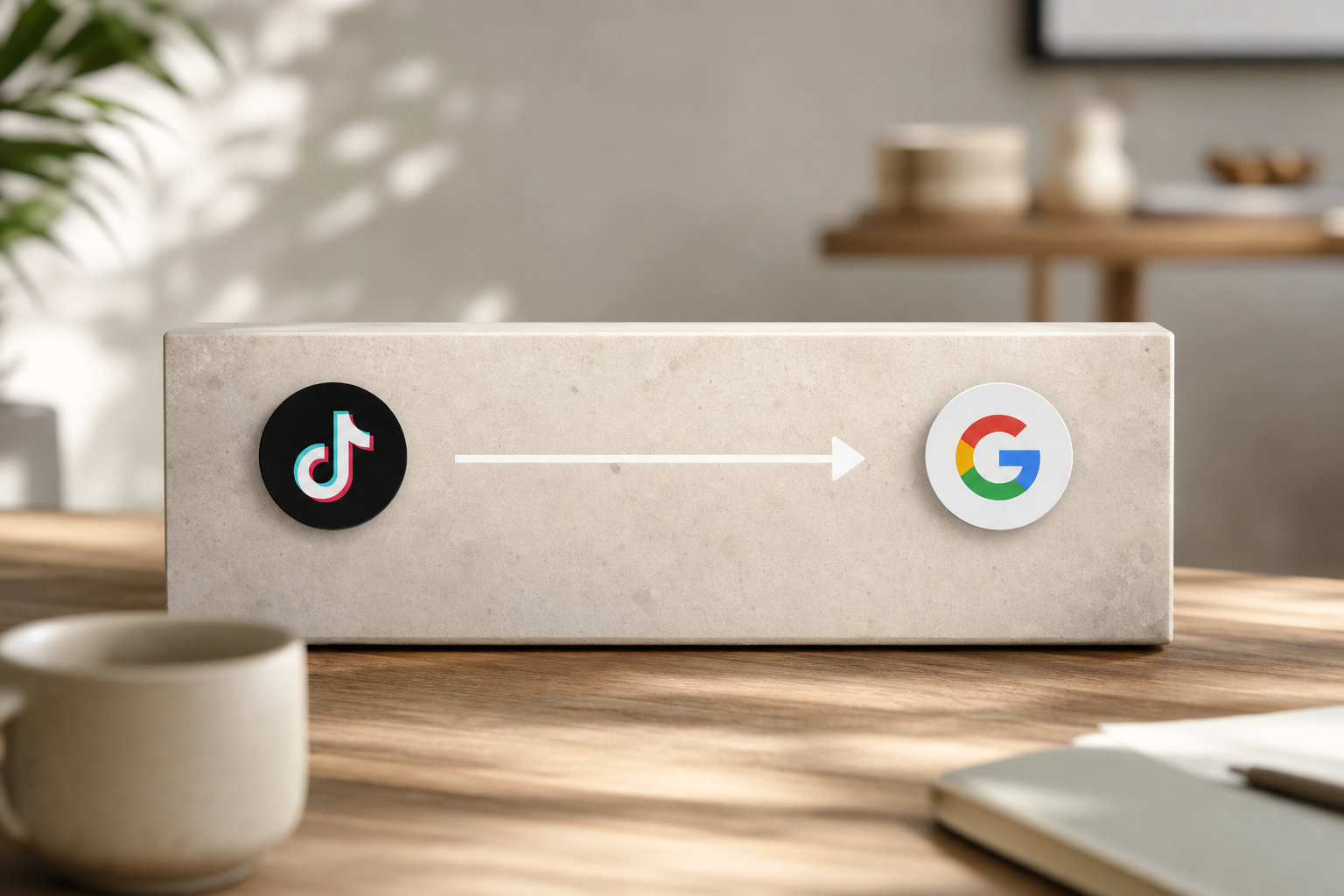
If you judge each channel in a silo, you miss real lift. For example, a TikTok ad might spike branded search on Google. Therefore, compare platform data with GA4 UTMs and watch assisted conversions before you cut a “low last-click” channel.
Mistake 3: Skipping competitor benchmarks
Without benchmarks, you might celebrate weak CTR or kill solid ones. As a result, you test blind. Moreover, ad intelligence tools report “Data includes millions of ads from over 100 countries,” which gives useful context on hooks, CTAs, and formats by niche.
Mistake 4: Checking data too infrequently
Monthly reporting hides burn. Weekly reviews prevent waste. Furthermore, user data shows a “15% reduction in A/B testing volume for users under two months of usage,” a sign that new teams may under-test. Therefore, schedule tests and reviews so volume stays steady.
Mistake 5: Failing to connect engagement to revenue
Saves and shares are great. However, they must lead to booked calls or checkouts. In addition, published results show a “19% improvement in user revenue with decreased workforce and increased work efficiency” when teams tighten their loop from insights to changes. Therefore, wire engagement to CRM or checkout data to see cause and effect.
“We’ve cut back on testing time and launched campaigns that get results. This Facebook ad spy tool made life so much easier.” — Charlotte Neilson, Digital Marketing Strategist
Moreover, keep a simple “Fix Checklist” after each review:
- Add two new hooks to your best visual.
- Swap the CTA verb to match the page action.
- Test the first three seconds of every video.
- Move budget from the bottom 20% to the top 20%.
Best Tools for Tracking Ad Engagement in 2026
You can track ads with free dashboards, social suites, or competitive intelligence tools. Choose based on budget, channels, and how fast you need answers.
Free options
- Meta Ads Manager and TikTok Ads Manager: Great for on-platform metrics (CTR, CPC, CPM, video views, comments, shares). In addition, you can build saved reports and breakdowns by placement. However, cross-platform views require exports. – Google Ads dashboard: Strong for search intent.
Moreover, pair with GA4 to see UTMs across channels and assisted conversions.
- GA4: As your source of truth, it reads UTMs and shows session-based outcomes. Therefore, you can connect ad clicks to site behavior and conversions.
Mid-tier social suites
- Hootsuite and Sprout Social: Good for scheduling and social analytics across networks. In addition, you’ll see engagement trends and can tag campaigns. However, ad account-level cost and conversion depth may still live in each native platform, so plan for exports.
Competitive intelligence (neutral view)
- Tools like PowerAdSpy give AI-powered ad intelligence with access to Facebook, Instagram, TikTok, Google, Reddit, and Pinterest. Moreover, the data includes millions of ads from over 100 countries with thousands added daily. Specifically, you can sort ads by keywords, date, shares, likes, and comments to see what gains traction.
In addition, advanced filters include call-to-action sorting and GEO targeting. The Basic plan starts at $29/month billed annually (or $69/month monthly). As a result, small teams can scan proven angles before they spend.

Furthermore, if you run creative ideation sprints each week, a competitive view trims research. For example, you can pull three winning hooks, rewrite them in your voice, and test by Friday. Therefore, your “idea-to-ad” time shrinks without guesswork.
Key Takeaways
 → UTMs → GA4 → revenue; icons for small business, calendar, charts)
- Track signals and outcomes together. CTR and saves matter only if they lower cost per lead or sale.
- Standardize UTMs and review weekly. Therefore, bad ads die fast and strong ones scale.
- Sort by likes, comments, shares, popularity, and impressions to spot patterns, then export reports to compare weeks.
- Use a neutral benchmark. Moreover, scan “millions of ads from over 100 countries” to set realistic targets for hooks and CTAs.
- Tie work to results. In addition, plan one test per week so changes stack into revenue wins.
What to Do This Week: Your Ad Engagement Tracking Action Plan
Day 1: Audit your tracking
- Map each live ad to one goal. Check pixels fire on the right events. List missing UTMs and broken links.
Day 2: Add missing UTM tags
- Standardize source, medium, campaign, and content. Update all ad links. Then, verify in GA4 real time.
Day 3: Benchmark three competitors
- Pull 10–15 active ads per competitor. Sort by shares, likes, and comments. Note hooks, offers, and CTAs to test.
Day 4: Build a simple dashboard
- Create a one-sheet view: spend, CTR, saves, CPC, cost per goal. Export weekly. Save time by using the same layout.
Day 5: Schedule weekly reviews
- Block 30 minutes every Monday. Pause bottom 20%. Fund top 20%. Plan two creative tweaks. “26% of users save at least one day preparing for an advertising project” with a system like this.
Moreover, keep your loop tight: goal → UTMs → platform data → report → action. As a result, your ads will earn more with less guesswork.
**Get started free, instant setup →
P.S. If you run ads for clients, our agency resources can help you scale reviews without more staff. See the Best Ad Engagement Tracker for Ad Agencies in 2026.