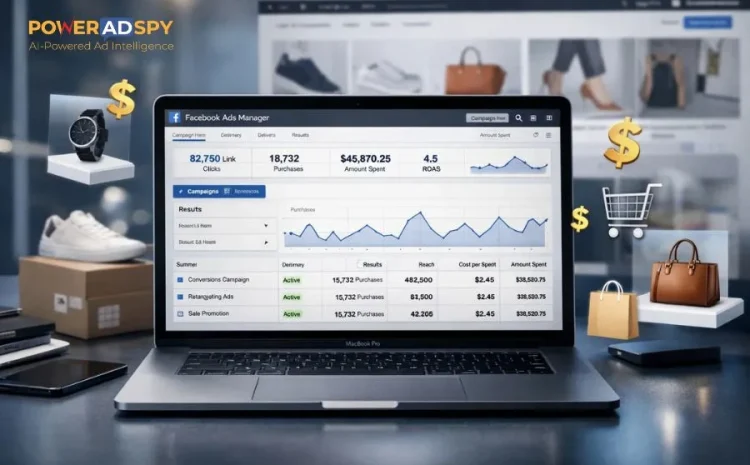
How To Run Facebook Ads For Ecommerce (Step-By-Step Playbook)
If you are running an online store and not leveraging Facebook ads for e-commerce, you are leaving serious revenue on the table. With over 3 billion monthly active users and one of the most sophisticated ad delivery systems in digital marketing, Facebook remains the dominant paid channel for e-commerce brands in 2026.
Whether you want to drive first-time purchases, recover abandoned carts, or scale a winning product to a wider audience, Facebook Ads for e-commerce gives you the reach, targeting precision, and data intelligence to make it happen.
This step-by-step playbook covers everything from account setup and pixel installation to audience building, creative strategy, optimization, and scaling, so you can build campaigns that consistently convert and grow.
Listen To The Podcast Now!
Step 1: Set Up Your Facebook Business Manager The Right Way:
Before you spend a single dollar on Facebook ads for e-commerce, your account foundation needs to be rock solid. A poorly structured Business Manager is one of the most common reasons e-Commerce advertisers face ad account restrictions, billing issues, or lost data down the road.
Head to business.facebook.com and complete these essential setup steps:
- Create or connect your Facebook Business Page to represent your brand professionally
- Set up a dedicated Ad Account with the correct currency, time zone, and billing method
- Assign team roles carefully, Admin, Advertiser, or Analyst, based on each person’s responsibility
- Verify your business domain inside Business Settings to unlock full campaign features
- Connect your product catalog if you plan to run Dynamic Product Ads
Getting this right from the start ensures your entire Facebook e-commerce advertising operation runs cleanly without unexpected disruptions to live campaigns.
Step 2: Install The Meta Pixel And Conversions API:
Tracking is the single most critical technical component of Facebook advertising for e-commerce. Without accurate data flowing back to Facebook, the algorithm cannot optimize your campaigns, and your results will suffer regardless of how good your creatives or targeting are.
The Meta Pixel is a lightweight JavaScript snippet that records key visitor actions on your website. Here is what to set up:
- Go to Events Manager inside Business Manager and create a new Pixel.
- Install the base code on every page of your store. Shopify, WooCommerce, and BigCommerce all have native integrations that make this straightforward.
- Configure Standard Events: ViewContent, AddToCart, InitiateCheckout, and Purchase
- Test all events using the Meta Pixel Helper browser extension before launching any campaign.
Beyond the Pixel, implement the Conversions API (CAPI) to send purchase data directly from your server to Facebook. This captures conversions that browser-based tracking misses due to iOS privacy changes and ad blockers. Running both together maximizes signal quality, which directly improves how well Facebook optimizes your Facebook ads for e-commerce.
Step 3: Choose The Right Campaign Objective:
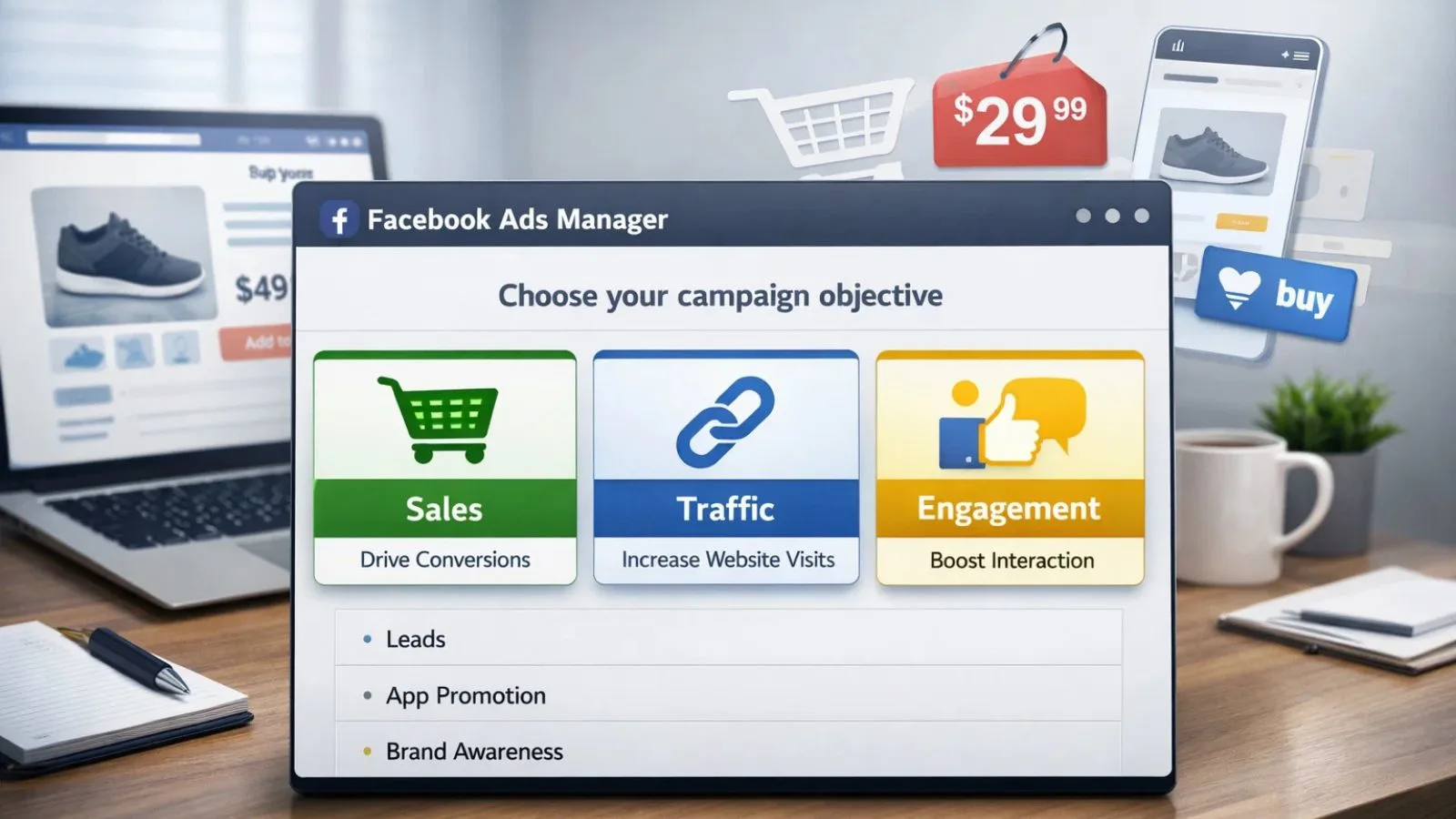
Facebook structures campaigns around objectives, and selecting the wrong one for fb ads for e-commerce is a costly mistake many intermediate marketers make. Each objective tells Facebook’s algorithm what outcome to optimize for when deciding who to show your ads to.
Here are the objectives most relevant to e-commerce:
- Sales – The primary objective for Facebook ads for e-commerce. Optimizes specifically for purchase conversions using your Pixel data. Best used when your store has at least 30–50 purchase events per month for the algorithm to learn from effectively.
- Traffic – Drives clicks to your product pages. Useful for brand-new stores that have not yet gathered enough purchase data to fuel the sales objective efficiently.
- Engagement – Builds awareness and social proof. Works well as a warm-up stage before launching direct-response retargeting campaigns.
For most e-commerce advertisers, the sales objective with purchase optimization is the right choice. Pair it with a well-loaded Pixel and your campaign will improve performance over time as Facebook collects more buyer data.
Step 4: Build A Layered Audience Strategy:
One of the biggest advantages of running Facebook ads for e-commerce is the platform’s unmatched audience targeting capability. A smart strategy covers three distinct audience layers, each serving a different stage of the buyer journey.
- Cold Audiences (Top of Funnel): These are people who have never interacted with your brand. Target them using interest stacking related to your product niche, lookalike audiences built from your best customers, or broad targeting combined with strong creatives to let Facebook’s AI identify buyers organically.
- Warm Audiences (Middle of Funnel): These users have shown some level of interest. Target website visitors from the last 30–60 days, people who watched 50–75% of your video content, or those who engaged with your Facebook or Instagram page recently.
- Hot Audiences (Bottom of Funnel): These are your highest-intent prospects. Retarget add-to-cart visitors who did not complete a purchase, checkout abandoners, and past buyers for upsell or repeat purchase campaigns.
Running Facebook advertising for e-commerce across all three layers simultaneously creates a full-funnel system that brings in new customers while converting warm prospects already familiar with your brand.
Step 5: Create Ad Creatives That Stop the Scroll:
Even with perfect targeting, weak creatives will drain your budget fast. For Facebook ads for e-commerce, your creative is the most powerful variable in campaign performance; it determines whether someone pauses or keeps scrolling past your ad.
Choose the Right Format:
- Single Image Ads – Clean, direct product showcases with a strong offer or discount hook
- Video Ads – Best for demonstrating product use, showing before/after results, or featuring customer testimonials
- Carousel Ads – Ideal for displaying multiple products, variants, or a sequence of product benefits
- Collection Ads – A mobile-first format that combines a hero image or video with a product grid below
Write Copy That Converts:
- Open with a scroll-stopping hook that speaks directly to a pain point or desire
- Follow with a clear, benefit-focused body line, not just product features
- Add a layer of social proof: customer reviews, number of units sold, or star ratings
- Close with a specific, action-oriented CTA such as “Shop Now,” “Get Yours Today,” or “Claim 20% Off.”
When running fb ecommerce campaigns, the combination of thumb-stopping visuals and benefit-driven copy is what separates profitable ads from budget-burning ones.
Step 6: Structure Your Campaigns For Testing And Control:
Campaign structure directly impacts your ability to test efficiently and scale with confidence when running Facebook ads for e-commerce. A clean, logical structure keeps your data organized and your decision-making clear.
- Campaign Level: Choose your objective and decide between CBO and ABO:
- CBO (Campaign Budget Optimization): Facebook distributes your total budget across ad sets automatically, favoring the best-performing ones. Best for scaling once you have identified winning audiences.
- ABO (Ad Set Budget Optimization): You manually assign a budget to each ad set. Better for controlled testing phases where you want equal data from every audience.
- Ad Set Level: Define your audience, set placements to Automatic (recommended for most ecommerce campaigns), choose your optimization event (Purchase), and set your schedule.
- Ad Level: Upload your creatives, write your copy, and always append UTM parameters to your destination URLs so Google Analytics can attribute traffic correctly alongside your Facebook ads for e-commerce reporting.
Start with 2–3 ad sets and 2–3 creative variations per ad set. This gives you statistically meaningful data without fragmenting your budget across too many variables at once.
Also Read:
6 Facebook Ecommerce Ads Examples To Boost Your Sales
Facebook E-commerce Ads 101: Tips To Boost Sales and Conversions
Step 7: Use PowerAdSpy to Research Winning Competitor Ads:
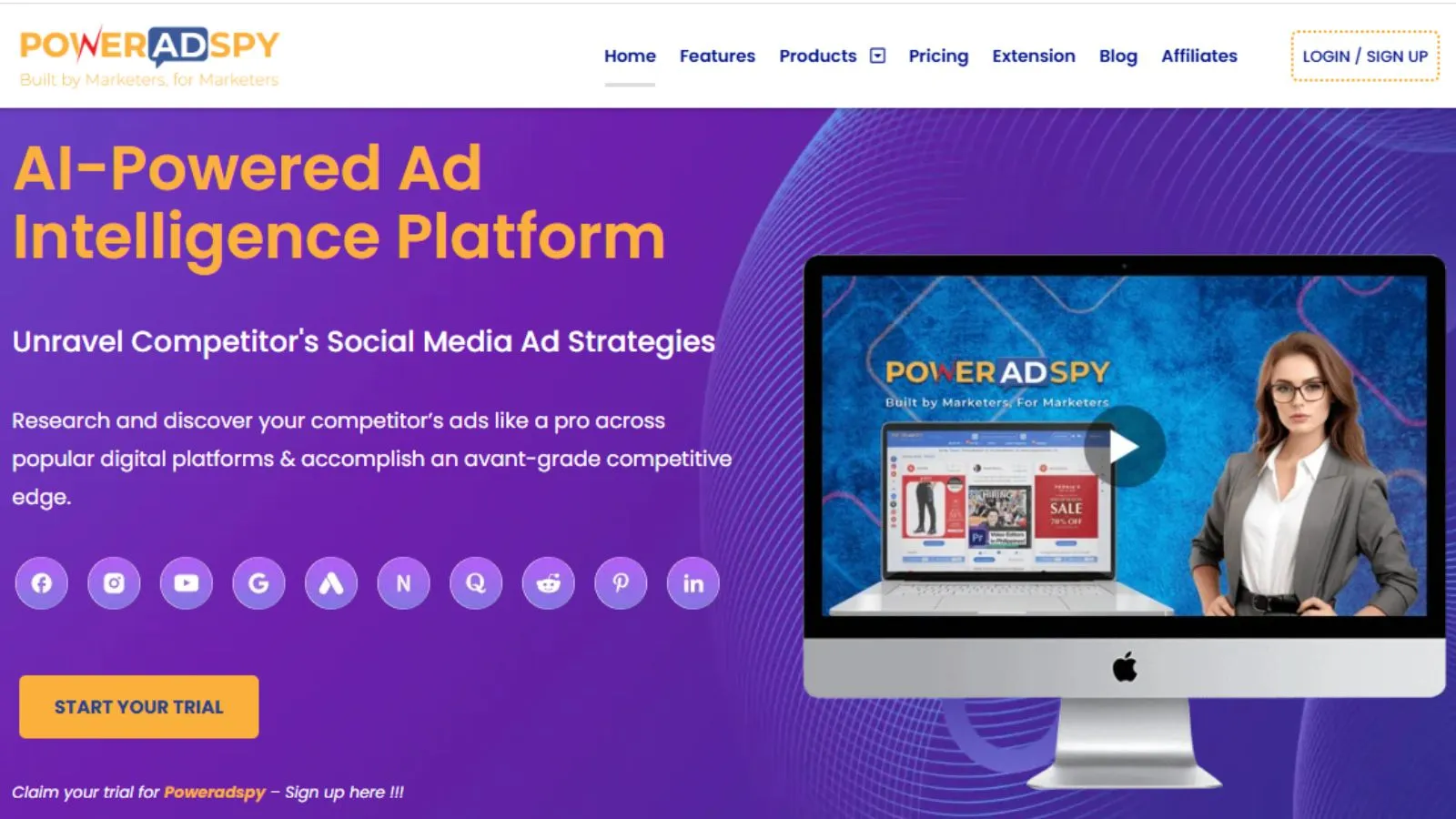
Running Facebook ads for e-commerce without knowing what is already working in your market means spending money to discover what your competitors already know. This is where PowerAdSpy becomes a serious competitive advantage.
PowerAdSpy is an AI-powered ad intelligence platform that gives ecommerce advertisers direct visibility into competitor ad strategies across Facebook and 9 other major platforms, including Instagram, YouTube, Google, and Pinterest.
Key Features That Give E-commerce Advertisers An Edge:
- Enhanced Search & Keyword Filters – Search ads by keyword, advertiser name, or competitor domain to find what is performing in your exact niche.
- Engagement-Oriented Details – View real likes, comments, and shares data to identify genuinely high-performing ads versus low-engagement ones.
- GEO-Targeted Ad Data – Analyze competitor ads broken down by country or region to sharpen your own geographic targeting.
- Ad Position Filters – Filter ads by News Feed or Side Placement to see where winning ads actually appear.
- Shopify Ad Search – Discover top-performing ads run by successful Shopify stores in your product category.
- CTA-Based Sorting – Find out which calls to action are generating the best responses in your niche.
- Bookmark & Save Ads – Save winning ad concepts to your personal inventory for creative reference.
- Millions of Ads from 100+ Countries – Access a continuously updated global database with thousands of fresh ads added daily.
Instead of guessing your next creative angle or offer, PowerAdSpy lets you reverse-engineer what is already converting, saving both budget and testing time on your Facebook ads for e-commerce campaigns.
Step 8: Analyze Your Metrics And Optimize Consistently:
Data-driven decision-making is what separates profitable Facebook ads for e-commerce from costly experiments. Once your campaigns go live, monitor these core metrics on a daily and weekly basis:
- ROAS (Return On Ad Spend): Your primary profitability metric. Most ecommerce businesses target a 2x–4x ROAS depending on margins, but your break-even ROAS should always be calculated before launch.
- CTR (Click-Through Rate): A CTR below 1% usually signals a weak creative or poor audience-offer fit. Strong ecommerce ads typically achieve between 1.5–3%.
- CPC (Cost Per Click): Rising CPC over time often indicates audience fatigue; the clearest sign it is time to refresh your creatives or expand targeting.
- CPM (Cost Per 1,000 Impressions): High CPM signals a competitive audience. Broader targeting often reduces this cost.
- Add-To-Cart & Checkout Rate: Low rates despite strong CTR usually point to landing page, pricing, or offer issues, not your ad itself.
When To Optimize:
- Pause ad sets that spend 2–3x your target CPA without a single purchase
- Scale ad sets consistently hitting target ROAS over 5–7 days
- Refresh creatives when CTR drops by more than 25–30% week-over-week
Staying disciplined with these rules keeps your Facebook advertising for e-commerce profitable as campaigns mature.
Step 9: Scale Your Winning Facebook Ads For Ecommerce:
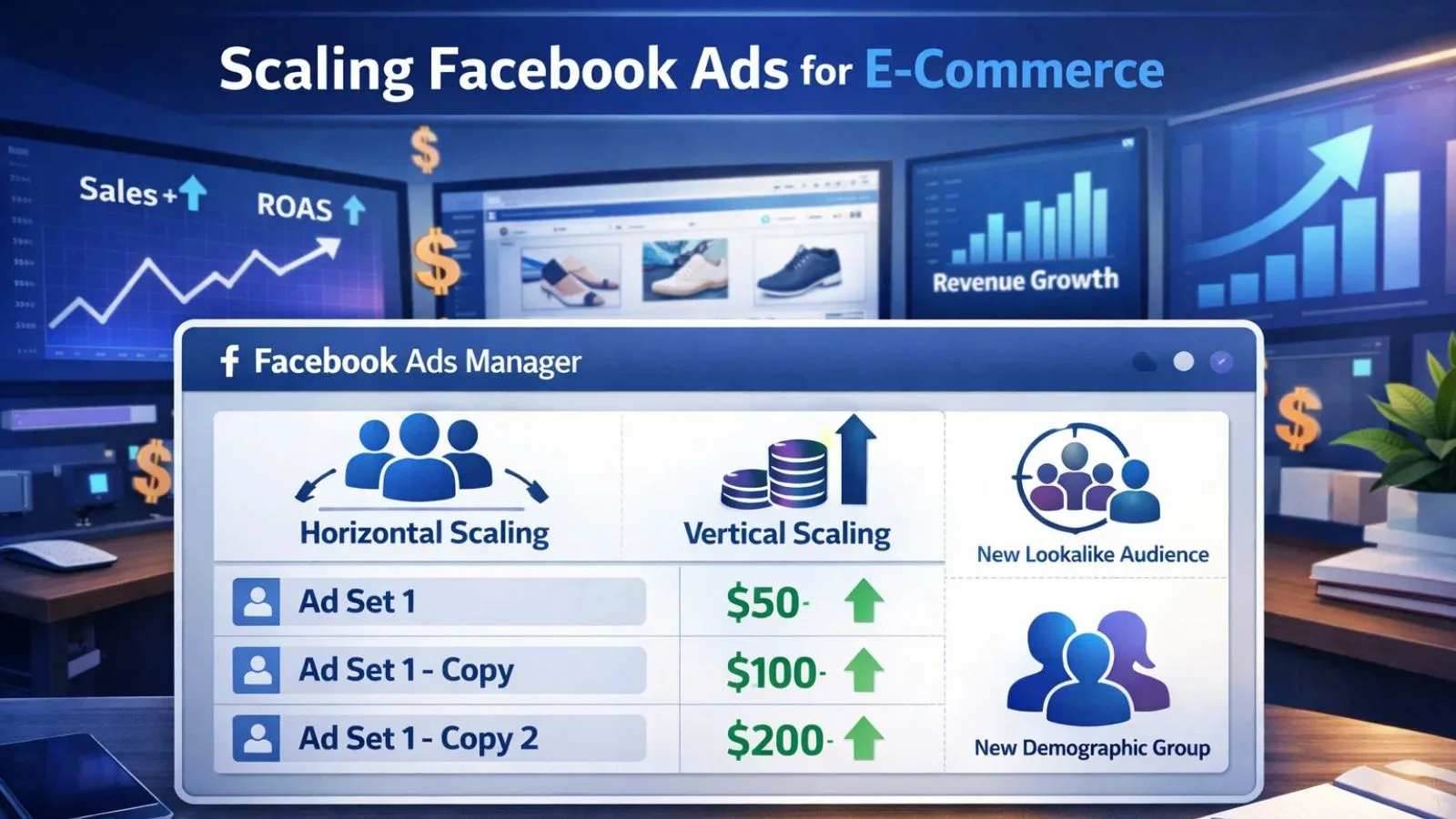
Finding a winning campaign is only the beginning. Knowing how to scale it without breaking performance is what drives real, sustainable business growth through Facebook ads for e-commerce.
- Vertical Scaling: Increase the budget on your winning ad set gradually, no more than 20–30% every 48–72 hours. Sudden large jumps force the ad set back into the learning phase, which disrupts delivery and inflates costs.
- Horizontal Scaling: Duplicate the winning ad set into new audience segments, broader interest groups, different lookalike percentages (2%, 5%, 10%), or new demographic splits. Keep the same winning creative and only change the audience variable so results stay attributable.
- Broad Targeting + Creative-Led Scaling: In 2026, the most effective scaling approach for Facebook ads for e-commerce combines minimal audience restrictions with high-quality, proven creatives. Giving Facebook’s algorithm more freedom consistently improves both reach and cost efficiency at scale.
- Always Keep A Testing Layer Running: Never rely solely on one winning ad. Keep a parallel testing campaign running at all times to identify your next winning creative before the current one fatigues. This ensures continuity in your Facebook ads for e-commerce performance over the long term.
Conclusion:
Mastering Facebook ads for e-commerce is a process of building the right foundation, targeting the right people, and letting strong creatives do the heavy lifting. Follow this playbook, from Business Manager setup and pixel tracking to audience layering, campaign structure, optimization, and scaling, and you will have a reliable, repeatable system behind your store’s growth. Add a tool like PowerAdSpy to your workflow, and you will always have the competitive intelligence to stay ahead of your market.
FAQ’s:
Q1. Which campaign objective works best for e-commerce stores?
Ans: The sales objective optimized for purchase conversions drives the most direct revenue.
Q2. How long should I run an ad before judging its performance?
Ans: Wait at least 3–5 days and spend 2–3x your target CPA before optimizing.
Q3. Does broad targeting work for Facebook ads for e-commerce in 2026?
Ans: Yes, broad targeting with strong creatives often outperforms over-restricted audience setups today.
Q4. How does PowerAdSpy support Facebook ads for e-commerce research?
Ans: It lets you analyze competitor ads, creatives, engagement data, and targeting strategies before spending your own budget on testing.